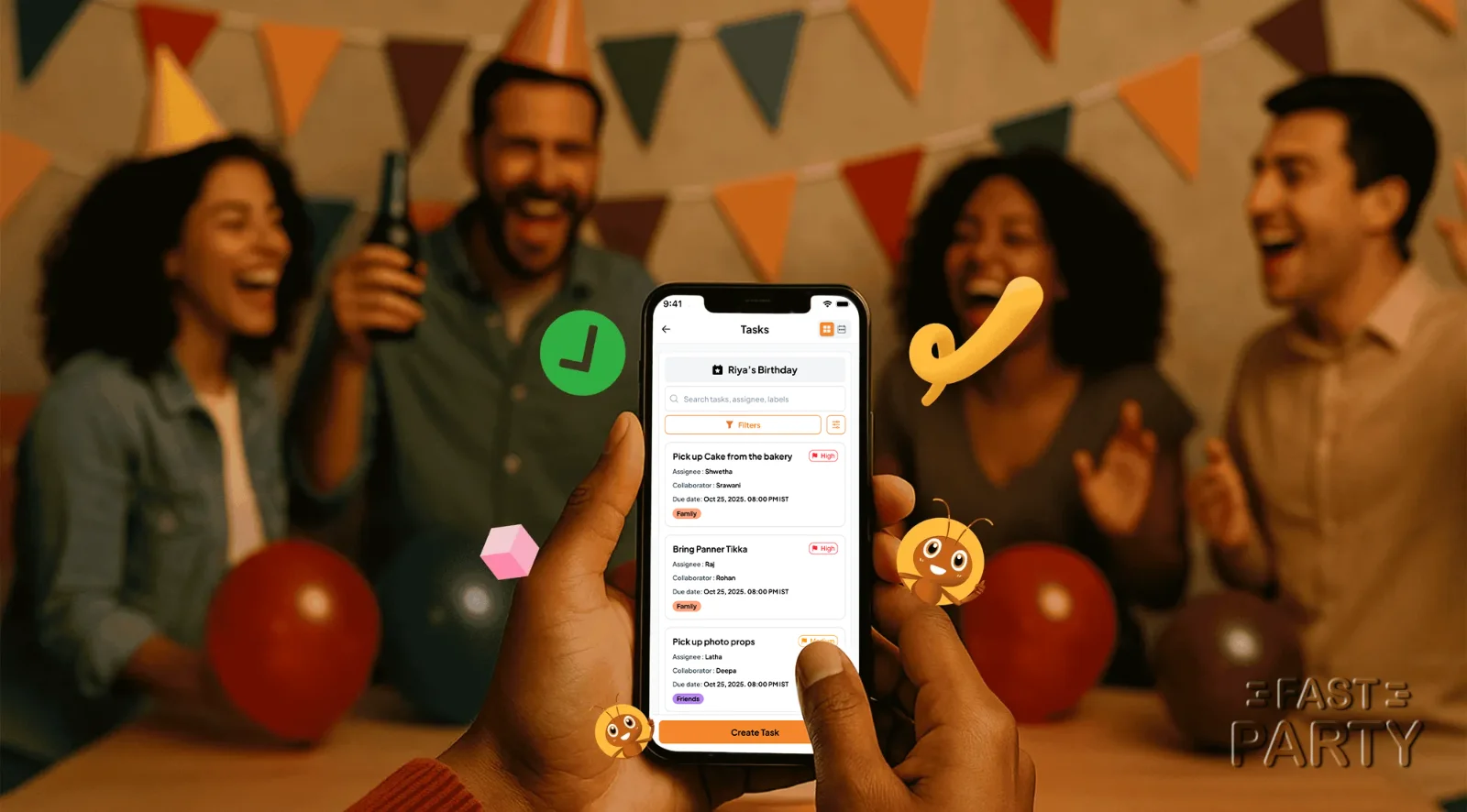
Parties sound easy to plan, until they're not. The snacks arrive without plates, the playlist is three songs on repeat, and you're googling how to DJ between YouTube ads. Every party has a hundred small jobs, and the host ends up holding all of them.
Assign Tasks is the simplest tool in Fast Party and the one hosts thank us for most. Here's how it works and where it earns its keep.
Why assign tasks at all?
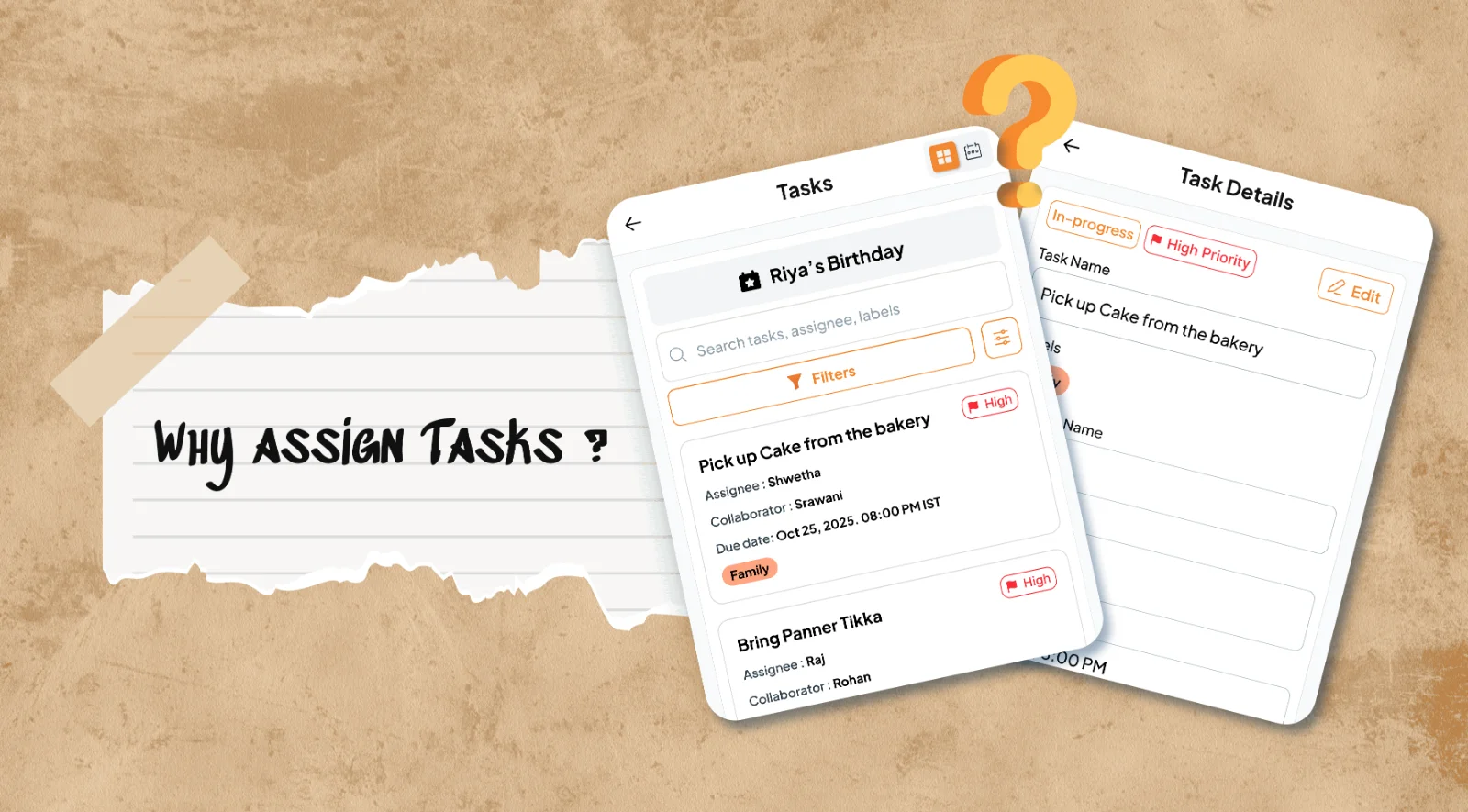
Because "can someone get the cake?" in a WhatsApp group is a question nobody answers. Or three people answer. A task with a name on it and a due date is a different thing: one person owns it, everyone can see it's owned, and the host stops carrying it in their head.
How it works
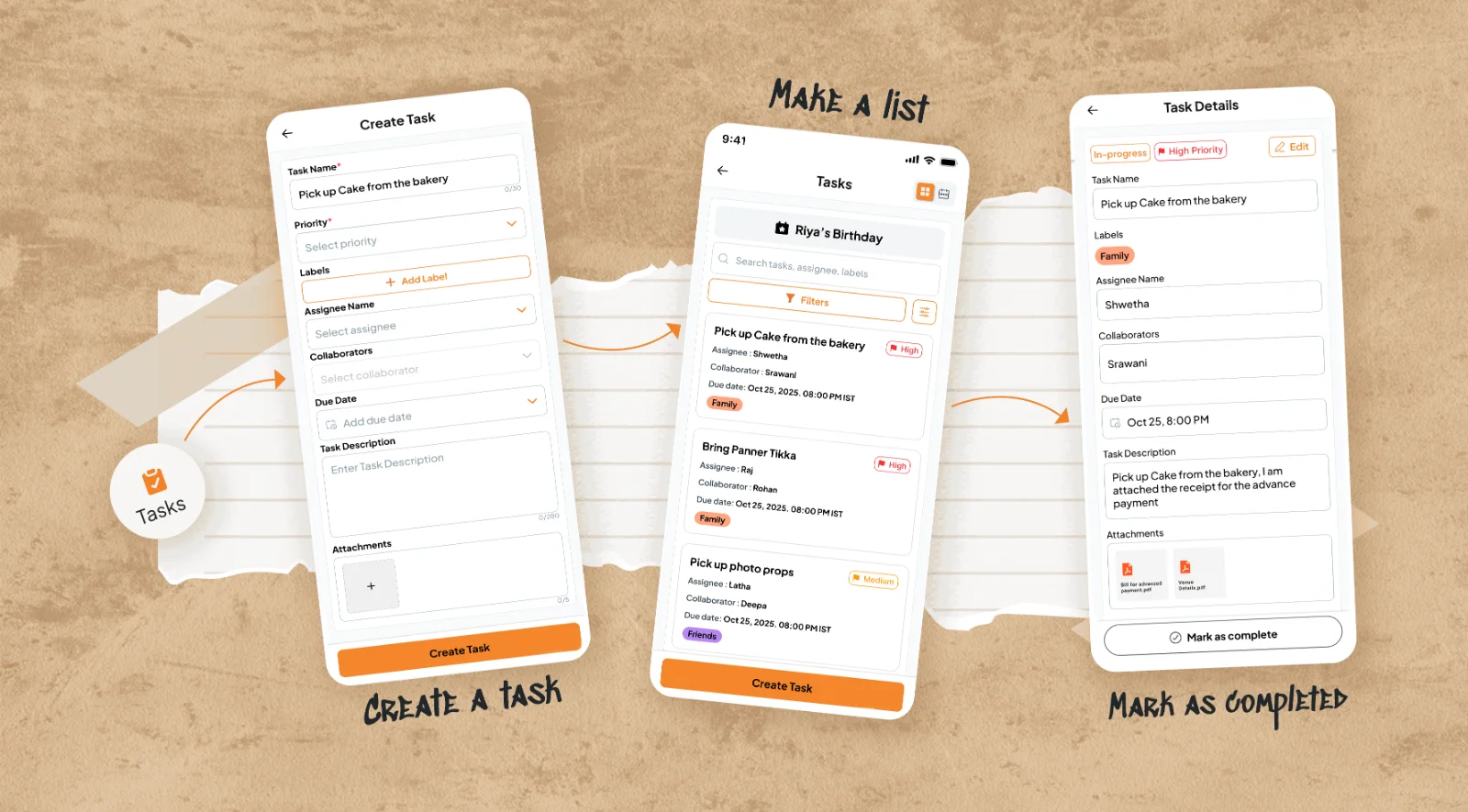
- Create the tasks. Think of everything that has to happen: pick up the cake, bring the speaker, set up the decorations, curate the Bollywood playlist, buy napkins. Add each one as a task on the event, with a due date and a priority if it has one.
- Give it an owner. Assign it to a co-host, a friend or a family member, and add collaborators if two people share the job. Attach what they need: the cake order, the decor reference photo, the vendor's number.
- Track it. Tasks move from open to in progress to done. You can see at a glance what's still hanging, and so can everyone else, which is usually all the motivation the cake person needs.
Guests never see the task list. It's the backstage board for you and your helpers.
Where it earns its keep
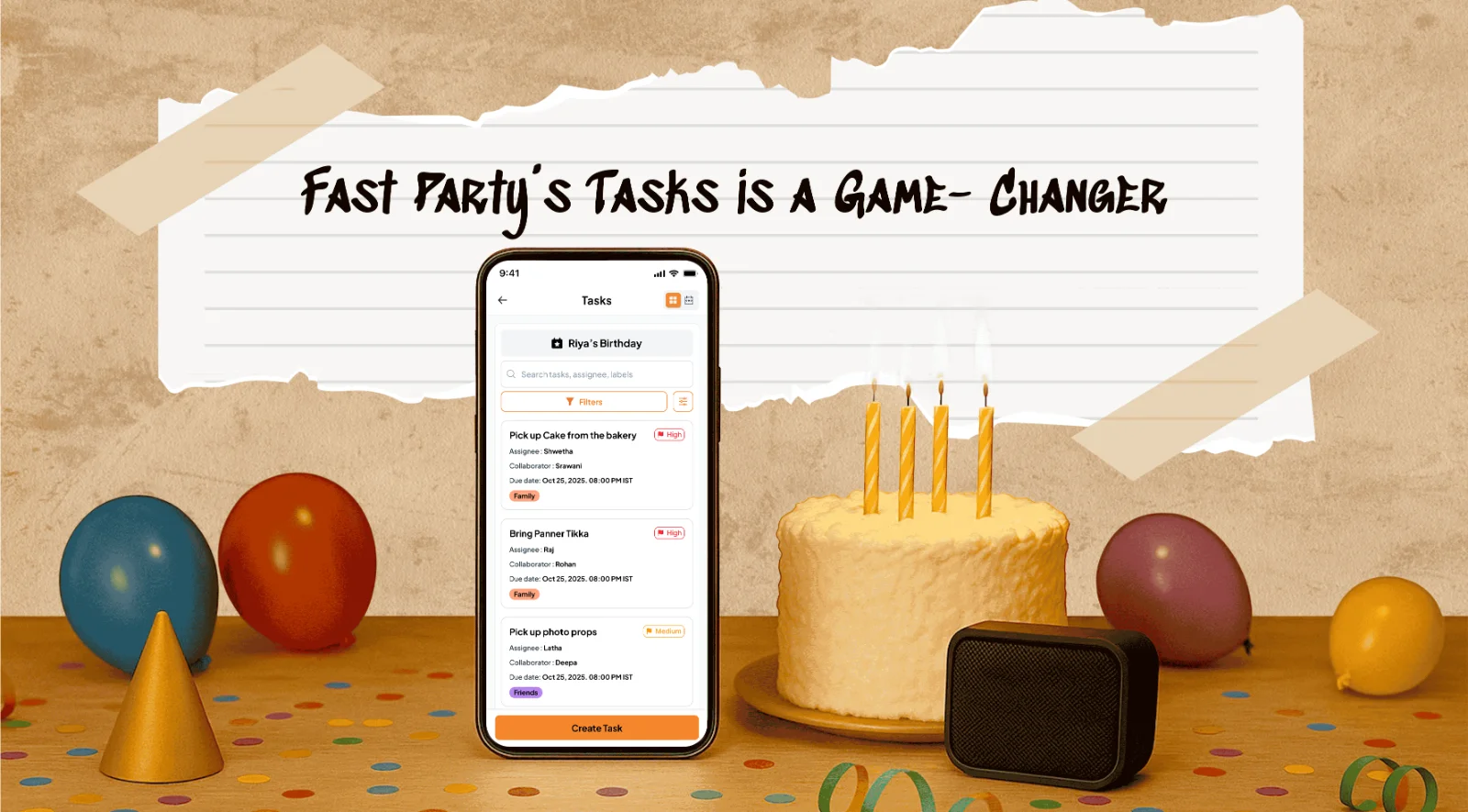
- A birthday: cake, balloons, return gifts, photo corner. Four tasks, four people, done.
- A society festival: flowers, prasad, sound system, visarjan transport, each owned by a different committee member. The secretary finally stops being the single point of failure.
- A potluck: dishes go on the Potluck Manager, but the plates, the room booking and the speaker are tasks.
- A reunion or a club event: vendor follow-ups, the venue walk-through, the registration desk, with the vendor's contact attached to the task so whoever owns it has everything.
Why hosts like it
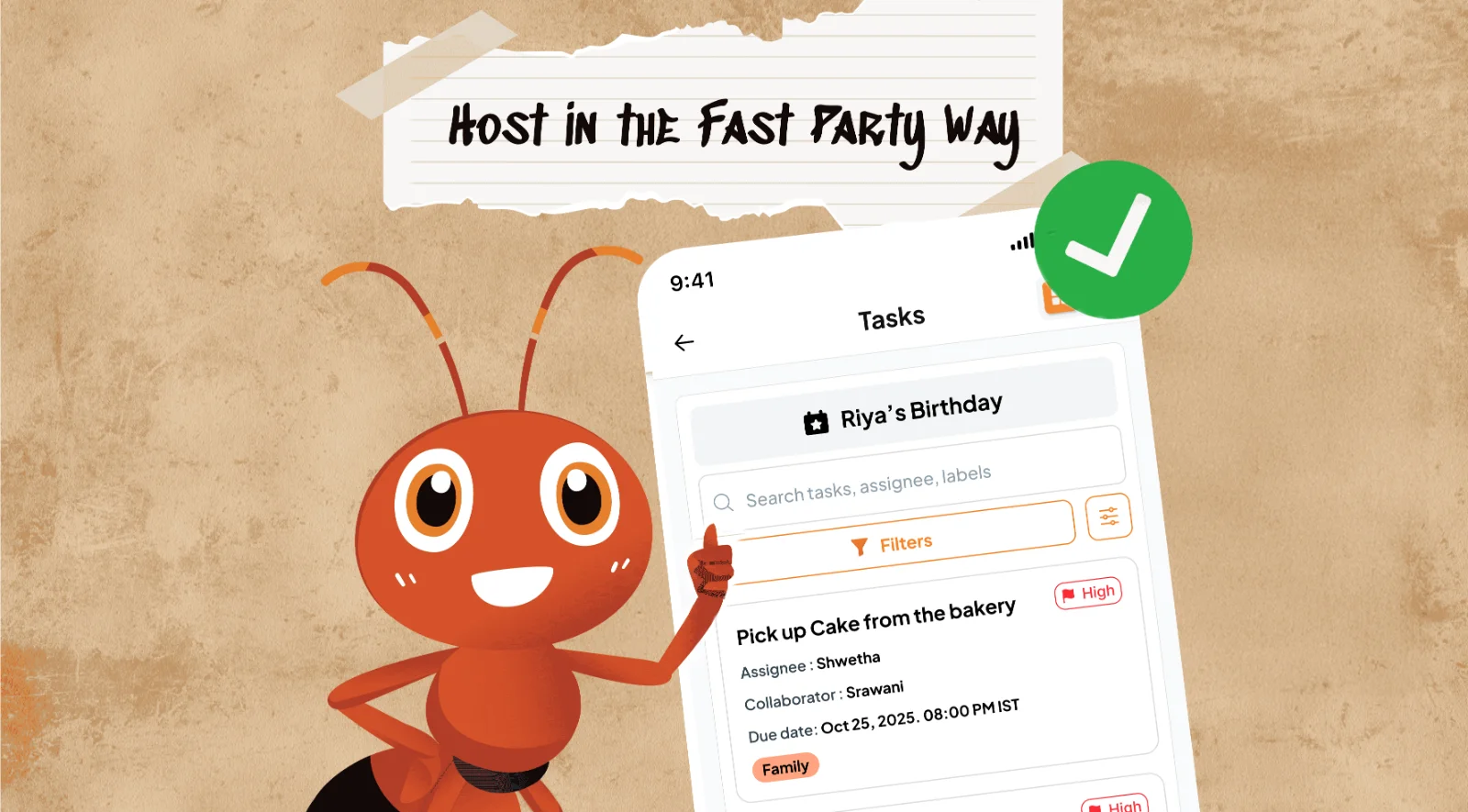
- Clarity. Every job sits under the event, owned by one person. No overlaps, no "who was bringing what?"
- Due dates everyone can see. The status is on the list, so you check the list instead of checking on people.
- Less stress. You host and enjoy the vibe, instead of running behind people to ask about the cake.
- Guests who contribute. People who have a job feel like part of the team, not an audience waiting for the music.
Plan it with Claude
If you use Claude, tap the Claude icon at the top of any Fast Party page to add the connector. Then ask: "Split the work for Saturday's party: Rohit on music, Priya on decorations, me on the cake." Claude creates the tasks and assigns them for you. See how to plan with AI.
You bring the guest list; Fast Party brings everything else together. Even the napkins.
Get Fast Party on Google Play or the App Store, or use it on the web.