
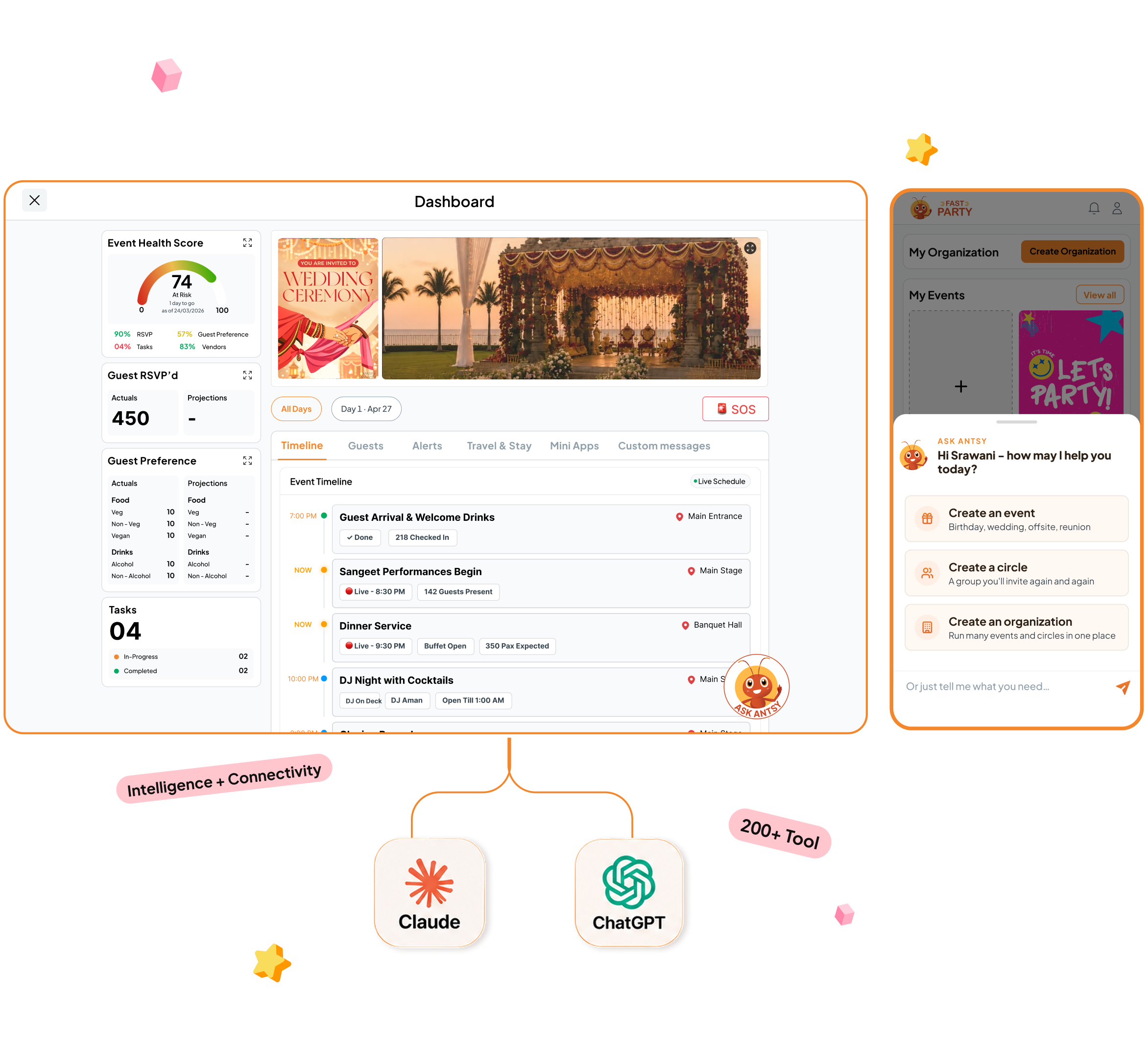
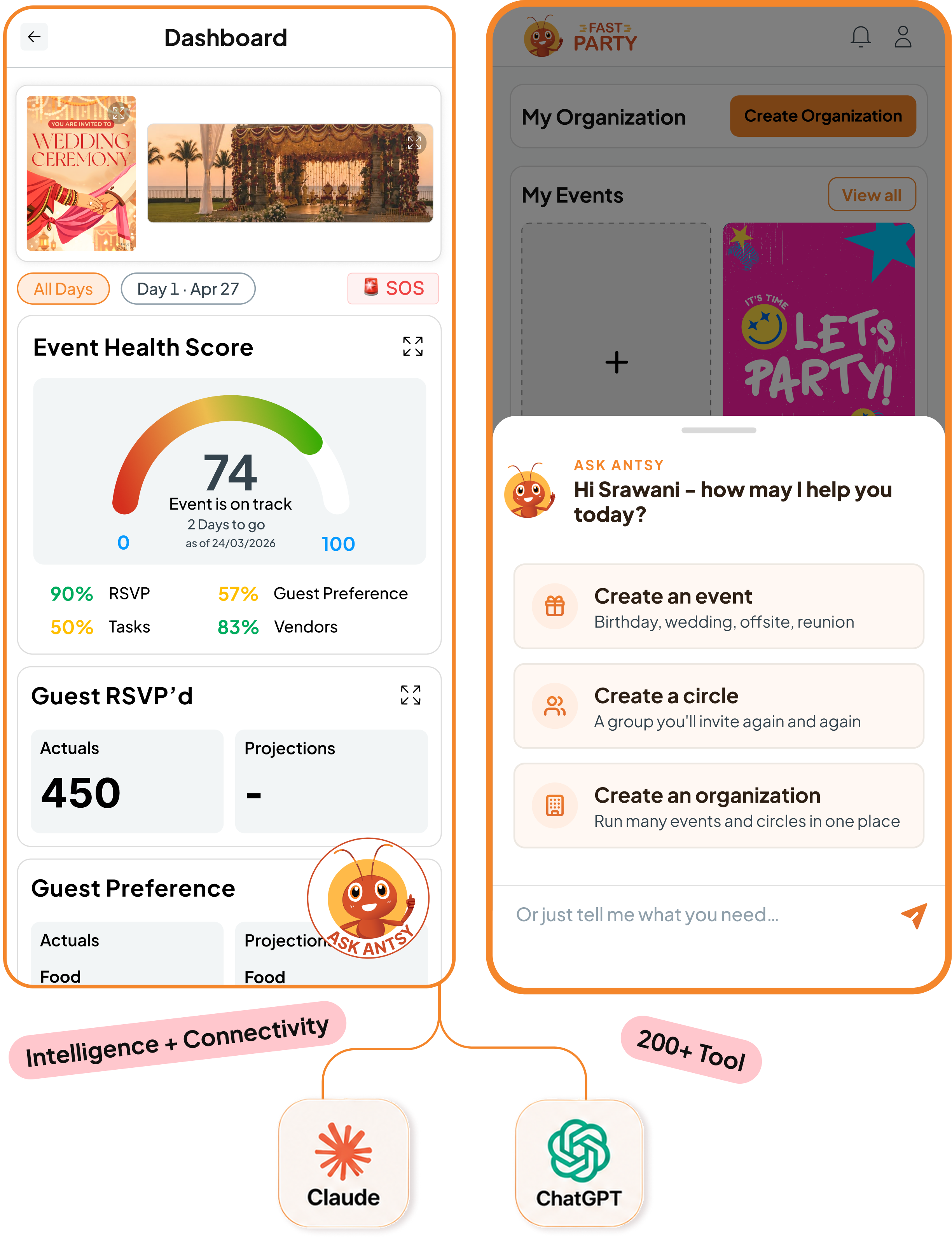

Your AI works with Fast Party.
Read · Create · Update · Manage — across the entire platform.
Manage your organization
Members, administrators, circles, events, communication and settings. Ask about anything in your organization and change it through conversation.

Work with your circles
Manage circles, members, groups, posts, polls and surveys. Your AI works with each circle’s context, finds ideas from the web, and helps you create content that keeps members engaged.
Create and manage events
Create and configure private or registered events, including registration settings. Choose an invitation template or generate one with AI, along with your event banner.
Run every event tool
Event schedules, tasks, vendors, documents, line-ups, gifting and more. Your AI suggests what the event needs, sets it up, and updates it as plans change.
Manage guests and communication
Build guest lists, manage RSVPs and registrations, send invitations and reminders. Tell your AI who needs to know and it drafts the message and sends it.
Use your event history
Every event adds to your history — attendance, costs, vendors, feedback and notes. Ask your AI what happened last time and plan the next one from the record.

Same AI. Now it knows your events.
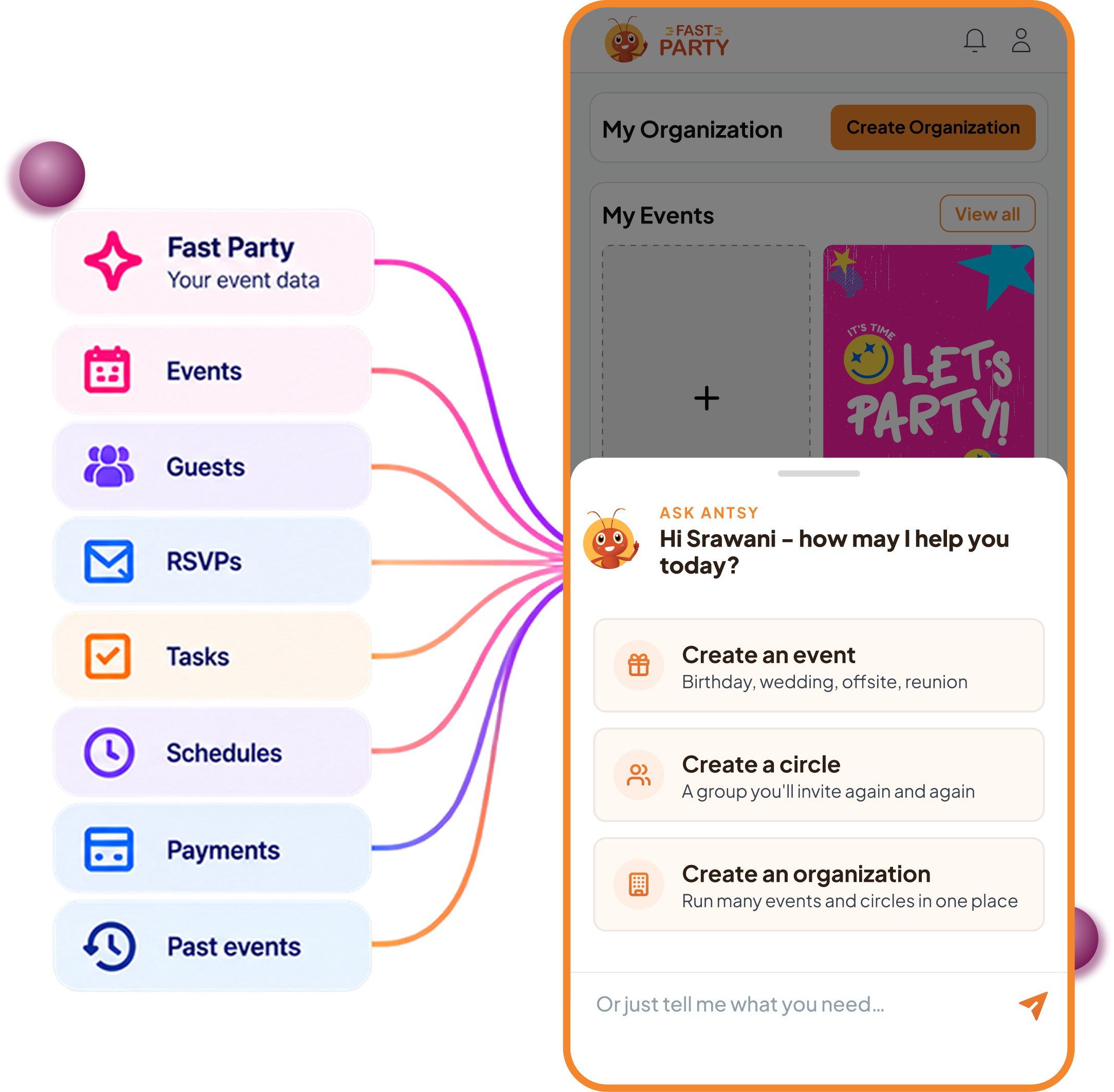
It can already write your invitation. Now it knows who to send it to.
Your events, guests, RSVPs, circles, vendors, tasks, schedules, payments and past events — all of it is available to your AI, in plain language.
Ask for a headcount and you get your headcount. Ask what a vendor quoted last time and you get the real number, from your own history.
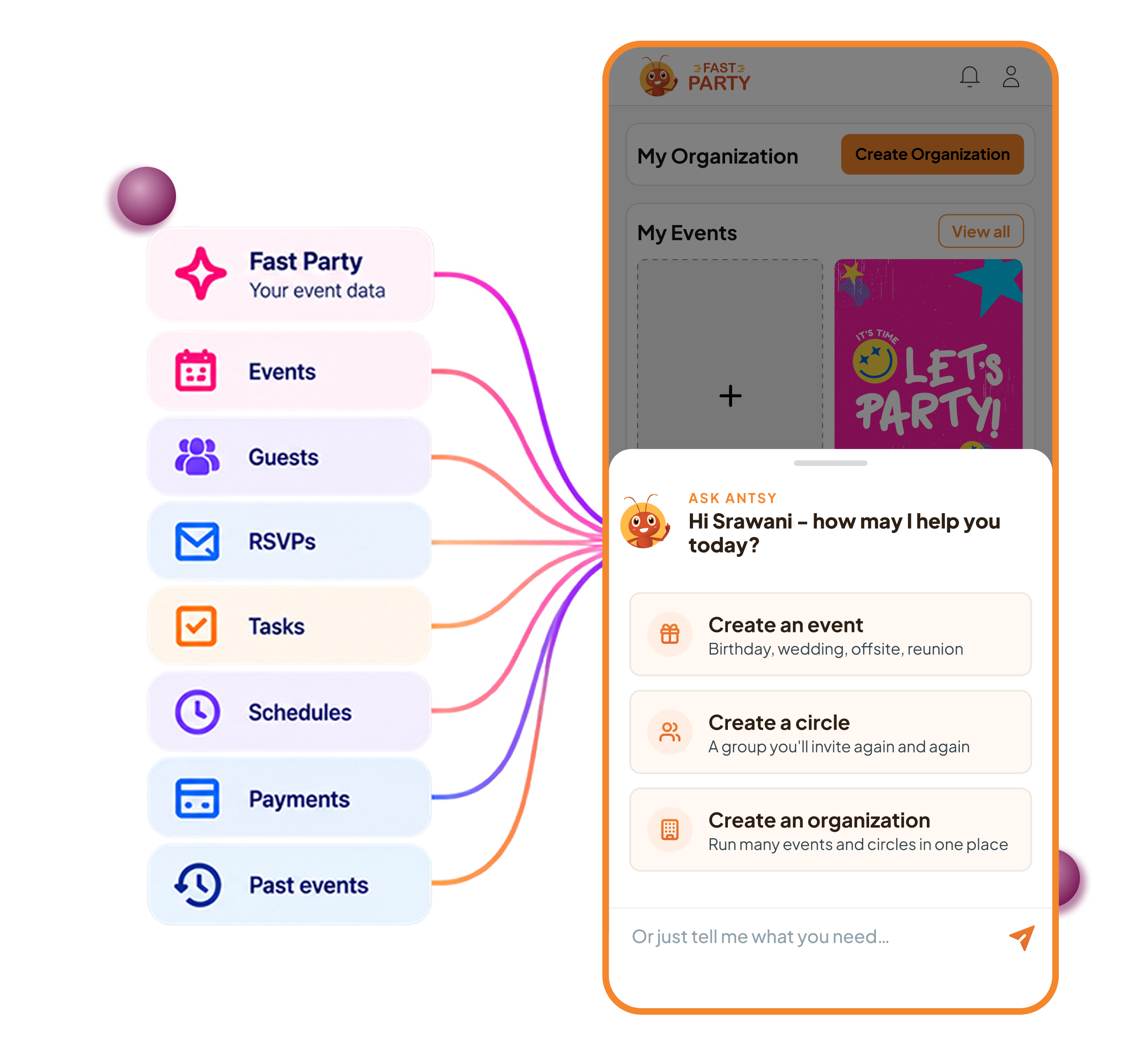
Connect it in five minutes.
You’ll need a Fast Party account — sign up at app.fastparty.ai if you don’t have one. The connector signs you in with that same account, so nothing is copied anywhere else.
Fastest way — Claude
Log in to Fast Party and click Claude in the top navigation. If Claude is already set up on your computer, you’re connected — nothing to paste.
Or set it up by hand
In Claude
- Customize → Connectors → + → Add custom connector
- Name it Fast Party, then paste the server URL below
- Connect, then sign in
https://mcp.fastparty.ai/mcp
Requires Claude Pro or higher
In ChatGPT
- Settings → Apps → Create app
- Name it FastParty, connection type Server URL, authentication OAuth — then paste the server URL below
- Connect, sign in, then pick it from + → More in any chat
https://chat.fastparty.ai/mcp
Check it worked — ask “What Fast Party tools do you have access to?” and you should get the list back.
Then start asking. “Create a birthday dinner for my daughter on 5 July at 7 pm, 20 guests at our house.” The event is built while you watch, and you approve every action.
Just ask.
No commands to learn. Say what you want in your own words.
Things you can ask
Events
“Create a birthday party for my daughter on 5 July at 7 pm at Rooftop Restaurant, New York. ”
“Help me create a banner image of size 960w x 360h pixel & 8:3 ratio to add to my events page. On the banner add my event sponsors C Cars, B Builders & T Tech.”
Guests & RSVPs
“Who hasn’t responded yet? Send them a reminder.”
“Create a list of all my guests who have been attending the annual gala every year for the last 10 years.”
Use event tools
“Set up the schedule for the reception: welcome drinks at 7:30, dinner at 8, cake at 9:30, followed by the DJ and dancing. Save it and publish it to the guests.”
“Create a potluck with main dishes, salads, desserts and drinks, then publish it.”
Groups you reuse
“Add everyone from my Work Team Circle to my August event.”
“Create a Circle event called All Hands Leadership Meeting for my team and activate the potluck tool for the event.”
You can chain them: one message can create the event, invite the circle and set the reminder.
Your data. Your permissions. Your control.
Connecting AI doesn’t change who controls your Fast Party data.
Your permissions come with you.
Nobody gets more access through AI than they already have in Fast Party. The connector respects the permissions of the account using it — if someone cannot access something in Fast Party, the AI cannot access it for them.
You approve the work.
AI can work with your Fast Party data, but you’re still in control. Review and approve actions when required, and disconnect the connector at any time to stop the connection.
Fast Party never trains AI models on your event data.
We also never sell or share your individual event data for marketing.
Your data stays protected.
Fast Party encrypts your data in transit and at rest, with ongoing security updates, monitoring and regular security reviews and audits.