

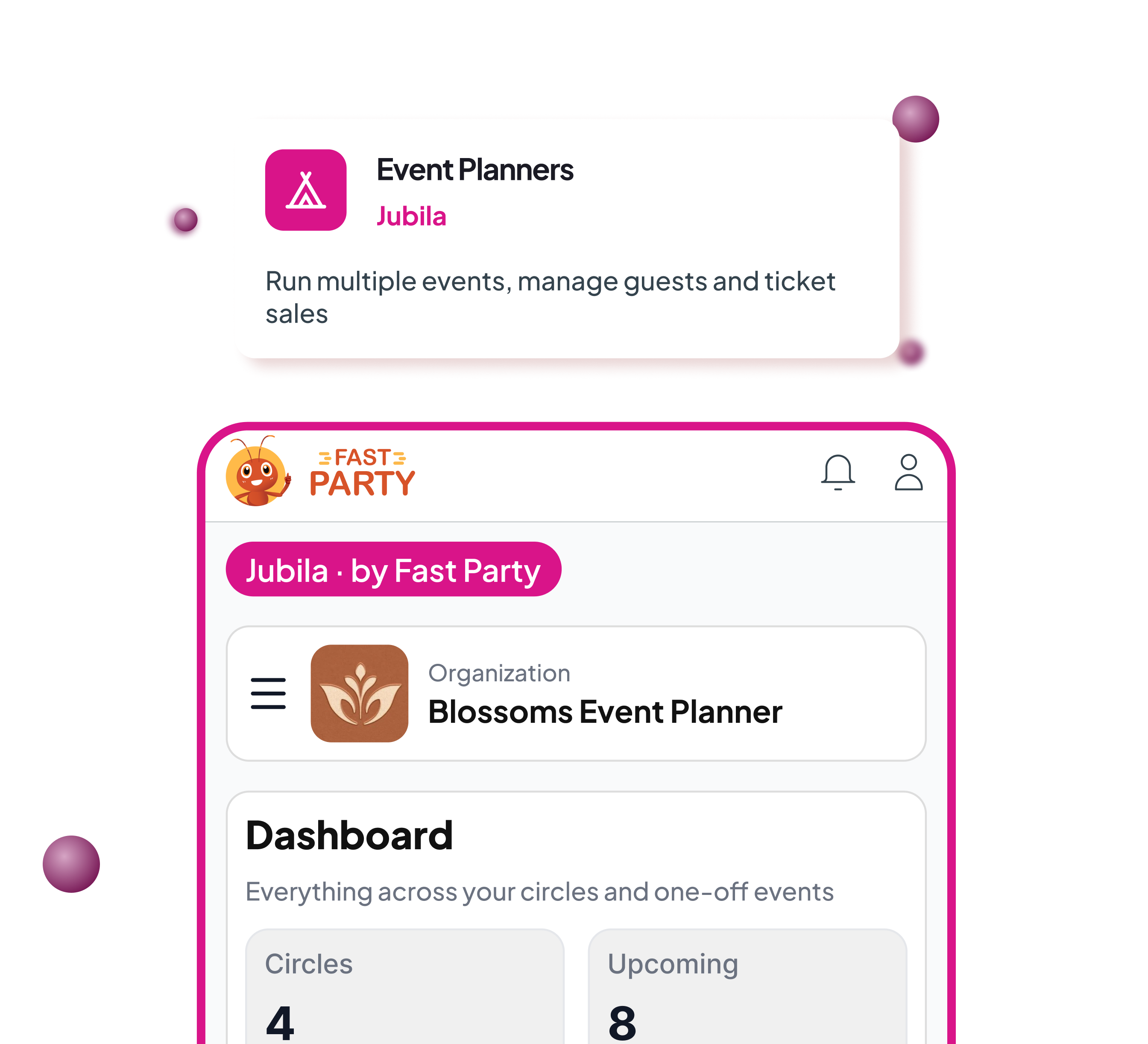

More coming soon — this page is still being built out.
A dozen tools, one planner, and the client’s number in three phones.
Invites in one app, tickets in another, the run-of-show in a spreadsheet.
Vendors on WhatsApp, and the guest list you built last year lost in a folder.
Jubila puts the whole operation — guests, tickets, schedule, vendors, the day itself — on one platform that remembers every event you've run.
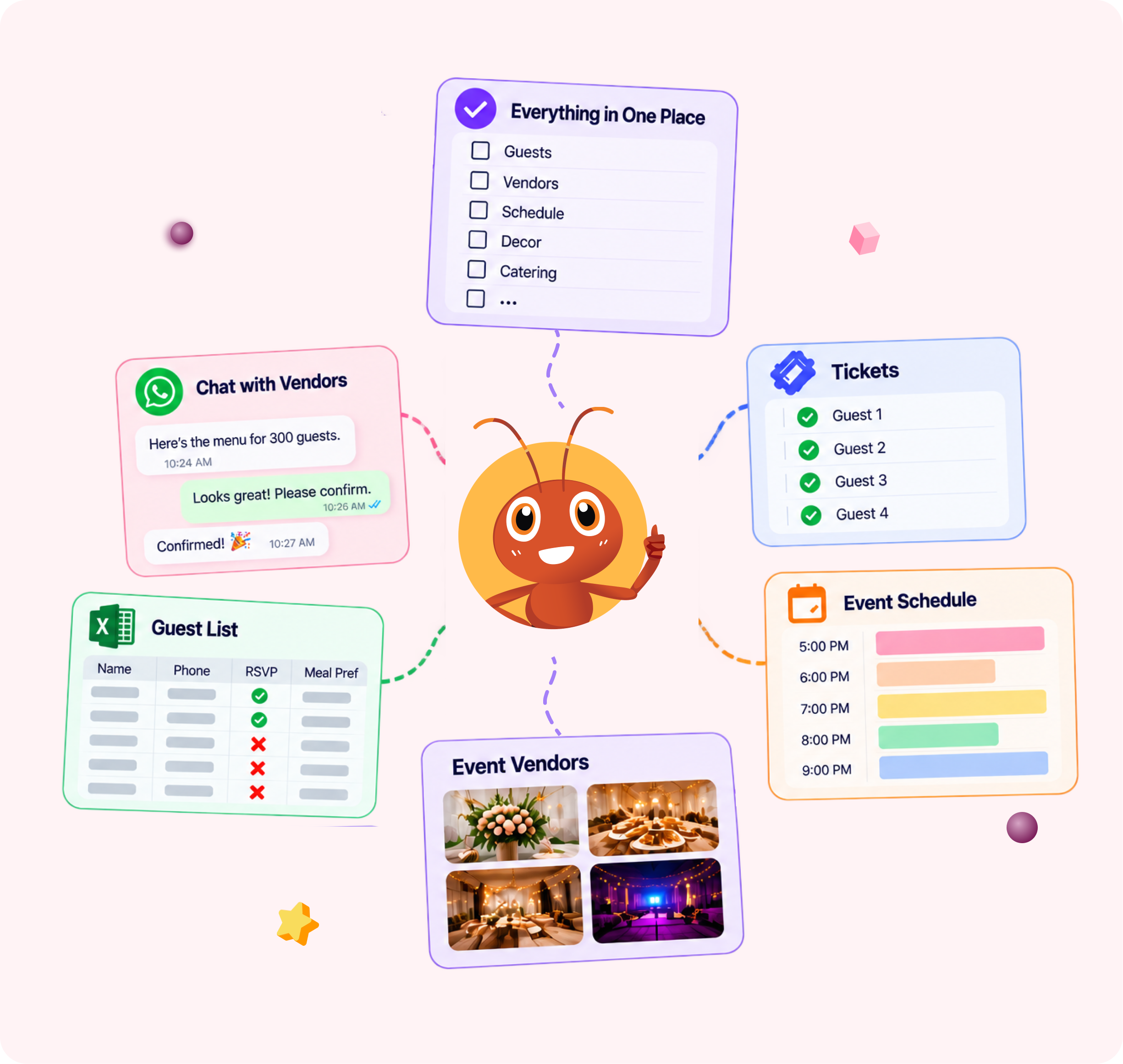
Everything a planner wishes they had.
Build a list once, use it forever
A guest joins an audience once. Placing them in a client list, a city or a tier is a pick from the roster, not another import.

Your brand, not ours
Your logo and name on every page, invite and reminder. Guests see you, not us.
Your channels
Messages go out from your own WhatsApp Business number and email sender — at cost, no markup from us.
Your money, directly
Ticket revenue and fees settle straight into your own Razorpay or Stripe account.
One dashboard, one broadcast
See every audience and event at once. Send one message to exactly the audiences you choose — each guest hears it once.
Roles that match real life
Org admins, event coordinators, guests. Coordinators run their event; only admins change who someone is.

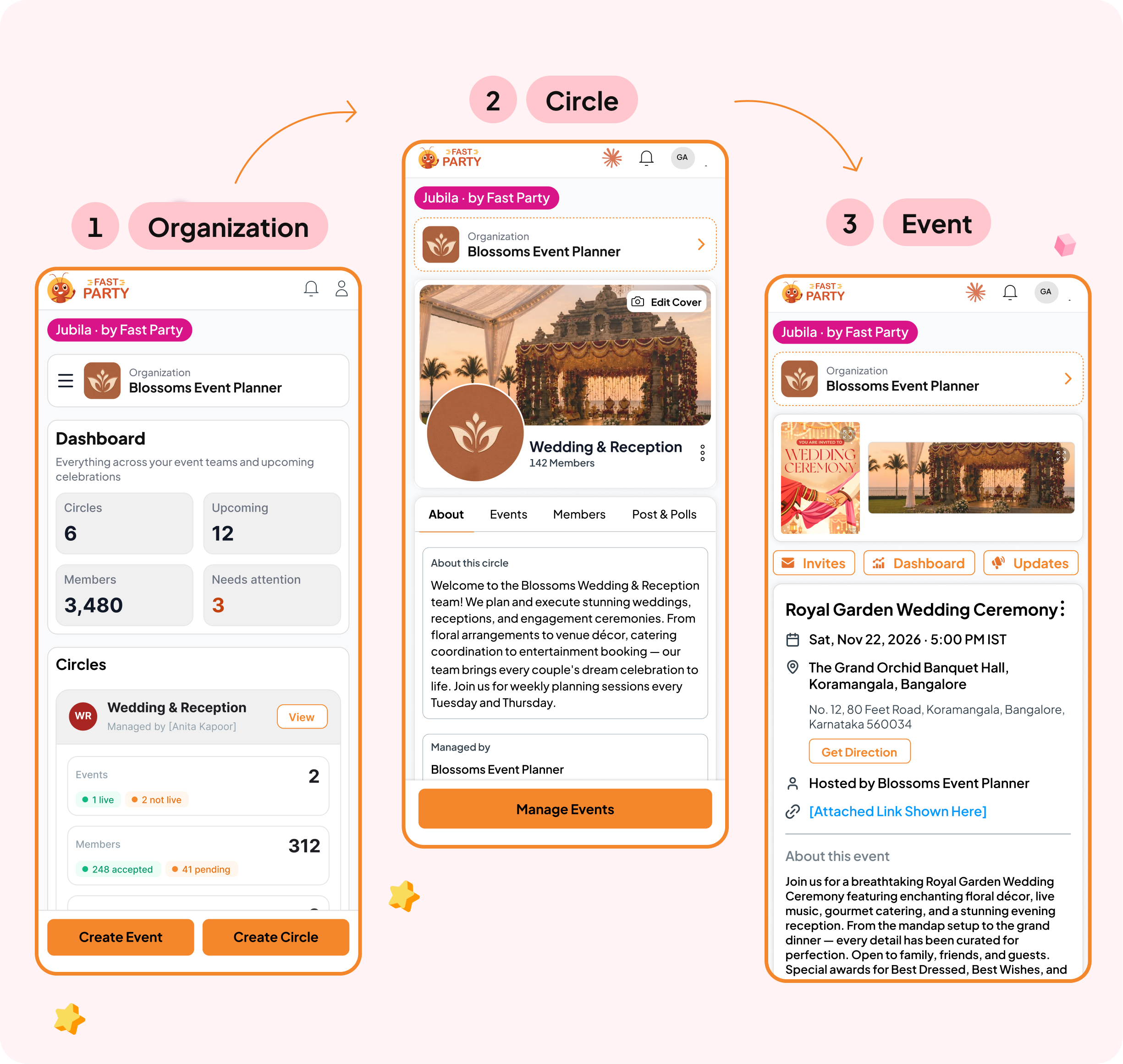
It speaks planner.
Pick "event planner or agency" when you set up and the whole workspace relabels itself.
Circles become guest lists and audiences, people become guests, events become events and shows.
Same product underneath. Your words, and your client's logo, on top.
Up and running this week.
- Set up your workspace. Your logo and brand, your own WhatsApp and email, ticket revenue into your own account. Five minutes.
- Build your guest lists. Group guests once — by client, city, tour or tier — and they stay. Posts and polls keep them warm between shows.
- Create the event. Free or ticketed, for a client or your own — with its own dashboard, one-off vendors with tasks, and twelve tools.
- Fill the room. Invitations and reminders go to exactly the right audiences over your own WhatsApp and email, at cost.
- Run it, then just ask. QR check-in against your run-of-show, vendor check-in and a coordinator screen, the debrief afterwards — and any question answered by your AI.
One-time migration
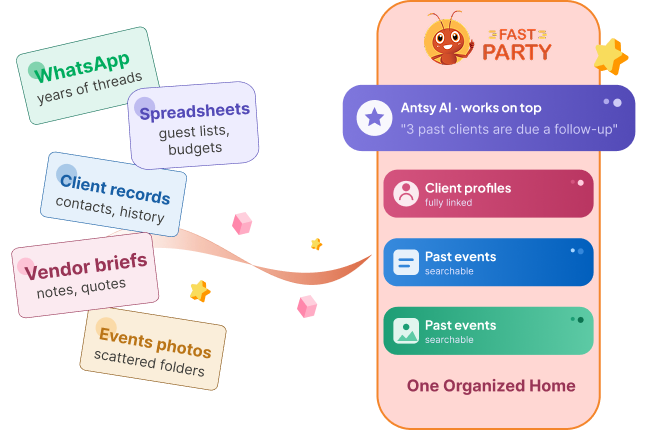
Bring your history with you.
Your client and guest records live in spreadsheets, ticketing exports and someone's inbox.
We bring them across in one structured import — clients, guest lists, ticketing history, past events and what they cost — so your AI can answer questions about year one on day one. White-glove, one-time fee.
Your AI, connected
Ask it anything you'd ask a great coordinator.
One tap connects Claude to your workspace. Your team then asks in plain language and gets answers from your own data — and it can draft the invitation, build the run-of-show and set the reminders too. Also works with ChatGPT (paid web plans) and Grok.
"Which event sold out fastest?""Who bought last year but not this year?""Draft the invite for Saturday's show."
How it works →Coming soon
A CRM for the time between shows.
Celebrate
Wish your regulars and clients warmly on birthdays, anniversaries and milestones — from your brand, in your voice.
Know your audience
Track what each guest attends, buys and skips, so every list gets sharper with each show.
Ask the right people
Reach the guests most likely to buy early, bring friends, or sponsor the next one.
Questions planners ask.
Can each client have their own branded event page?
Your organization carries your brand on every page and message. Client-specific branding per event is on the roadmap — ask us where it stands.
How do tickets and payments work?
Registered events take approvals or direct pay-and-register. Payments settle into your own Razorpay or Stripe account — we don't hold funds.
What about vendors?
Add one-off vendors to any event, give them tasks, alert them to changes, and check them in on the day. They see only what's theirs.
Does my team get a screen for the day?
Yes — a coordinator dashboard with check-ins, tasks and alerts live, plus vendor check-in at the gate.