
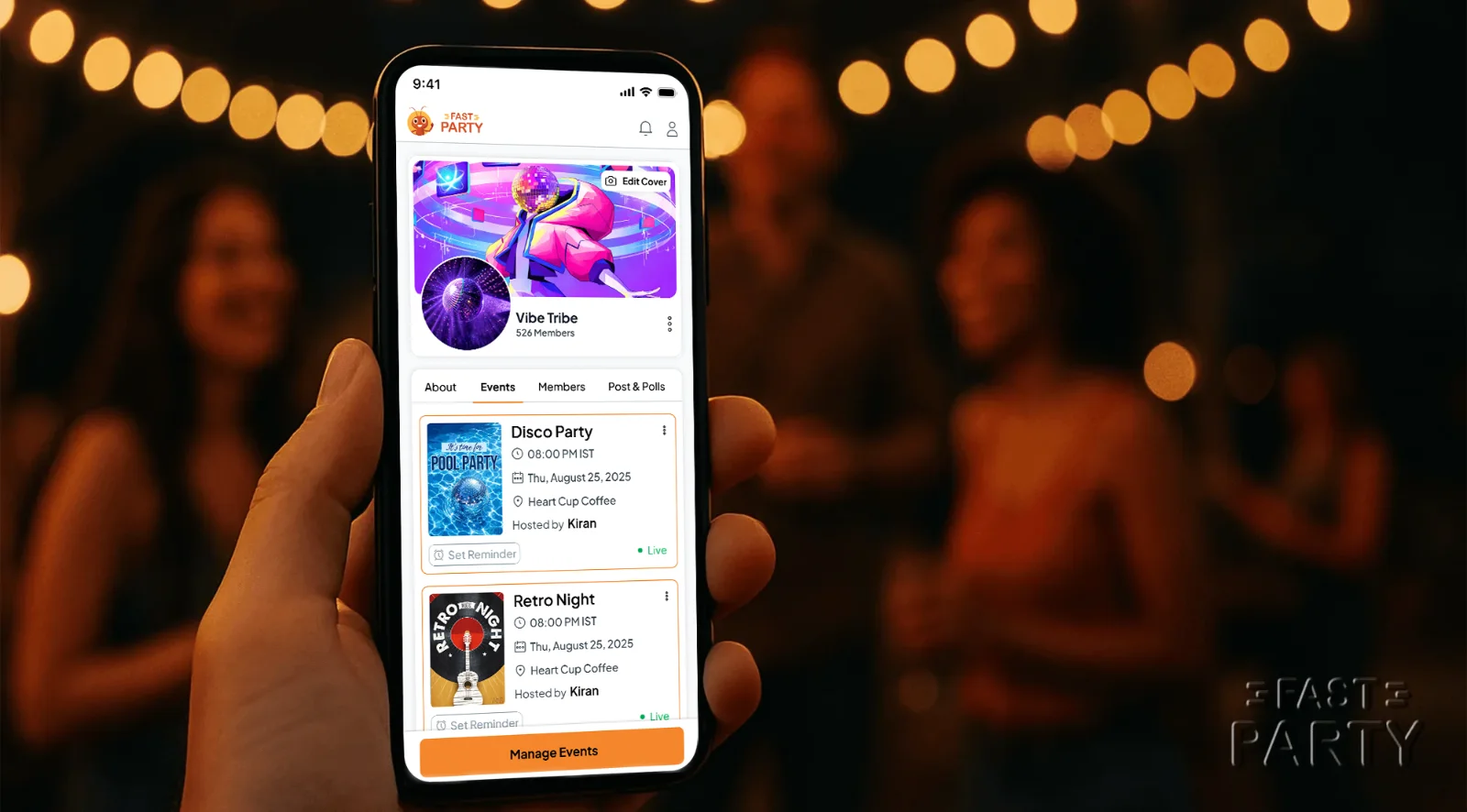
It always starts the same way. Someone says "let's plan something!" in the group chat. Three weeks later the plan is buried under birthday wishes, memes and a cricket argument, and nobody knows if Sunday is on.
Circles end that cycle. A Circle is your group, the people you meet regularly, saved once so every future plan goes to them in one tap. This post is the plain explanation: what a Circle is, what happens inside one, and when to use it.
What is a Circle?
A Circle is a named group of people inside Fast Party, with its own calendar and its own feed. You create it once, invite the members once, and from then on you never retype names or hunt for old lists. Think of it as the standing version of a group chat, minus the chat noise.
You can have as many as you like, and they're free:
- the college gang
- the office lunch crew
- the yoga or running club
- the family
- your apartment society, or just Tower B
- the dance class, the book club, the volunteer team
If you meet them more than once, make a Circle.
What happens inside a Circle
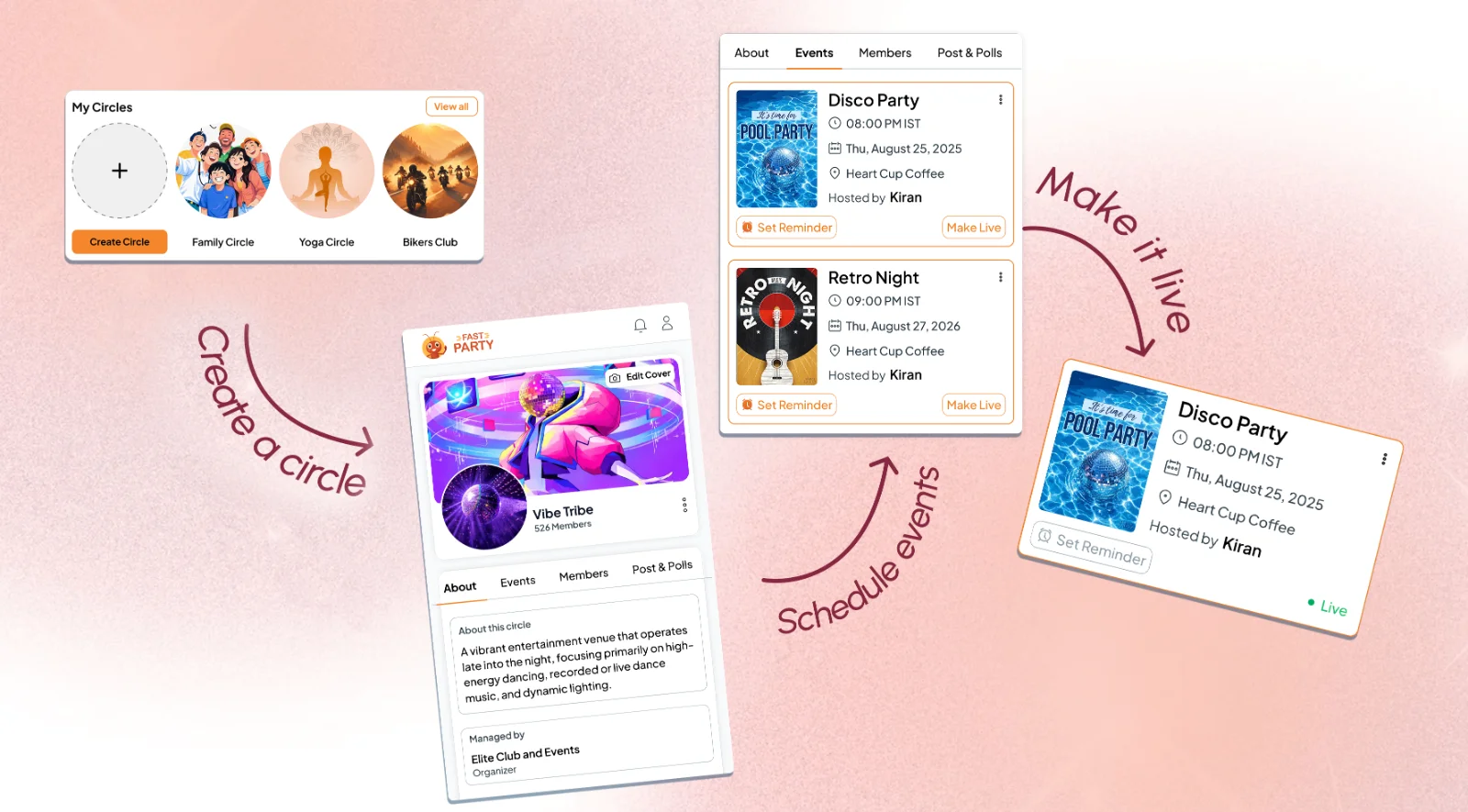
- Events go to everyone in one tap. Create the event in the Circle and every member is invited, with no guest list to build. Members see one shared calendar of what's coming up.
- Schedule the year. Twenty birthdays, ten festivals, five brunches? Create them in advance and make each one live when it's time. A society can lay out Sankranti to Christmas in an afternoon.
- Posts, polls and surveys. Announce the venue, run a poll on the date, survey the menu. These live in the Circle's feed, so the decision doesn't get lost in a chat.
- Circles inside the plan. Big group? Make sub-Circles ("Decor team", "Tower A", "Rehearsal squad") so the rehearsal note doesn't land on 300 phones.
- Everything else still works. Invitation templates, one-tap RSVPs, QR invites, Assign Tasks, Potluck Manager, check-in and photo albums all work on every Circle event.
Four ways people use it
- Society festivals. One Circle for the community. Plan the year's 20 to 30 events, make each live on the day, and keep every household updated with posts. No missed announcements.
- Family. Birthdays, anniversaries, Sunday lunches and pujas in one Family Circle. Invite instantly, track RSVPs, stop calling everyone twice.
- Office and team. A Circle for the team or department: monthly outings, potlucks, farewells. Everyone gets the invite, RSVPs and sees the details, without the long thread.
- Clubs and hobby groups. Kitty parties, fitness sessions, workshops, the monthly meetup. Post updates, poll the date, invite the whole group in one tap.
Running something bigger? That's an Organization
Circles are the building block. When a school, a club, a residents' association or an agency runs many Circles (batches, sections, committees, clients), they sit under an Organization: one member roster, your own branding on every page, messages sent from your own WhatsApp Business number, and one dashboard.
Plan it with Claude
If you use Claude, tap the Claude icon at the top of any Fast Party page to add the connector. Then ask: "Make a Circle for the Sunday cricket gang and set up a match every Sunday at 7 till December." Claude creates the Circle and the events for you. See how to plan with AI.
FAQs
Are Circles free? Yes, for every Fast Party user, with no limit on how many you create.
Who can create a Circle? Anyone. Members can be invited by phone, email or a share link, and they don't need the app to RSVP.
Can I reuse a Circle? That's the point. Create it once; every future event goes to the same people in one tap.
What's the difference between a Circle and an Organization? A Circle is one group. An Organization is the home for many Circles, with a shared roster, branding and billing, for institutions, clubs and planners.
Get Fast Party on Google Play or the App Store, or use it on the web.