
Planning a kid's birthday party is a small production: guests, snacks, a theme, games, return gifts, and a tiny human who expects balloons, cake and a magician before bedtime. The part that actually breaks parents, though, isn't the cake. It's running the party on WhatsApp.
The "Aarav's 6th birthday" group. Forty parents. "What time again?" "Is it at the clubhouse or your flat?" "Did Priya's mum reply or was that just a thumbs-up?" "Rain: are we still on?" Three days of that, and you haven't ordered the cake.
Here's the hack: set the party up once, on one page, and let the page answer the questions.
1. Create the party, faster than instant noodles
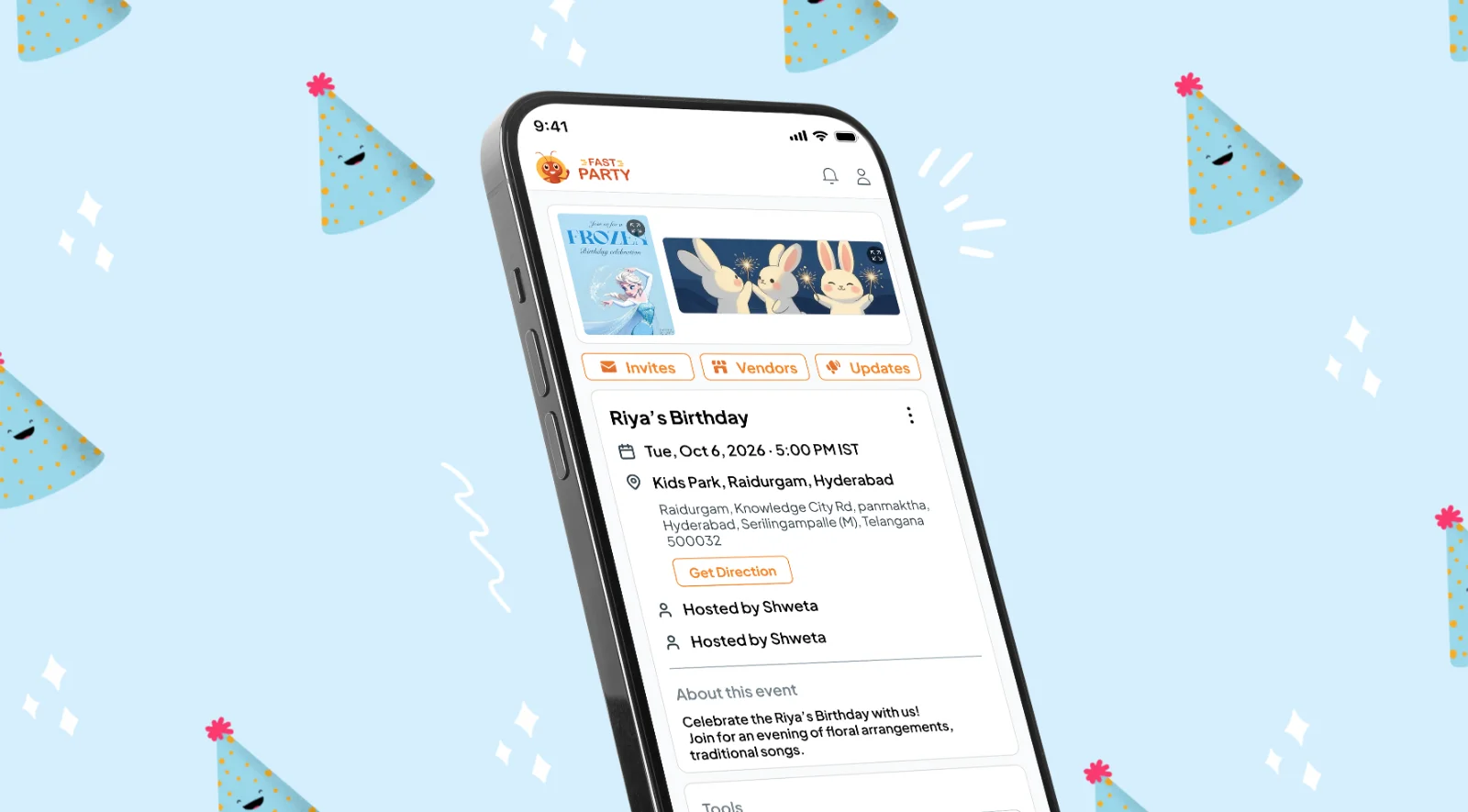
Open Fast Party, tap Create Event, and add the name, date and time. Frozen garden party? Capes-and-cupcakes on the terrace? Just say so. Pro tip: you can keep the venue private until you've confirmed numbers, then reveal it. Handy when you're deciding between the flat and the clubhouse.
2. Pick an invitation the kids will actually look at
The birthday templates cover jungle, princess, space, superhero and the minimalist-parent aesthetic. Fill in the details and it's done, no designing. The template is the invite and the party page.
3. Send once. Never copy-paste again.
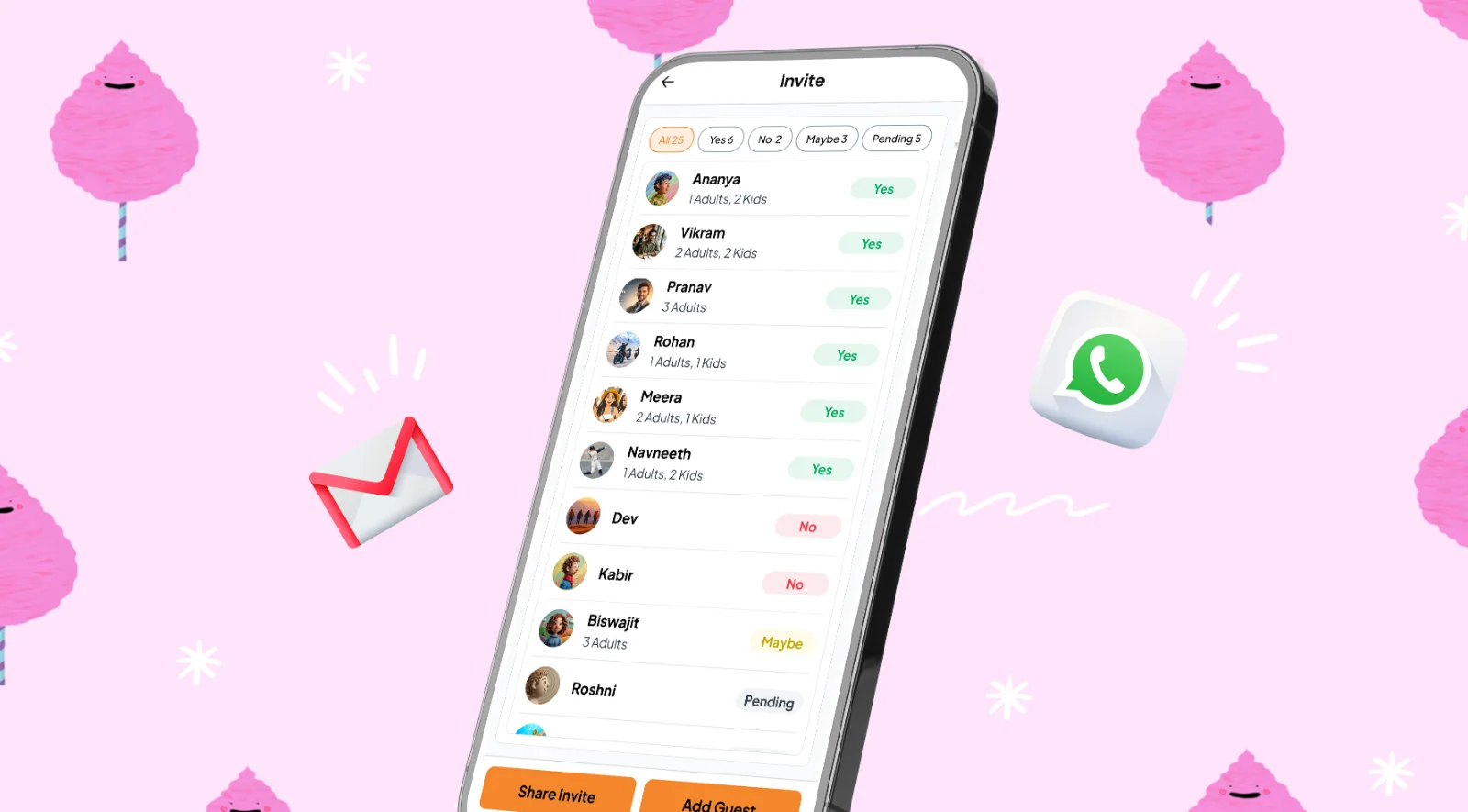
Share the link into the class group, or straight to individual parents on WhatsApp, email or text. They tap once to RSVP, say how many adults and kids are coming, and note "no nuts, please" in the same go. You see it all on one list, with no thumbs-up emojis to decode.
4. The school-bag invite that still works
Some parents want paper, and kids love handing them out. Print the invitation with its QR code and send it in the homework folder. The other parent scans it and lands on the same page (RSVP, timings, dress code, location) without you needing their number at all.
5. Change it once, everyone knows
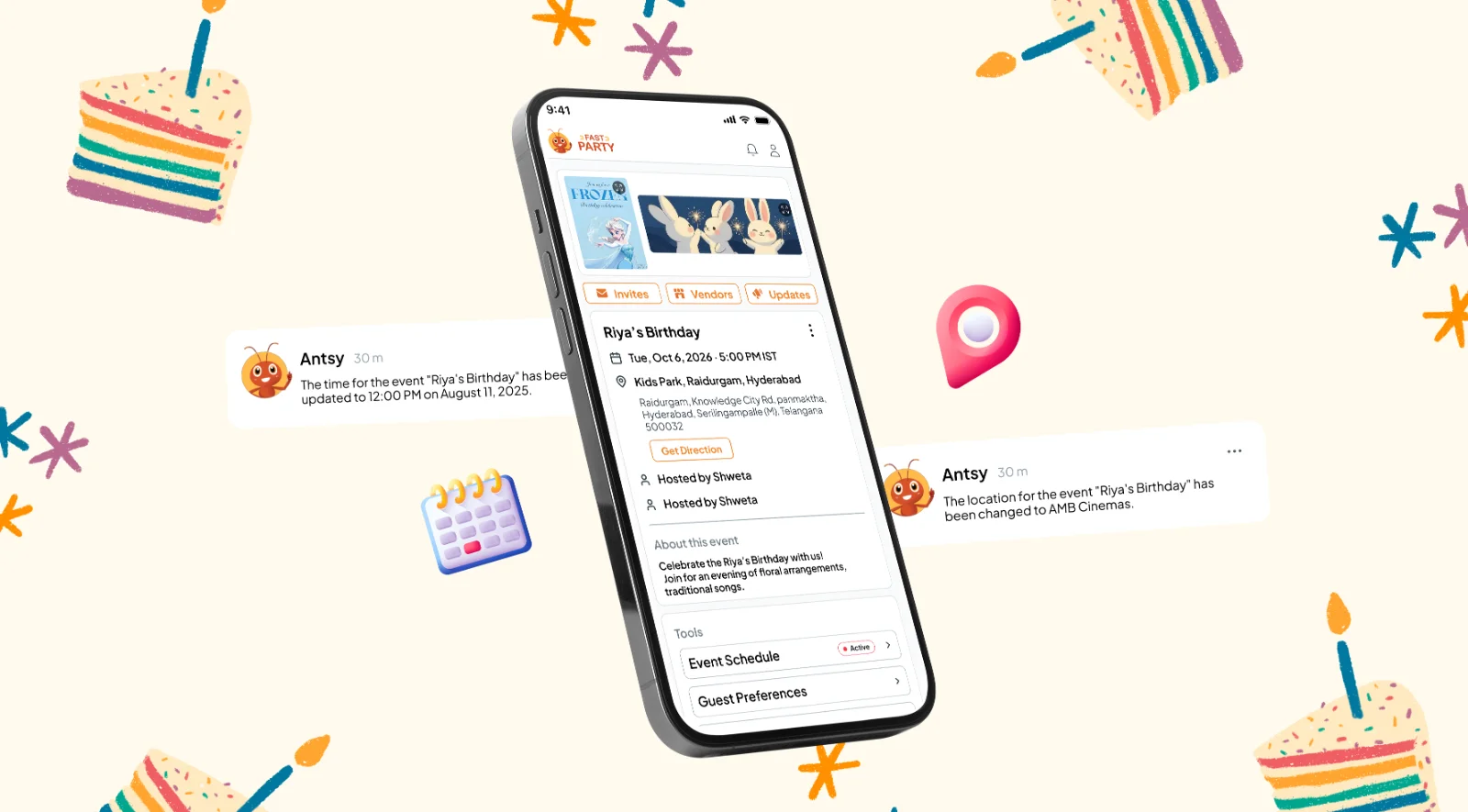
Party moved indoors because of rain? Start time pushed by an hour? Change it on the event page, and guests get a notification with the new details. Nobody has to scroll back through 300 messages to find out where to go.
6. Split the jobs
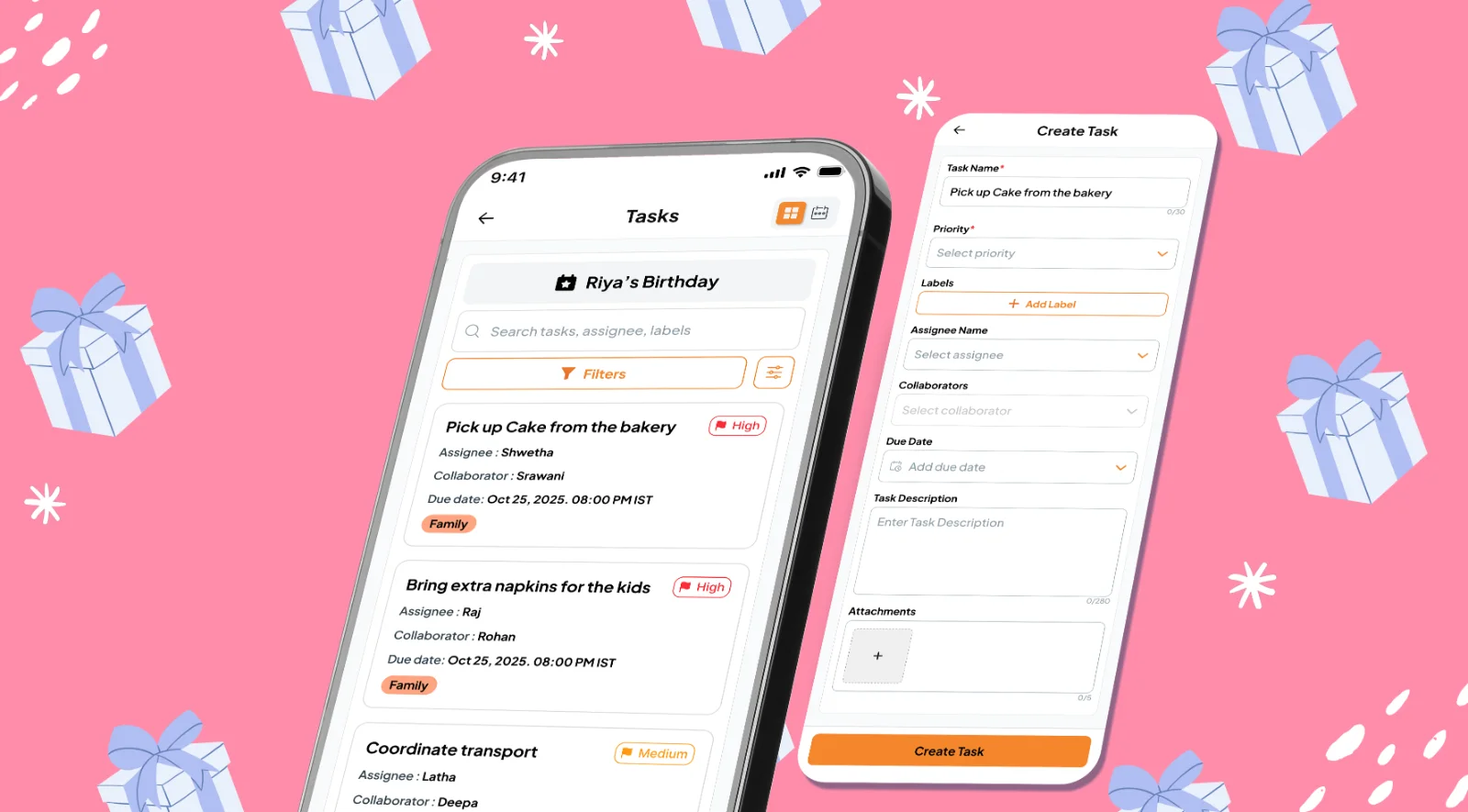
Cake pickup, balloons, return gifts, the magician's advance. Add each one as a task, give it to your partner, a grandparent or a helpful friend, and set a due date. You see what's done at a glance instead of asking everyone twice. More on Assign Tasks.
7. On the day: who's here?
Three hours before, ask guests to share their ETA. You'll know whether to wait five minutes for the twins or cut the cake. And if the clubhouse needs a headcount at the gate, turn on check-in and guests check themselves in as they arrive. The adults and kids split is your plate count.
8. Actually enjoy the party
Invites sent, RSVPs in, updates out, jobs handed over. You get to do the thing most parents forget: take photos, steal a cupcake, cheer for the clown. Afterward, add the best photos to one shared album, so every parent can see them instead of waiting for blurry forwards all week.
Food that's kid-approved (and spill-friendly)
Keep it simple, colorful and mostly edible: finger food, cupcakes, juice boxes. If other parents offer to bring something, switch on the Potluck Manager and let them claim "fruit" or "samosas". No duplicates, no awkward "we've already got that."
Plan it with Claude
If you use Claude, tap the Claude icon at the top of any Fast Party page to add the connector. Then ask: "Set up Aarav's 6th birthday, Saturday 4 to 6 at the clubhouse, jungle theme, 20 kids." Claude creates the event and drafts the invitation for you. See how to plan with AI.
Whether it's a cake party at home or a full cartoon carnival on the lawn: one page, one send, zero WhatsApp admin. That's the cheat code.
Get Fast Party on Google Play or the App Store, or use it on the web.