

Your venue,every seat counted.
One home for everything your venue puts on — matches, concerts, shows, screenings and tournaments. An audience you build once and keep. Tickets into your own account. Gate check-in, a run-of-show and vendors for the day. And an AI that knows which event sold out fastest.
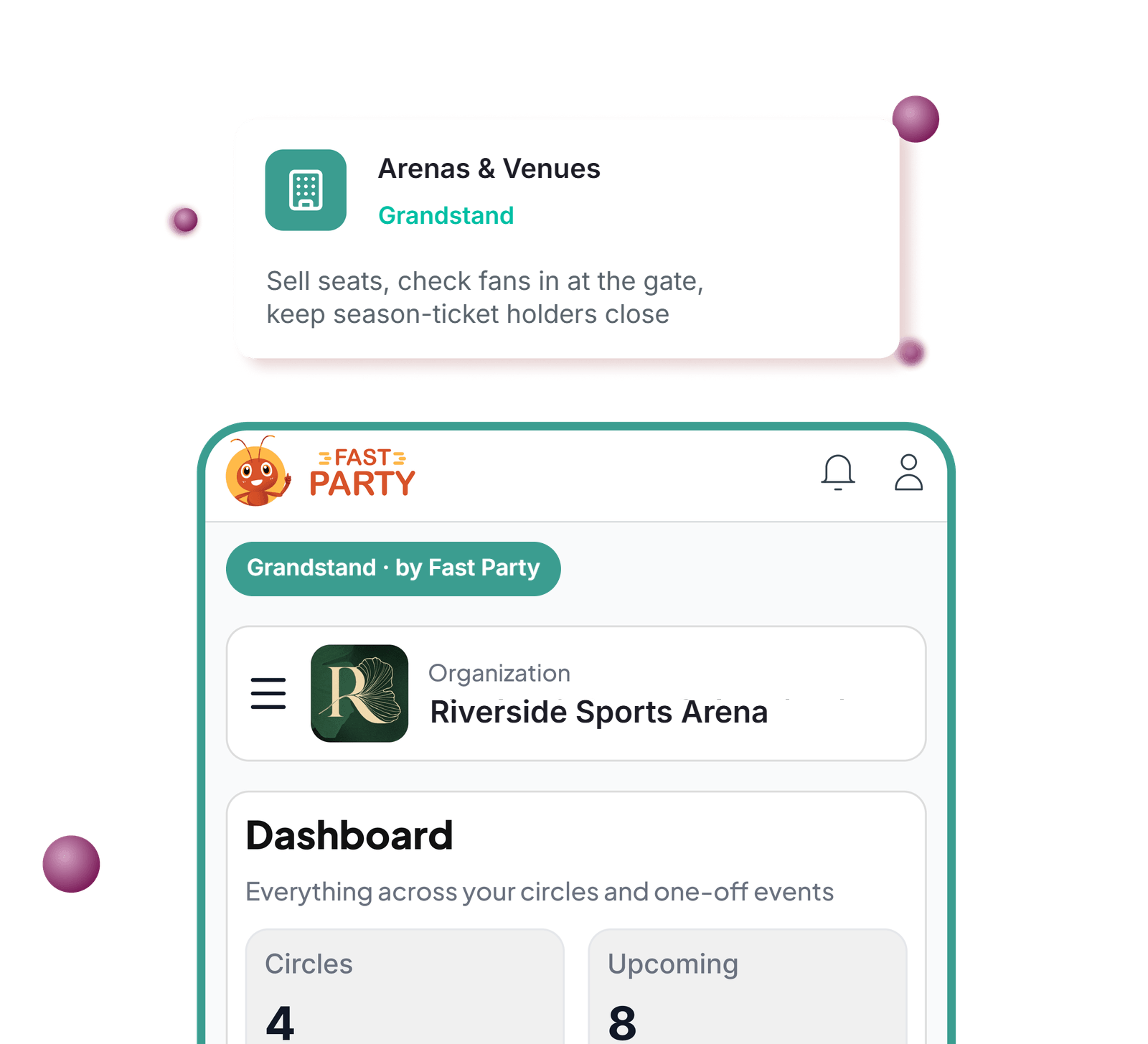

More coming soon — this page is still being built out.
A packed fixture list, a ticketing export nobody reads, and a gate count on a clipboard.
A venue knows what it puts on. It rarely knows who came back.
Tickets on one platform, season-ticket holders on a spreadsheet, regulars in a WhatsApp group, and last season's attendance in a drawer.
Grandstand puts the events, the audience and the gate on one platform that remembers every event you've run.
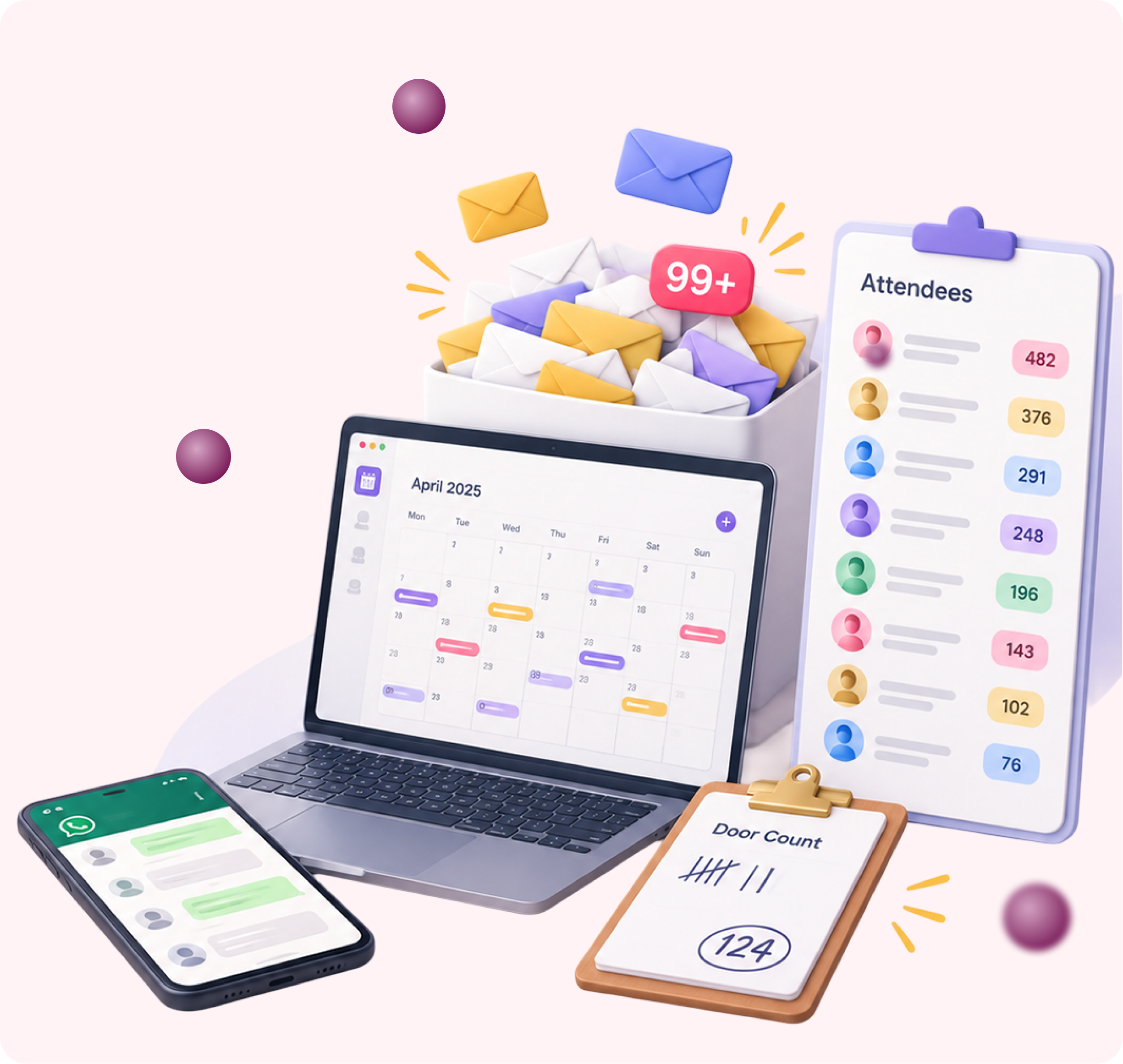
Everything a venue manager wishes they had.
Build an audience once, keep it
A ticket buyer joins your audience once. Placing them in a season-ticket list, a members' group or a premium tier is a pick from the roster, not another sign-up sheet.

Your brand, not ours
Your logo and name on every page, ticket and reminder. Fans see you, not us.
Your channels
Messages go out from your own WhatsApp Business number and email sender — at cost, no markup from us.
Your money, directly
Ticket revenue, season passes and memberships settle straight into your own Razorpay or Stripe account.
One dashboard, one broadcast
See every audience and event at once. Send one message to exactly the audiences you choose — each ticket holder hears it once.
Roles that match real life
Org admins, event managers, members. Managers run their event; only admins change who someone is.

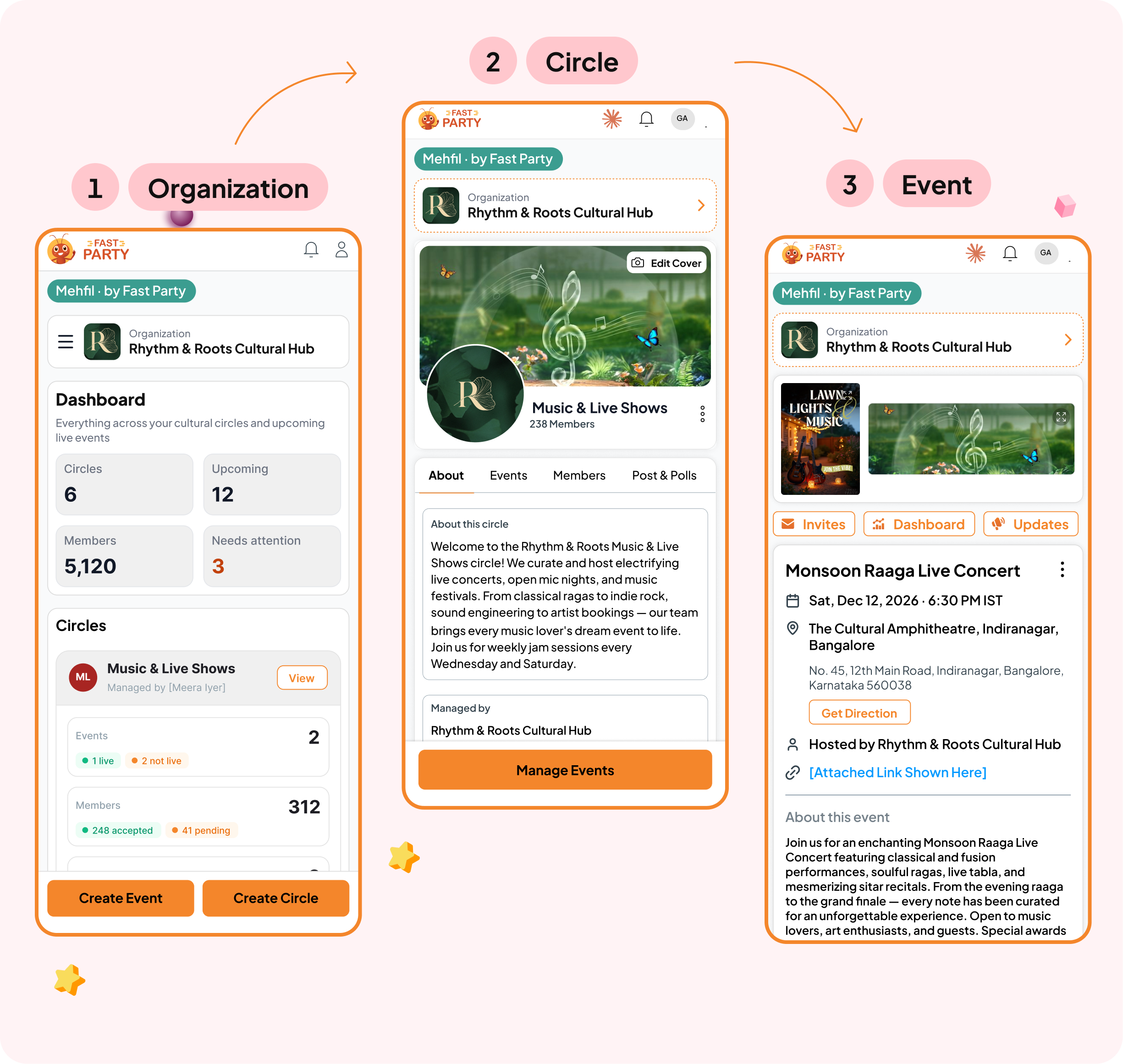
It speaks venue.
Pick "venue or arena" when you set up and the whole workspace relabels itself.
Circles become audiences and season-ticket lists, people become ticket holders and members, events stay events.
Same product for a stadium, a sports arena, an auditorium, a concert hall or any venue that sells tickets to the public. Your words on top.
Up and running this week.
- Set up your workspace. Your logo and brand, your own WhatsApp and email, ticket revenue into your own account. Five minutes.
- Build your audiences. Group people once — season-ticket holders, members, regulars, a list per event — and they stay. Posts and polls keep them warm between events.
- Create the event. A match, a concert, a show, a screening, a tournament — free or ticketed, each with its own dashboard and twelve tools.
- Fill the seats. Invitations go to exactly the right audiences over your own channels; season-pass and membership drives go straight to your account.
- Run it, then just ask. QR check-in at the gate, a coordinator screen for the team, numbers captured afterwards — and any question answered by your AI.
One-time migration
Bring your history with you.
Your audience records live in a ticketing export, a mailing list and someone's inbox.
We bring them across in one structured import — season-ticket holders, members, past events, who came, what they bought — so your AI can answer questions about last season on day one. White-glove, one-time fee.
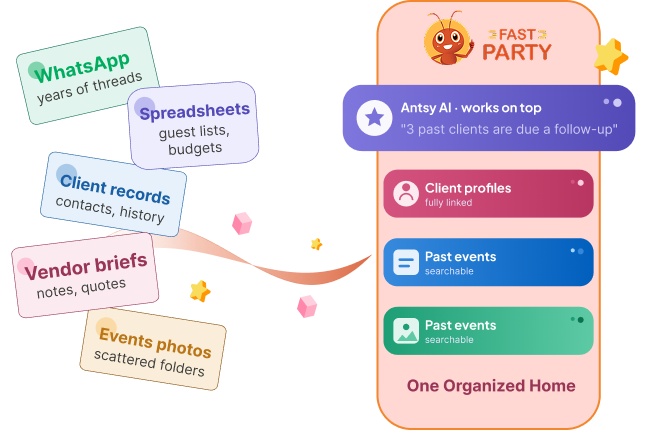
Your AI, connected
Ask it anything you'd ask a great coordinator.
One tap connects Claude to your workspace. Your team then asks in plain language and gets answers from your own data — and it can draft the invitation, build the schedule and set the reminders too. Also works with ChatGPT (paid web plans) and Grok.
"Which event sold out fastest?""Who came to three matches but never bought a season pass?""Draft the reminder for Saturday's match."
How it works →Coming soon
Bookings and occupancy, on the same platform.
Book
Let promoters and organizers book the arena, the auditorium or a hospitality box, with availability and pricing you control.
See occupancy
Know what's booked, what's free and what's earning — by date, by week, by season.
Ask the right people
Reach the fans and members most likely to renew, upgrade or bring their next event to you.
Questions venues ask.
We're a venue, not a planner. Does this work for us?
Yes. The organization is the venue, the audiences are yours, and every tool a planner gets — tickets, run-of-show, vendors, check-in — works the same way.
Can promoters book the venue through it?
Not yet. Grandstand launches with events, audiences and ticketing. Bookings, availability and occupancy are the next build; tell us and we'll keep you posted.
We sell season tickets and memberships. Does that fit?
Yes. Season-ticket holders and members are an audience like any other — one group, their own updates and offers, and their payments into your account.
Do ticket holders need an app?
No. Tickets, gate check-in and every guest tool work in the browser from a WhatsApp or email link.