A corporate invitation has a job to do beyond looking good: people decide in three seconds whether this is optional. The date, the venue, the start time and one line on why it matters have to be visible at a glance, because most of your invitees will see it on a phone between two meetings.
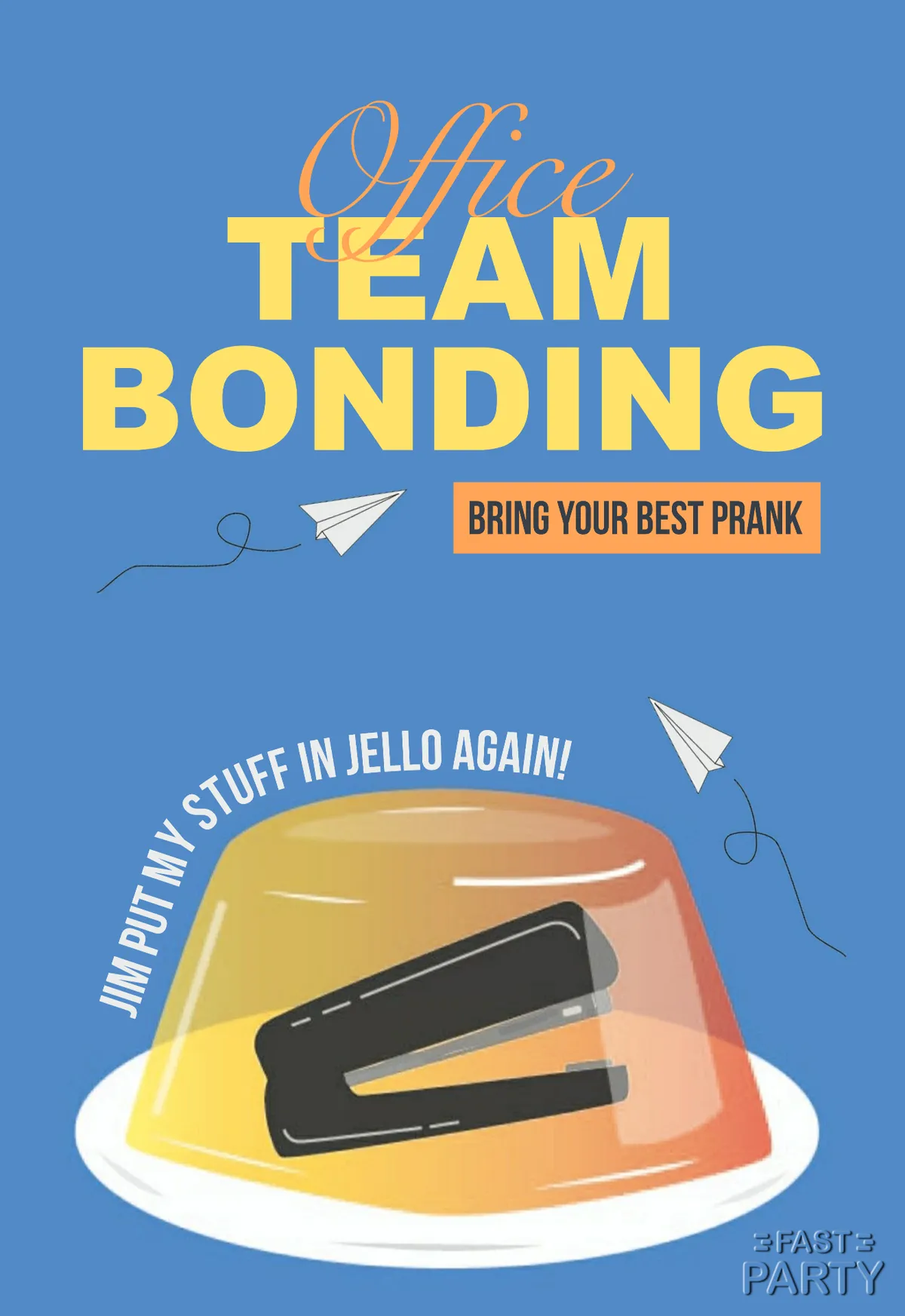
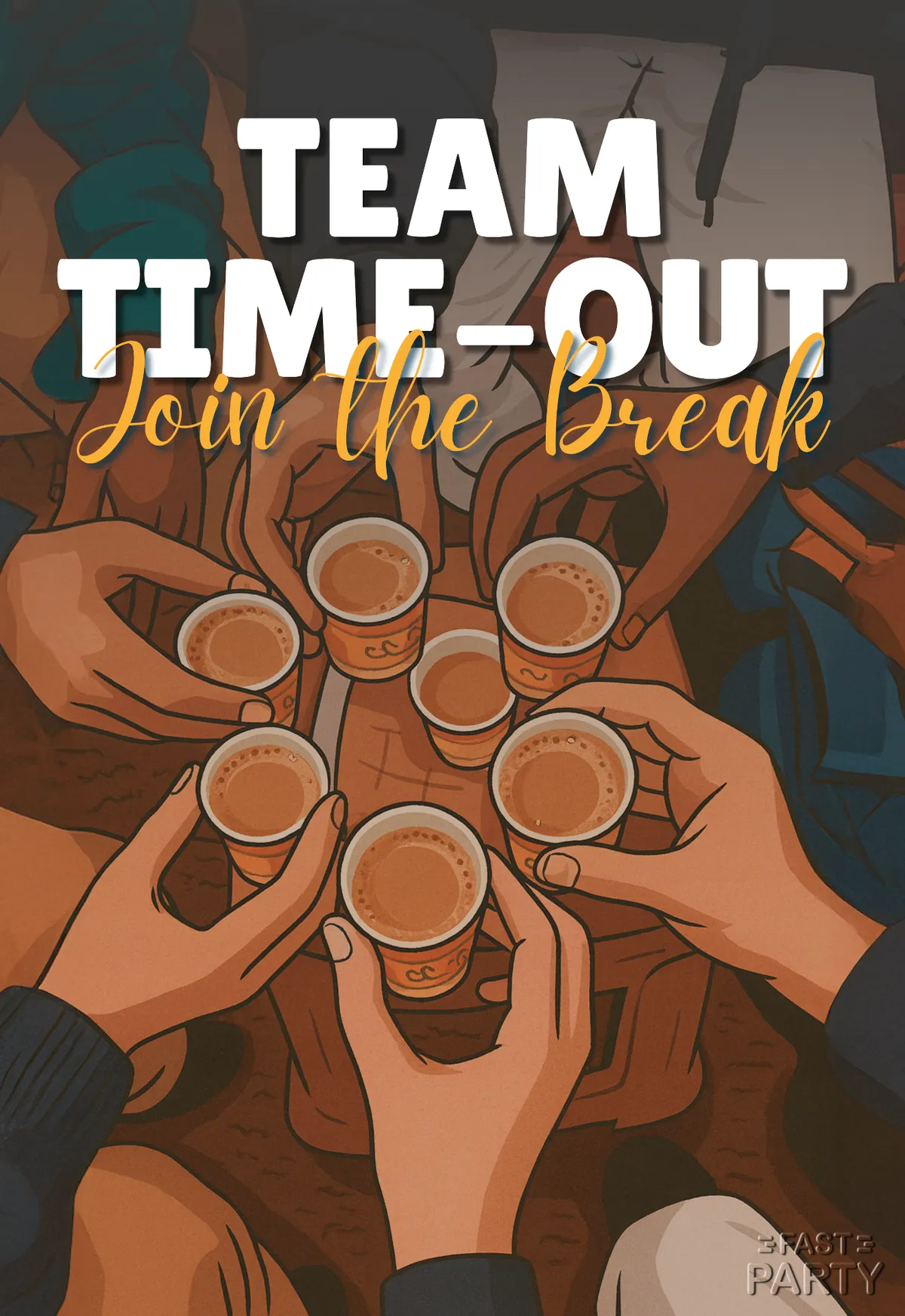
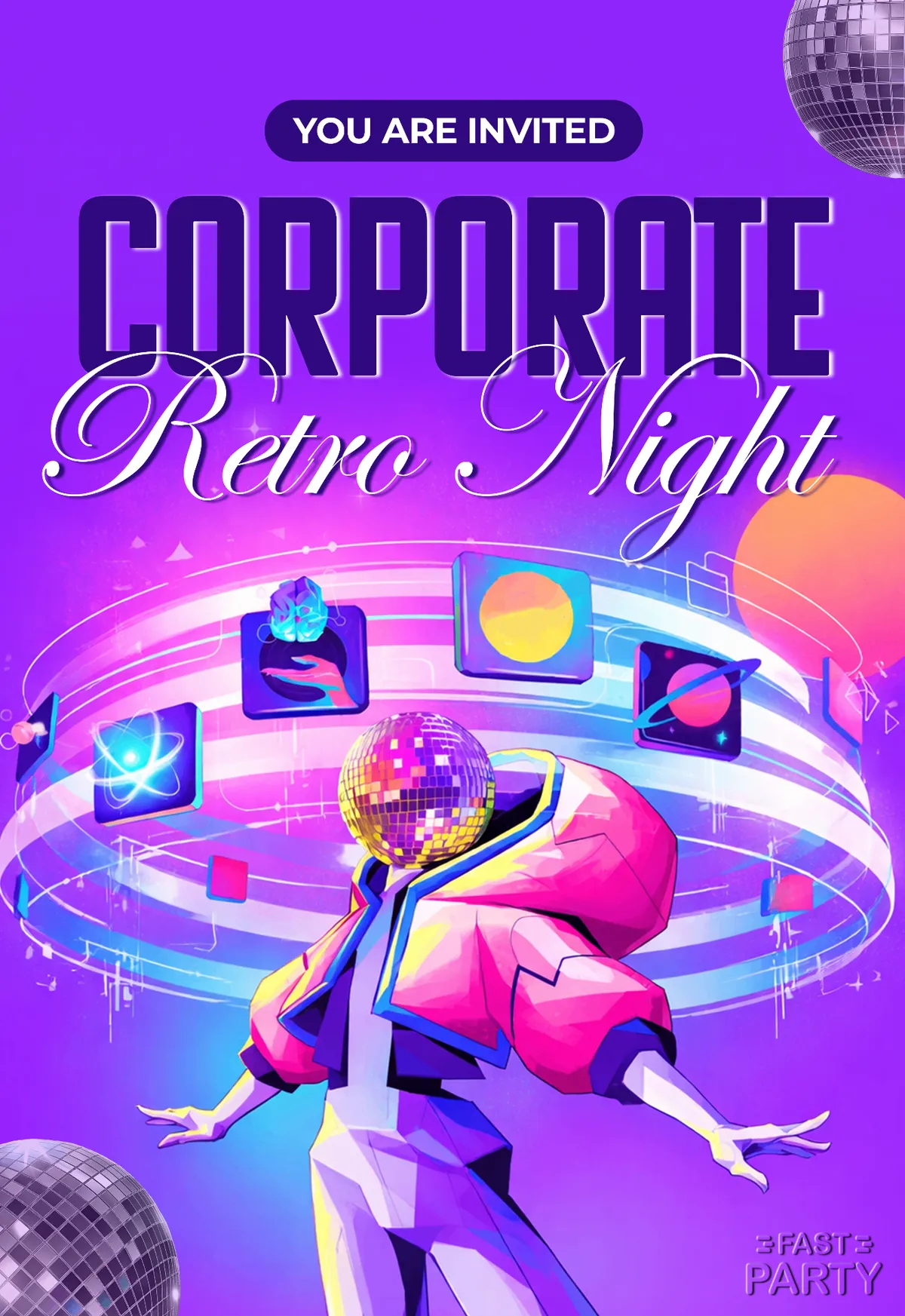
These templates cover the range an office actually needs — an offsite or annual day, a product launch, a town hall, a client dinner, a team lunch, an award night, a training session. They keep to clean layouts and restrained color so you can put your own logo and wording on them without a fight. Add the details and Fast Party turns it into a shareable invitation with an event page, RSVPs and reminders; for larger events, registration and check-in are there too.
Every template is free. Preview one, download the image, or open it in the Fast Party app to create your event.
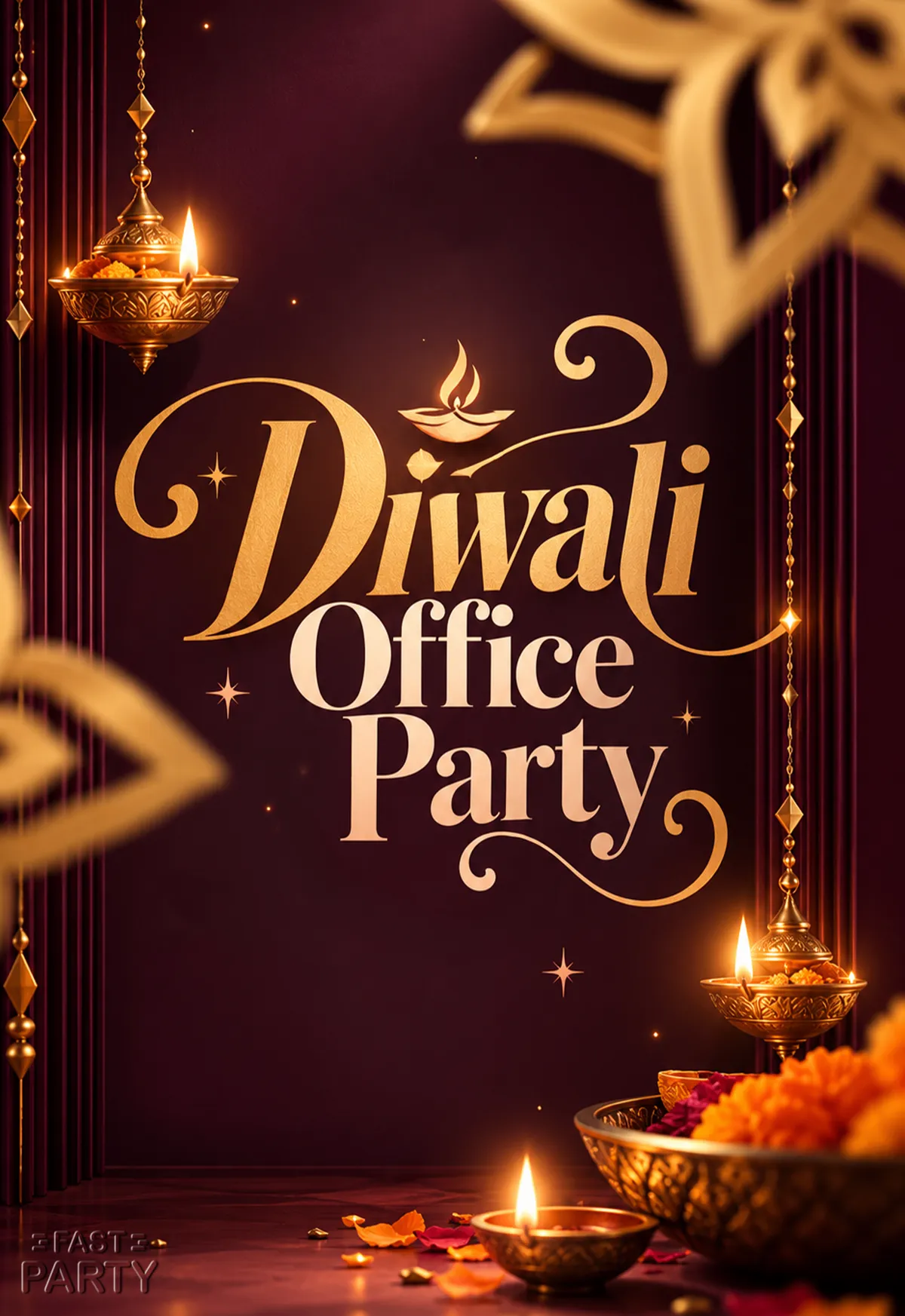
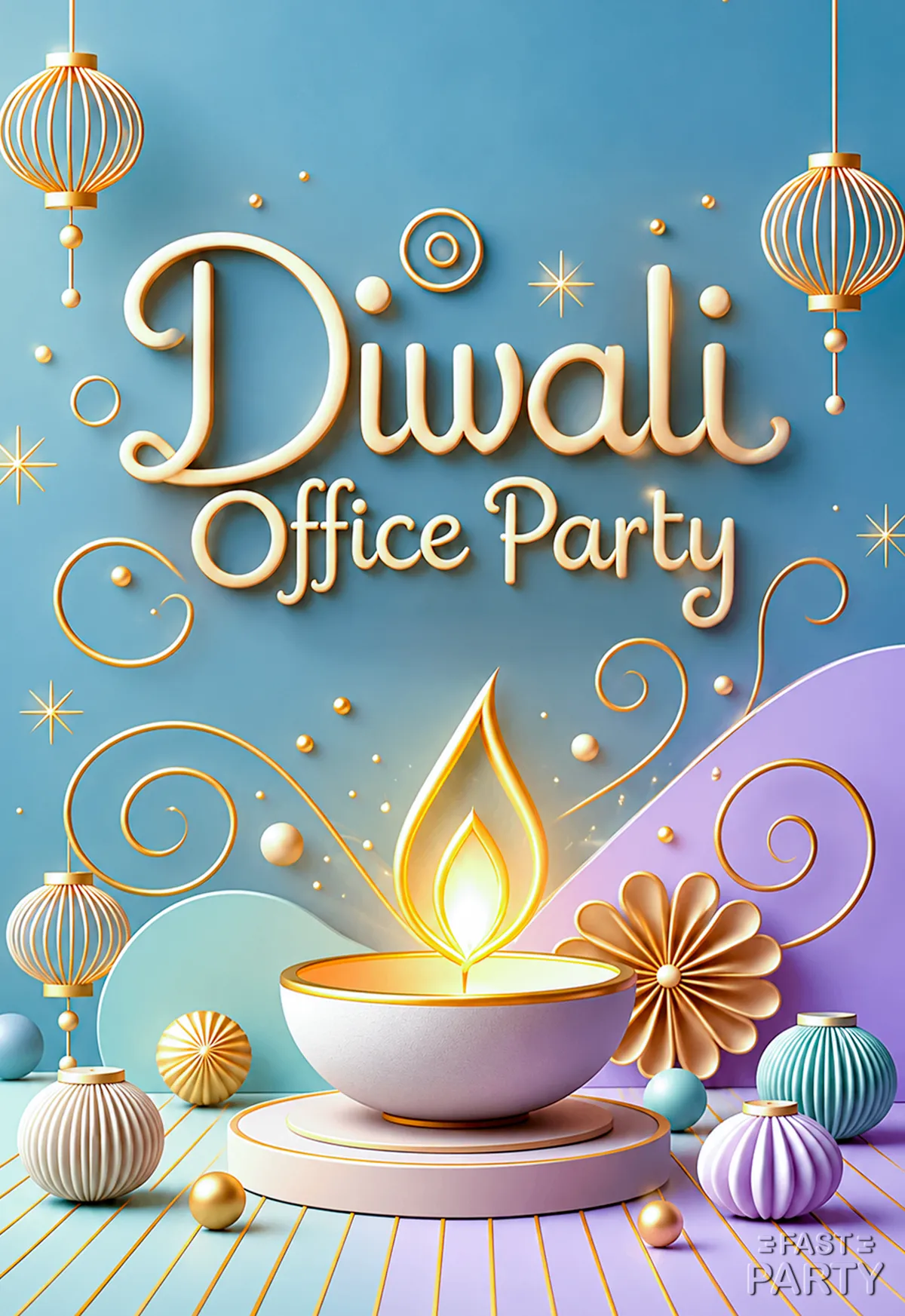
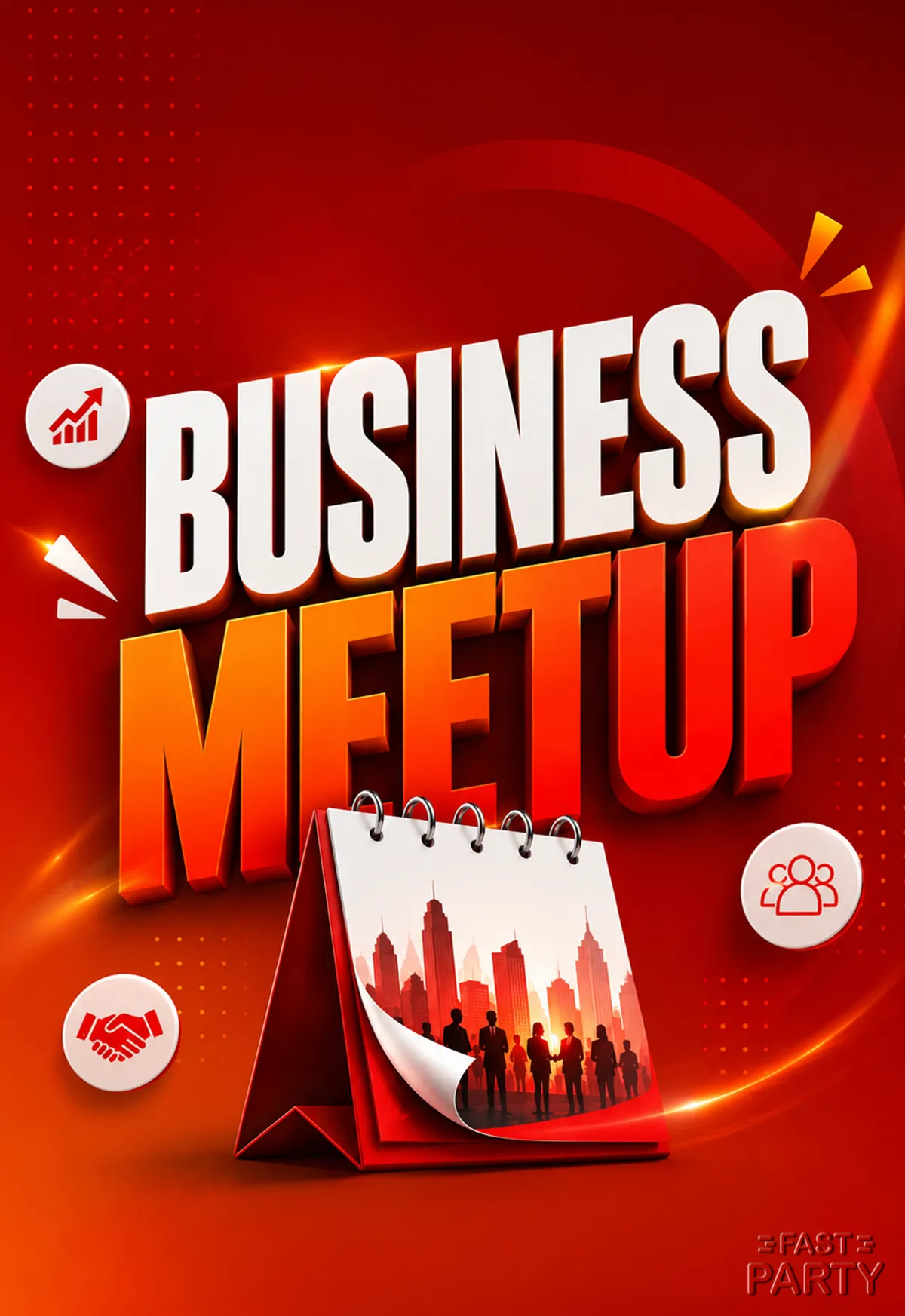
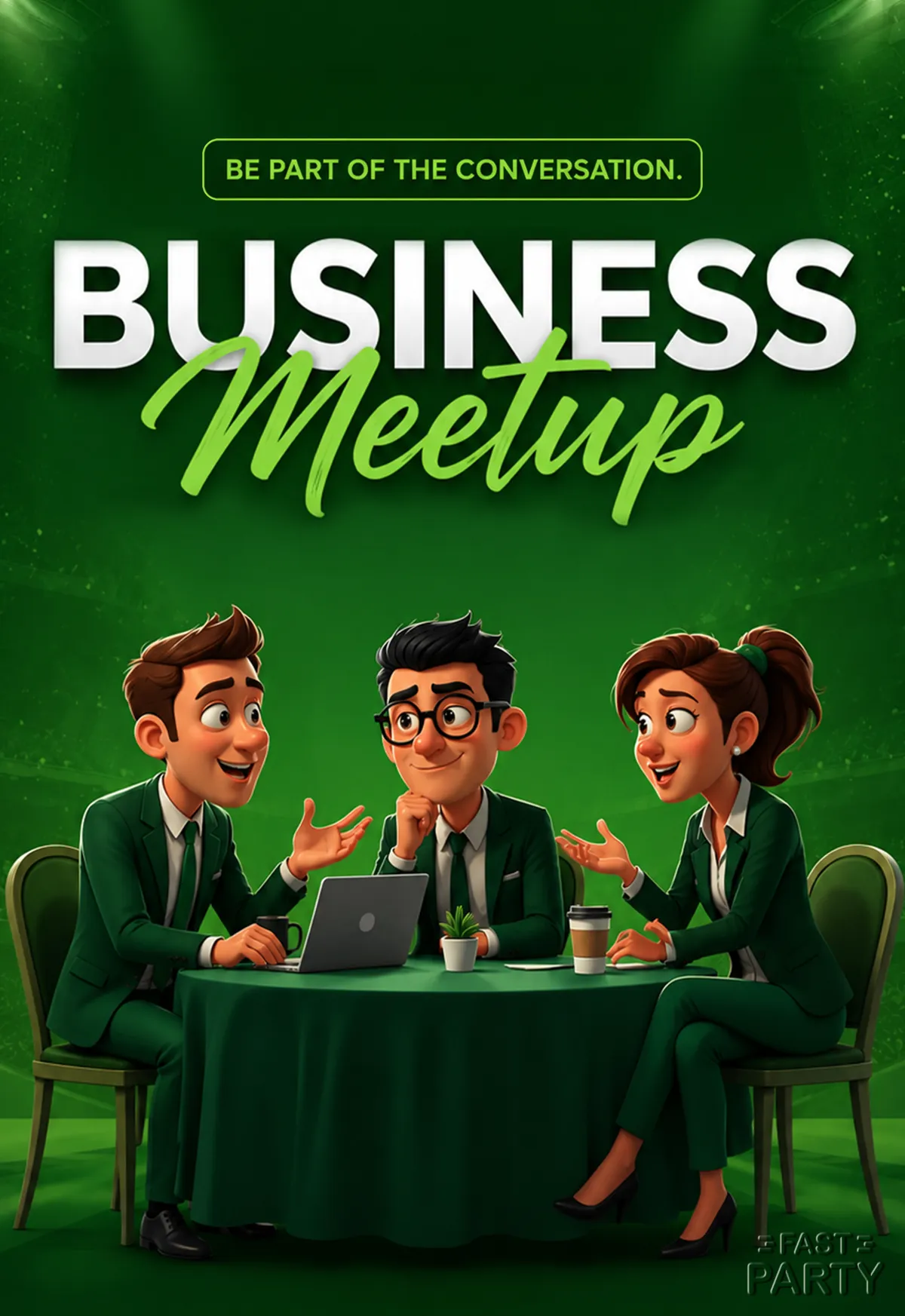




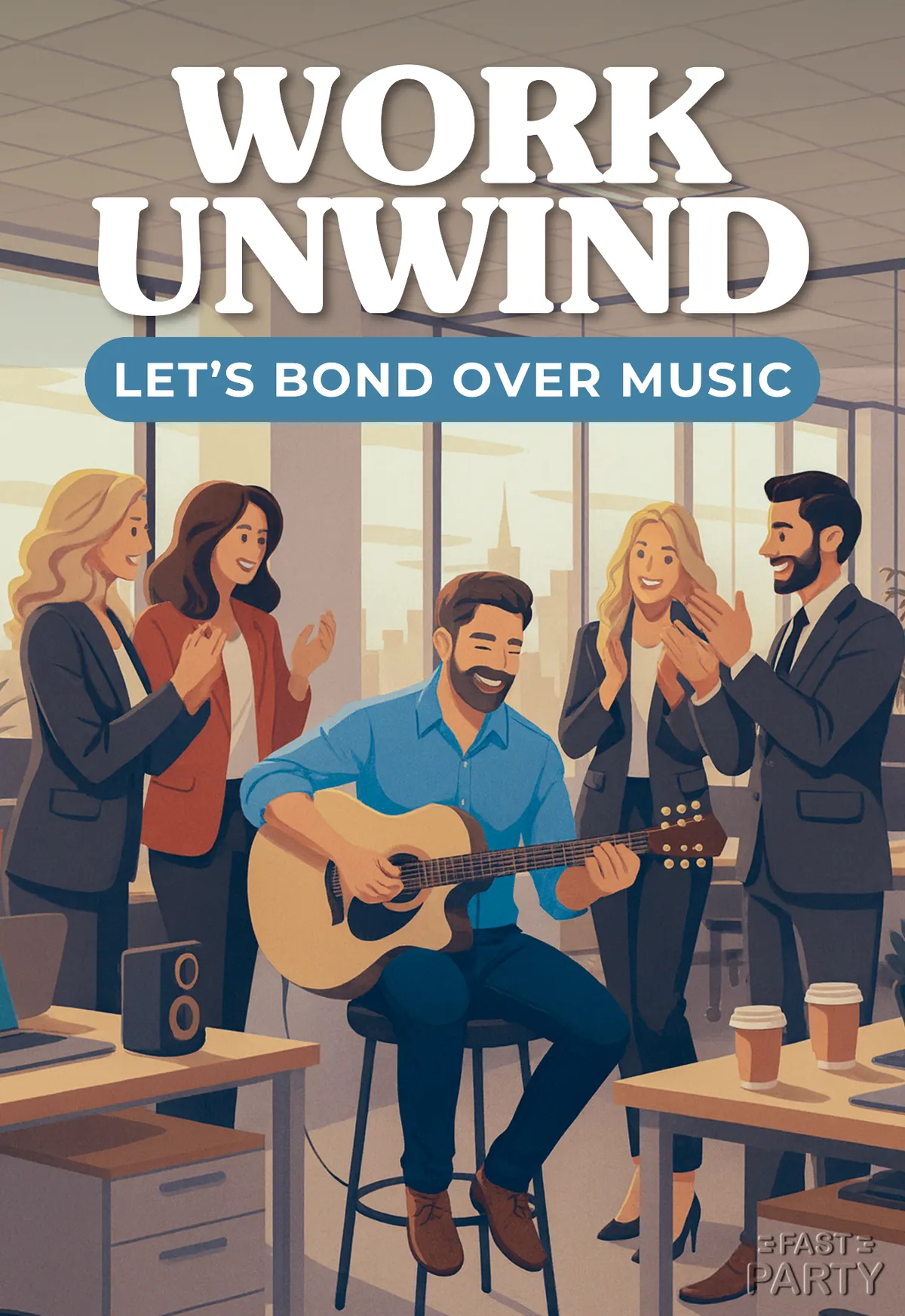

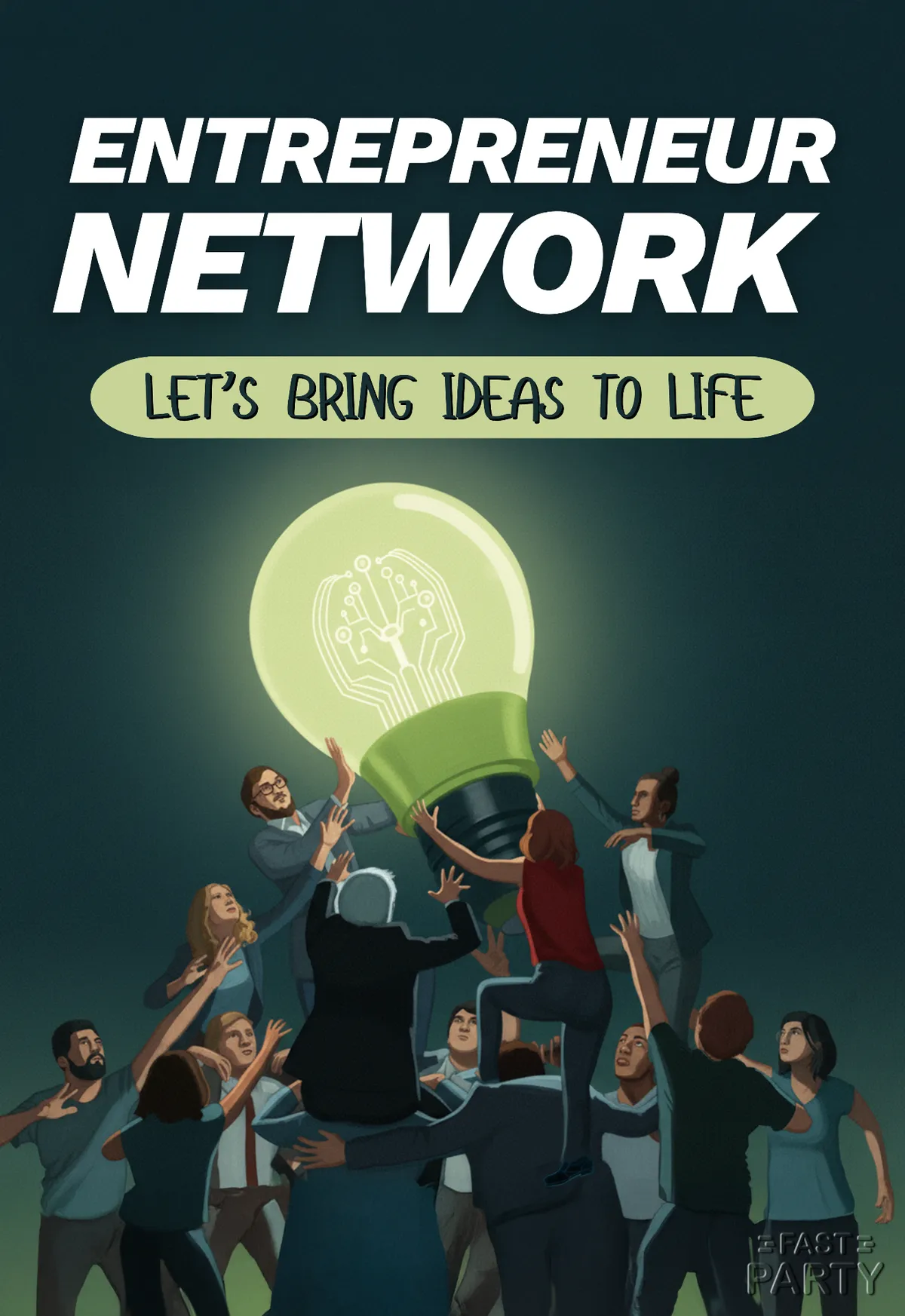
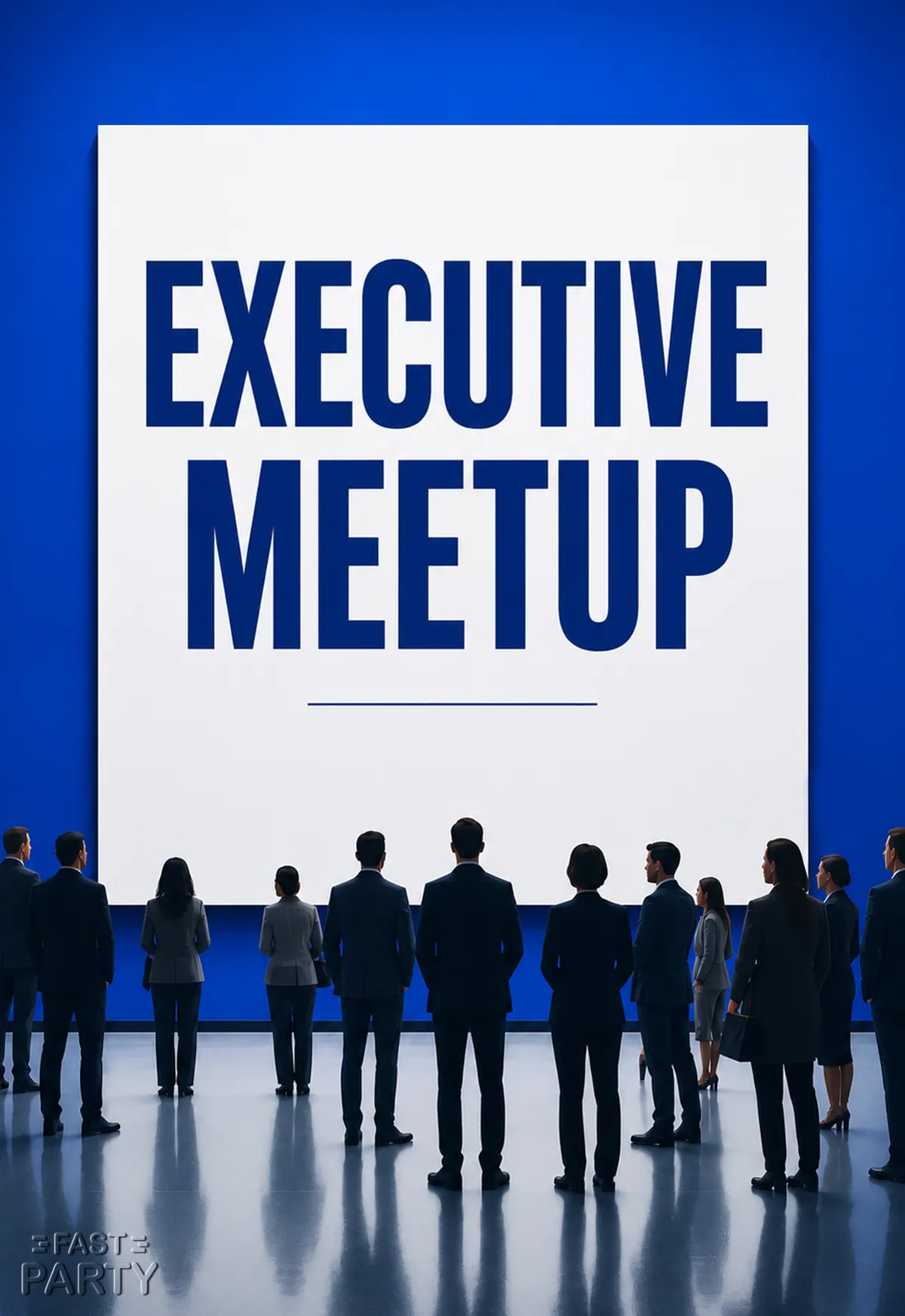
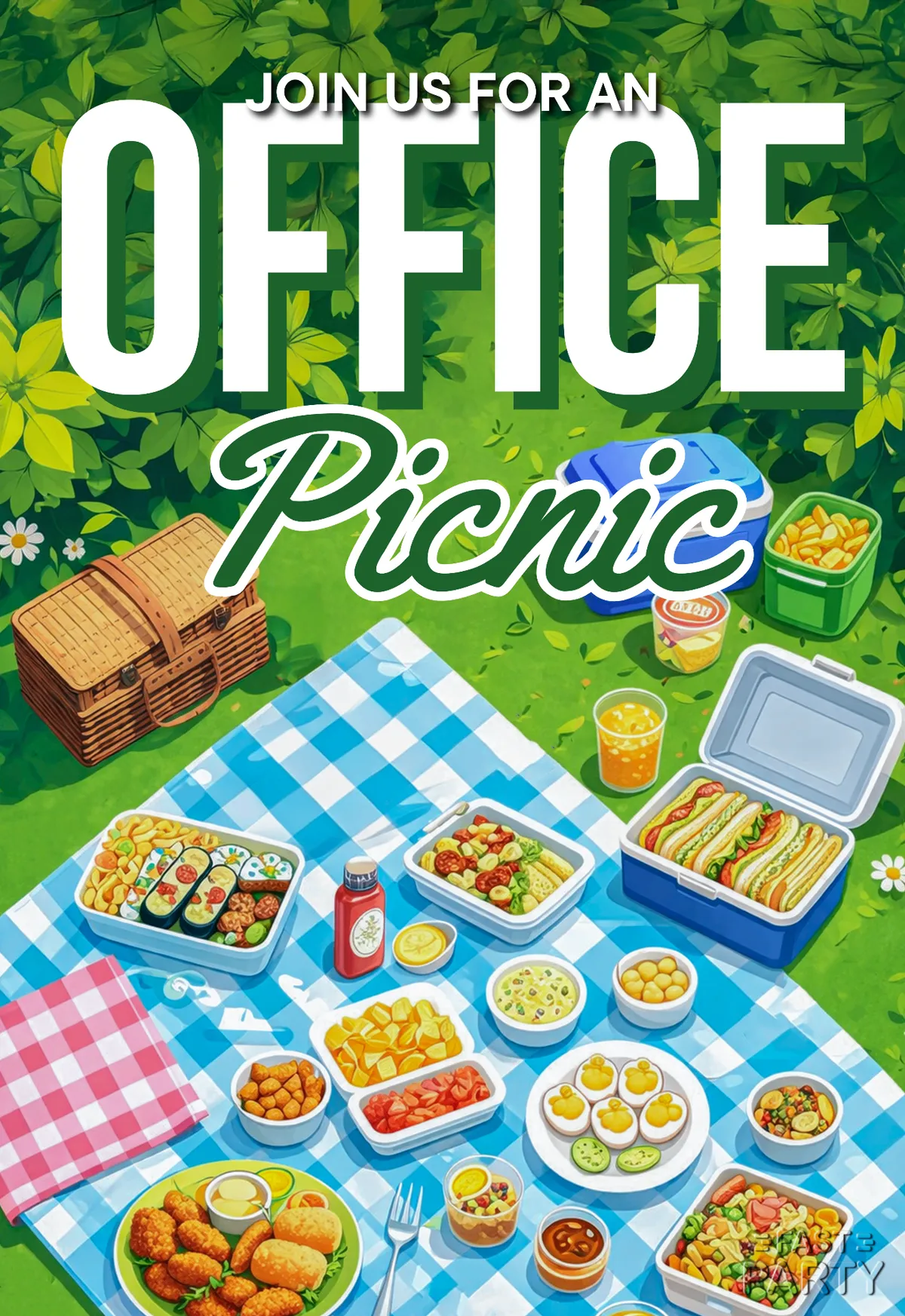

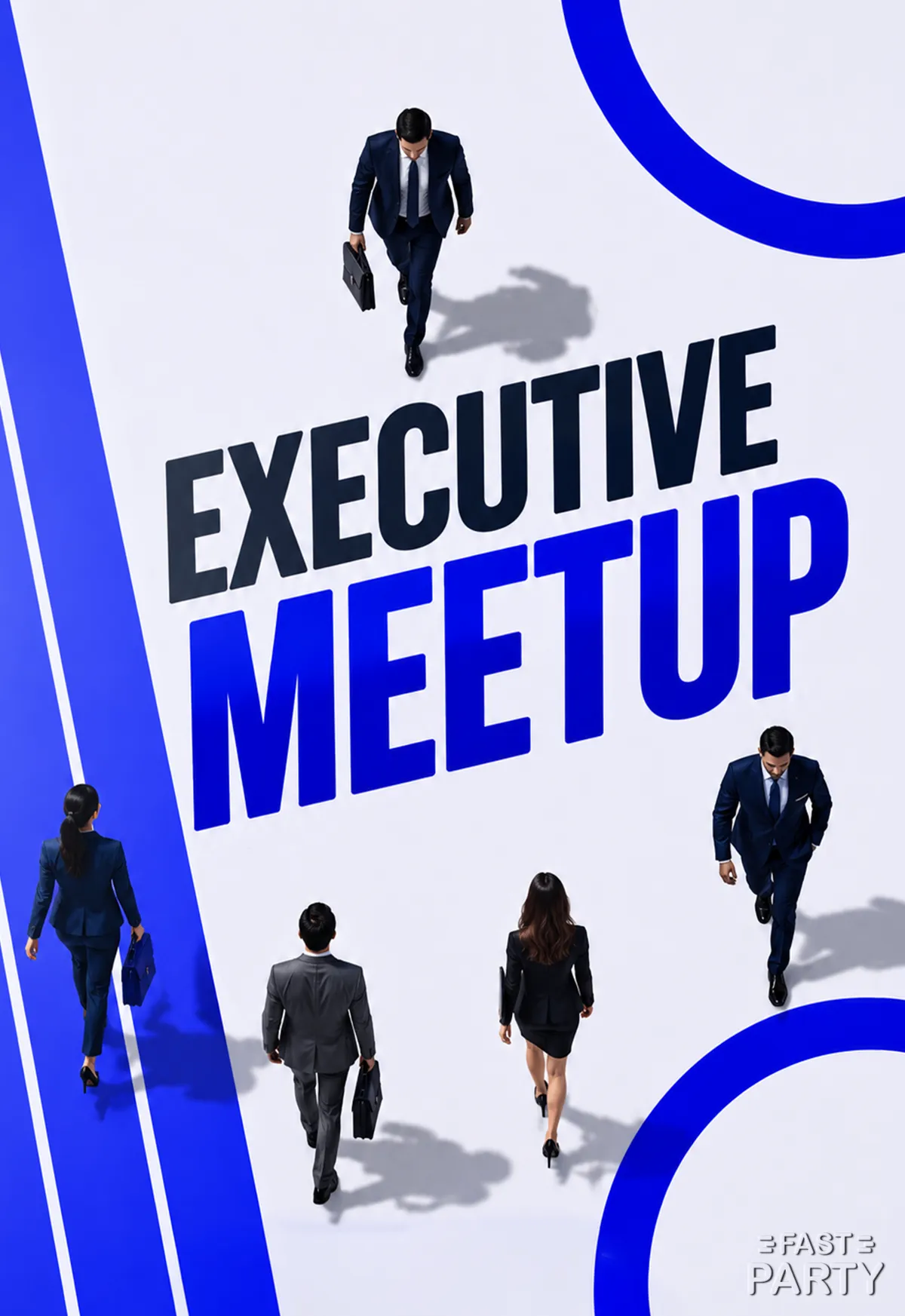
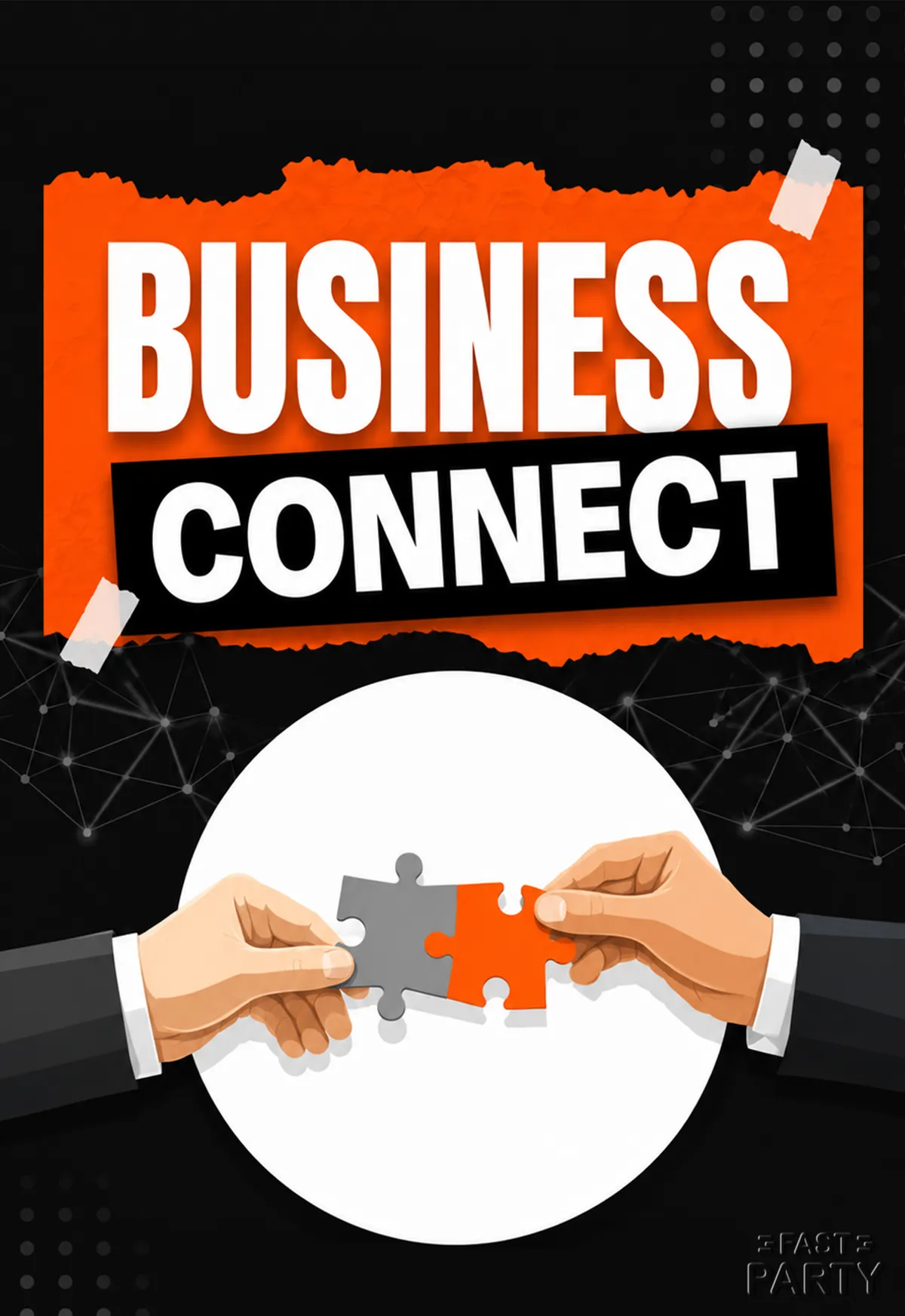
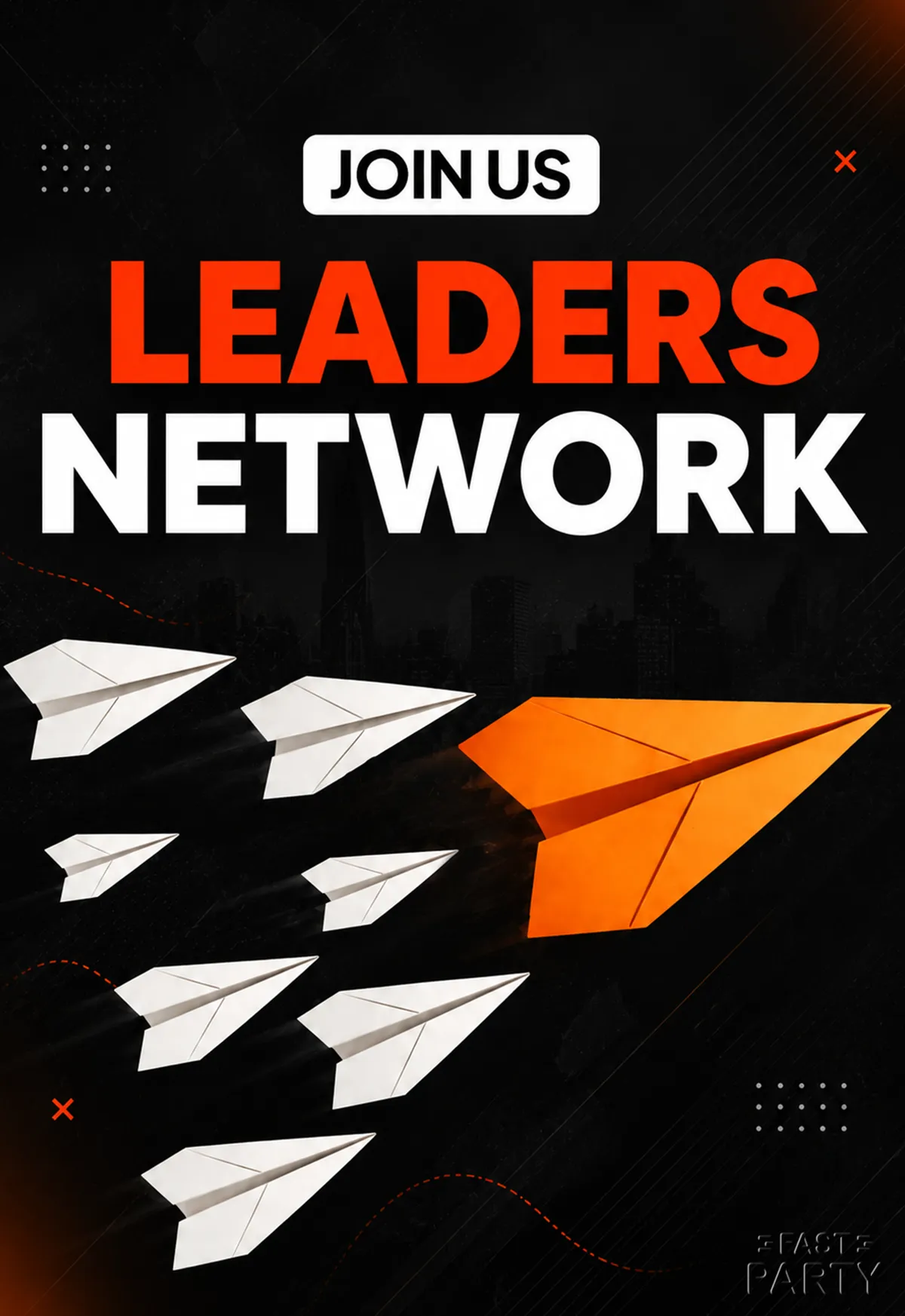

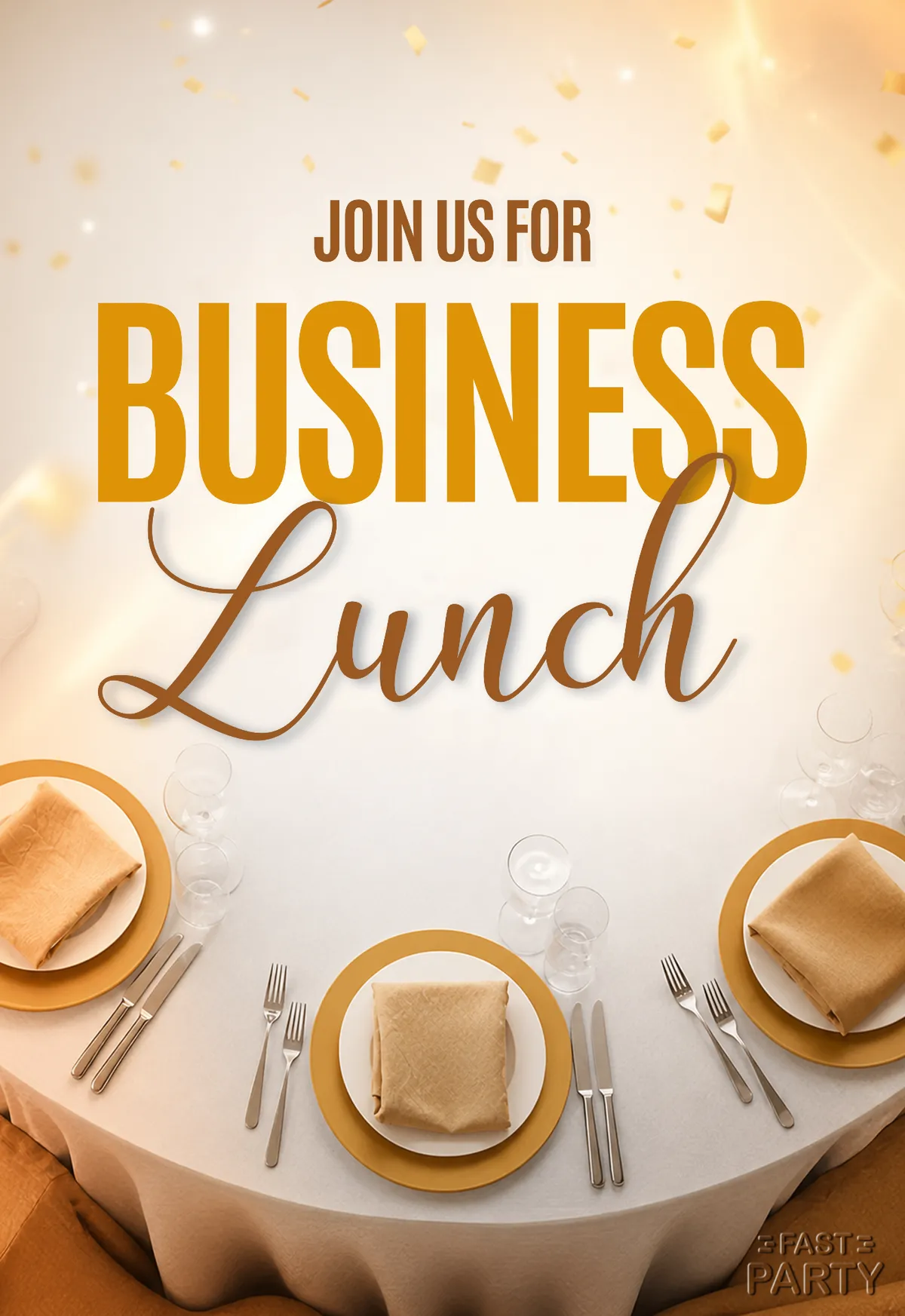
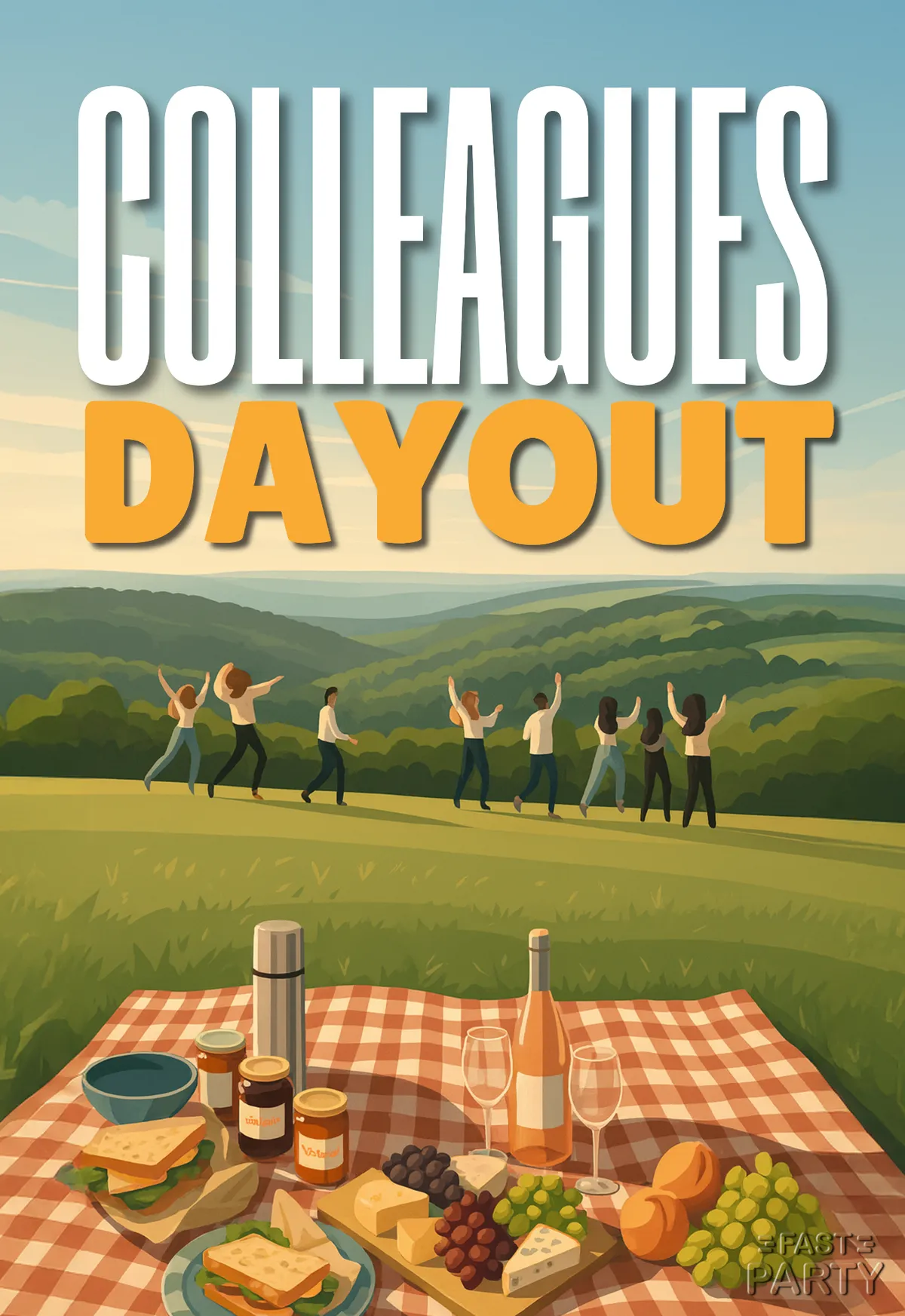
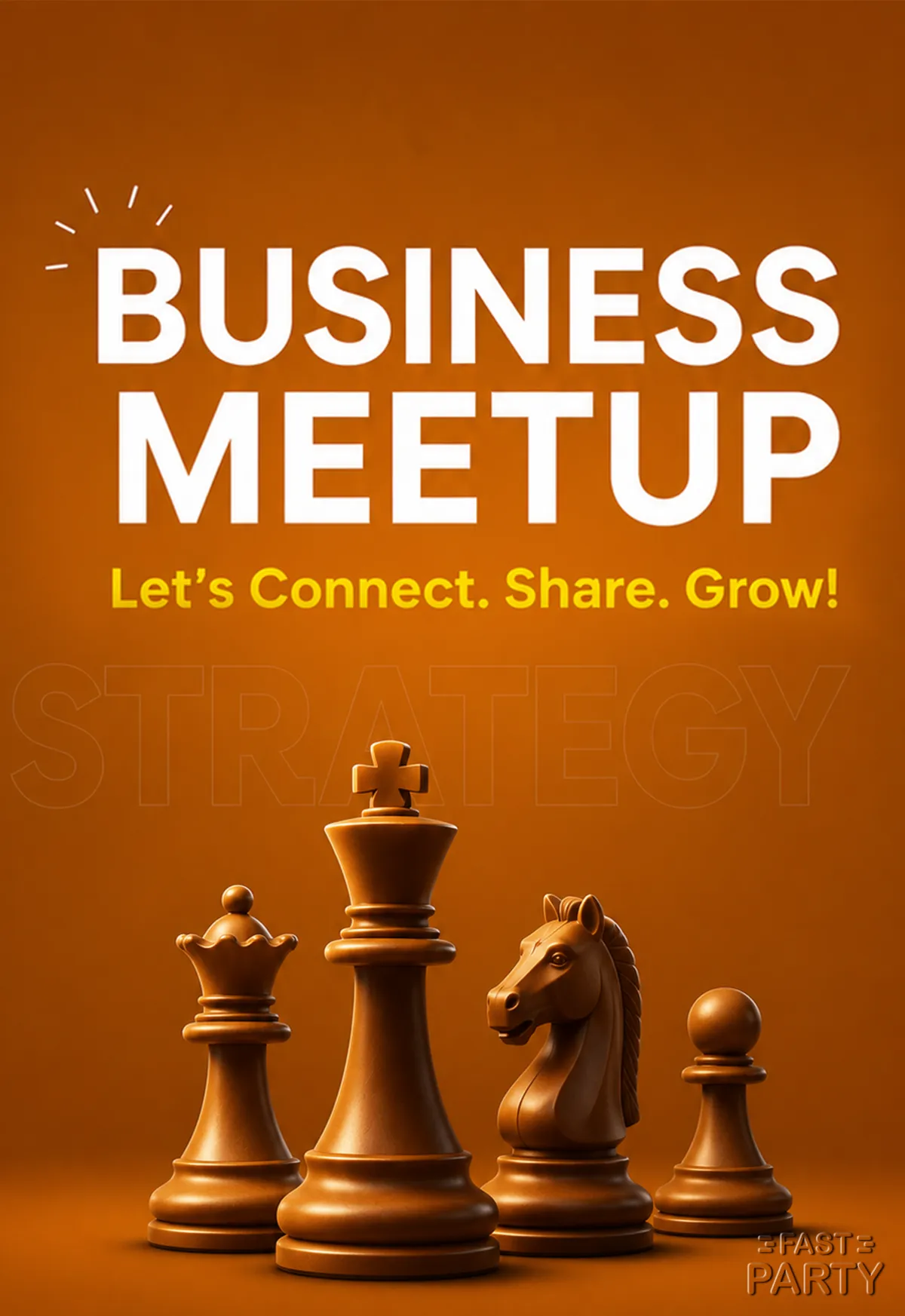




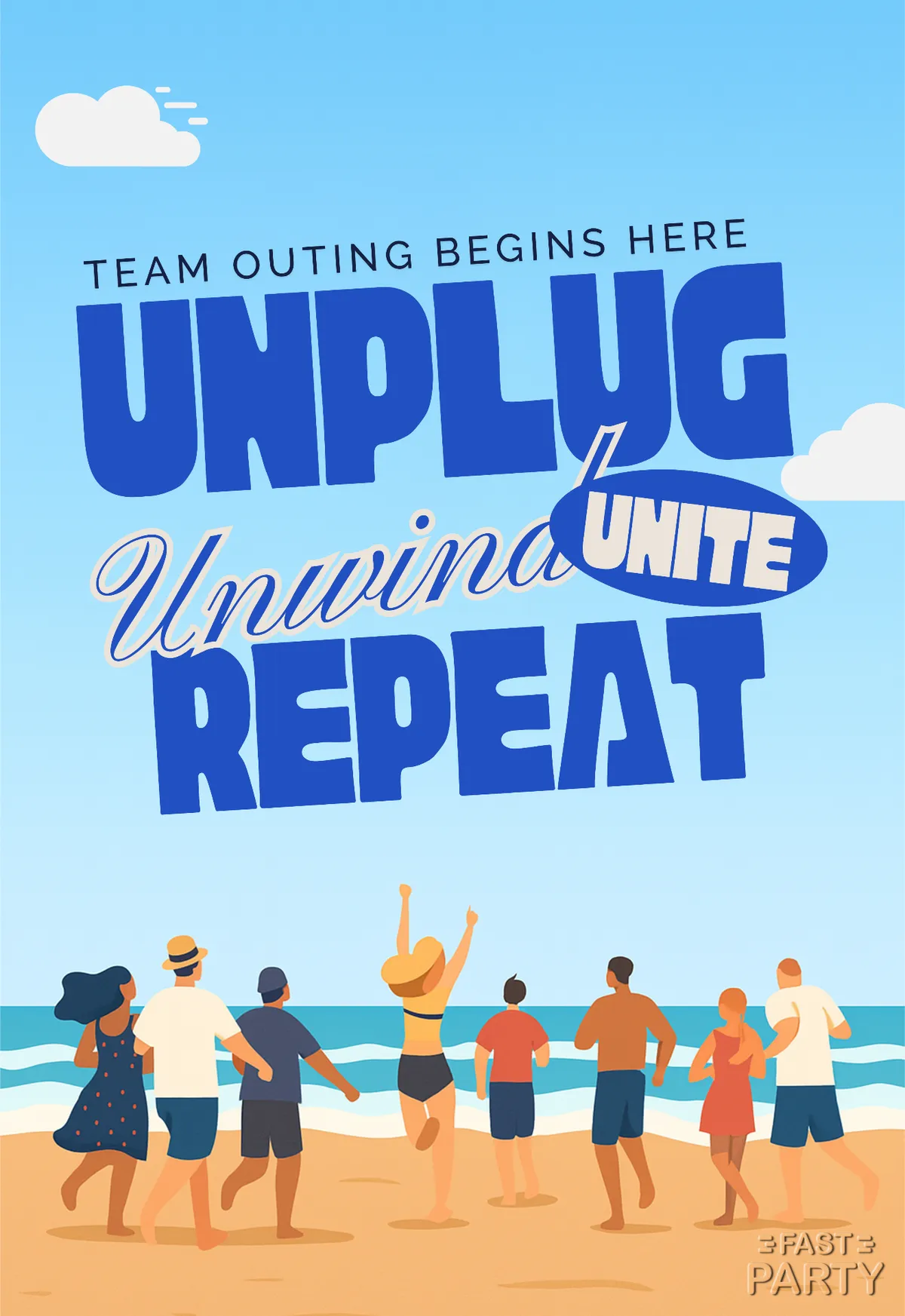
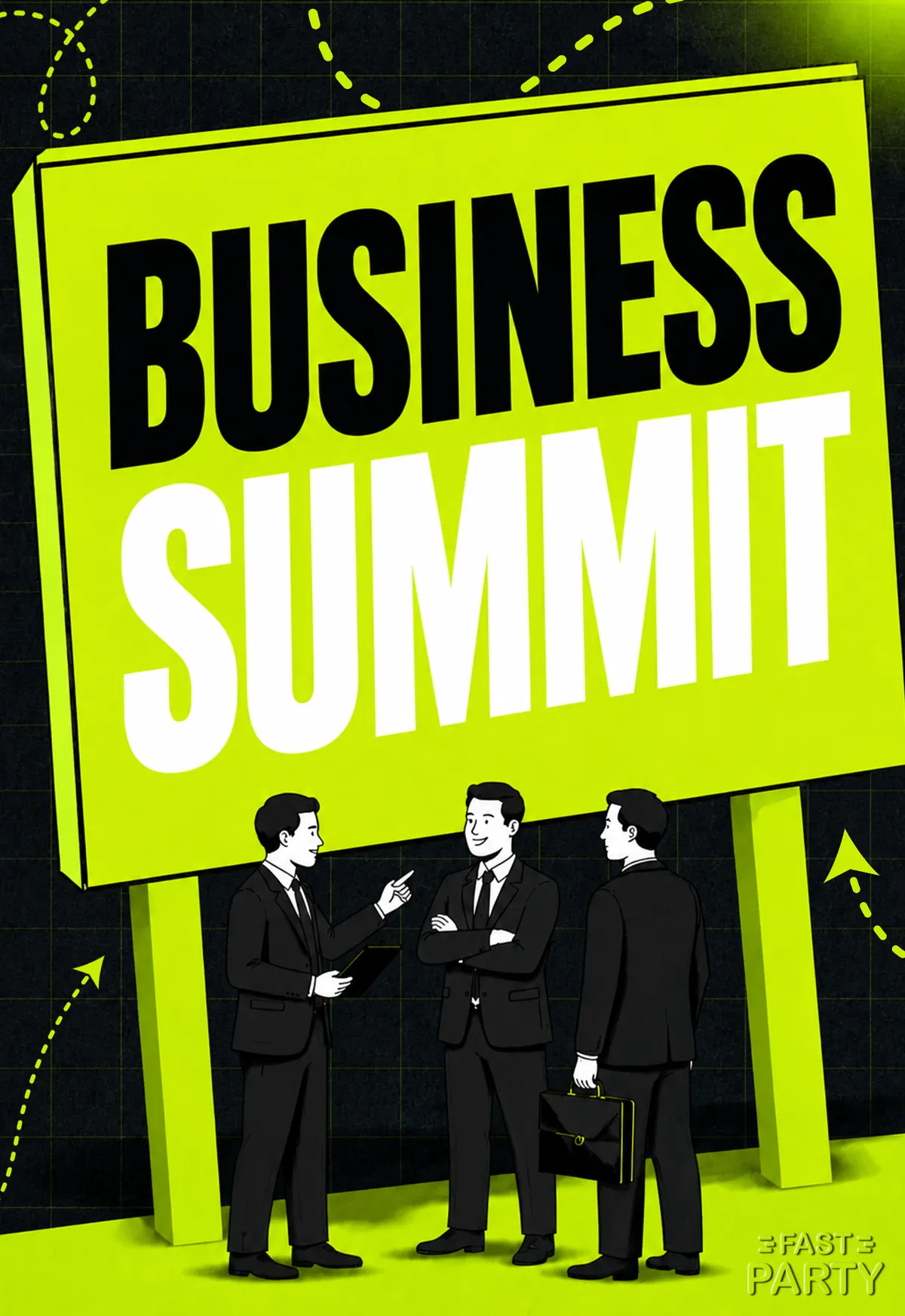
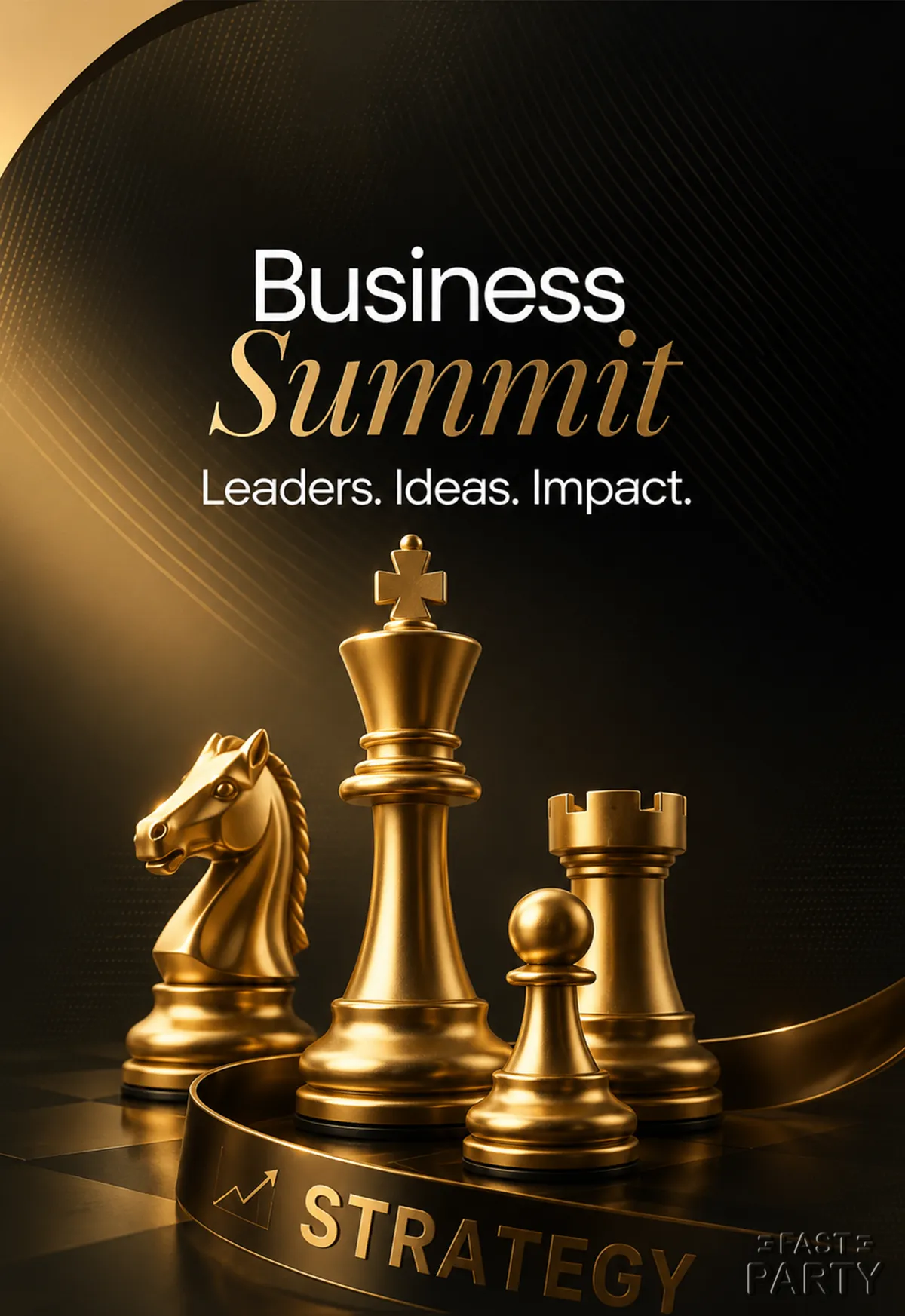
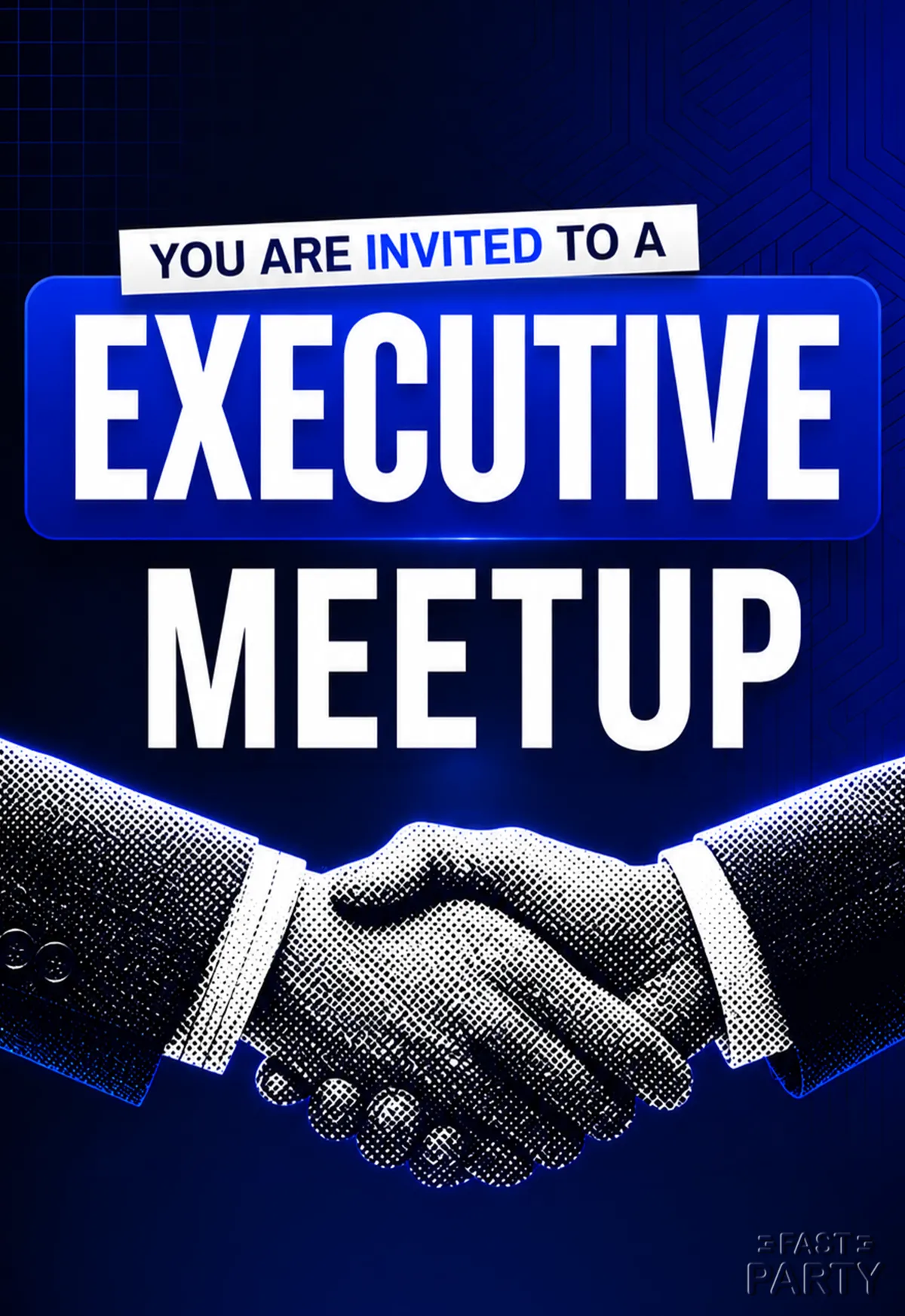
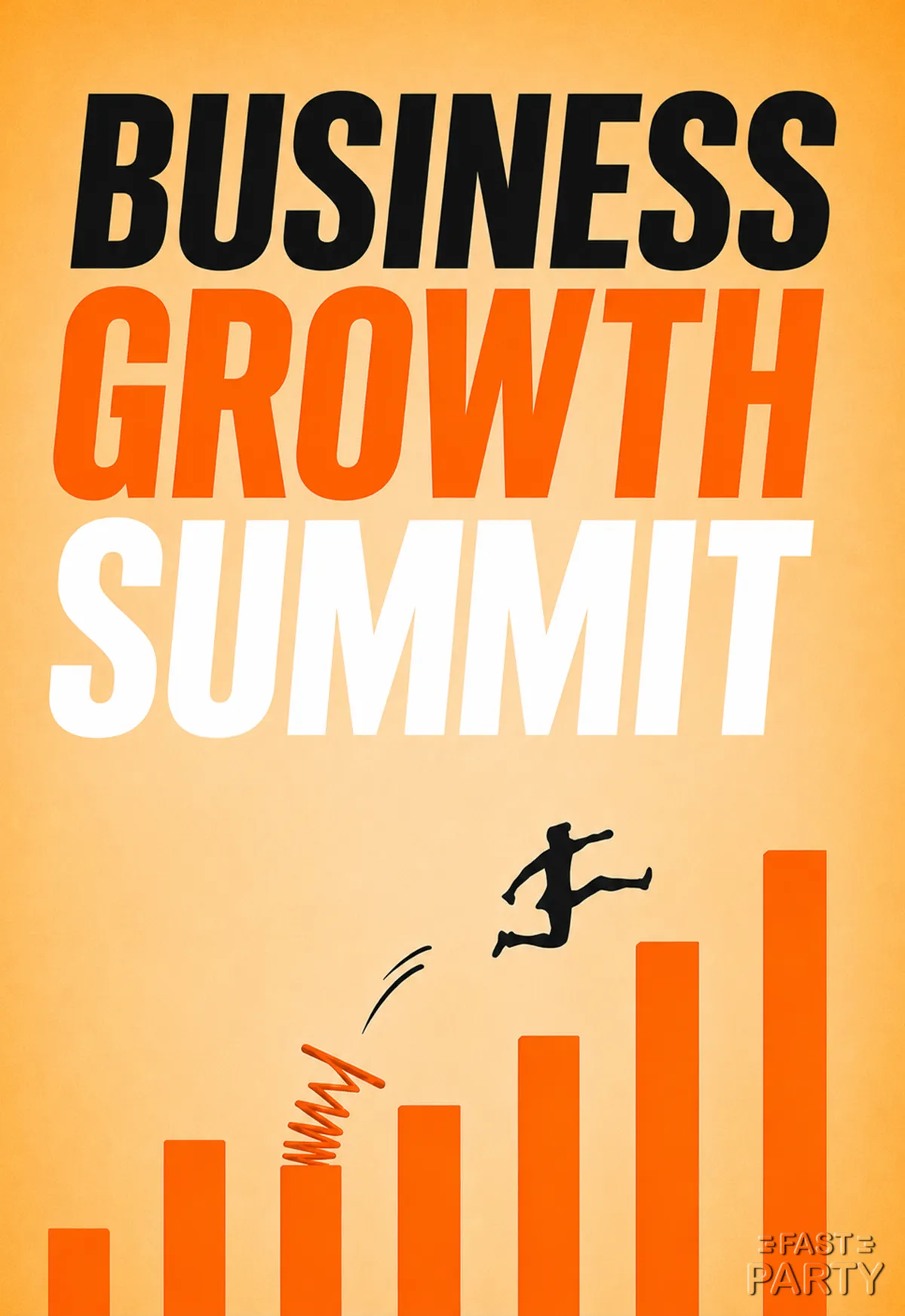
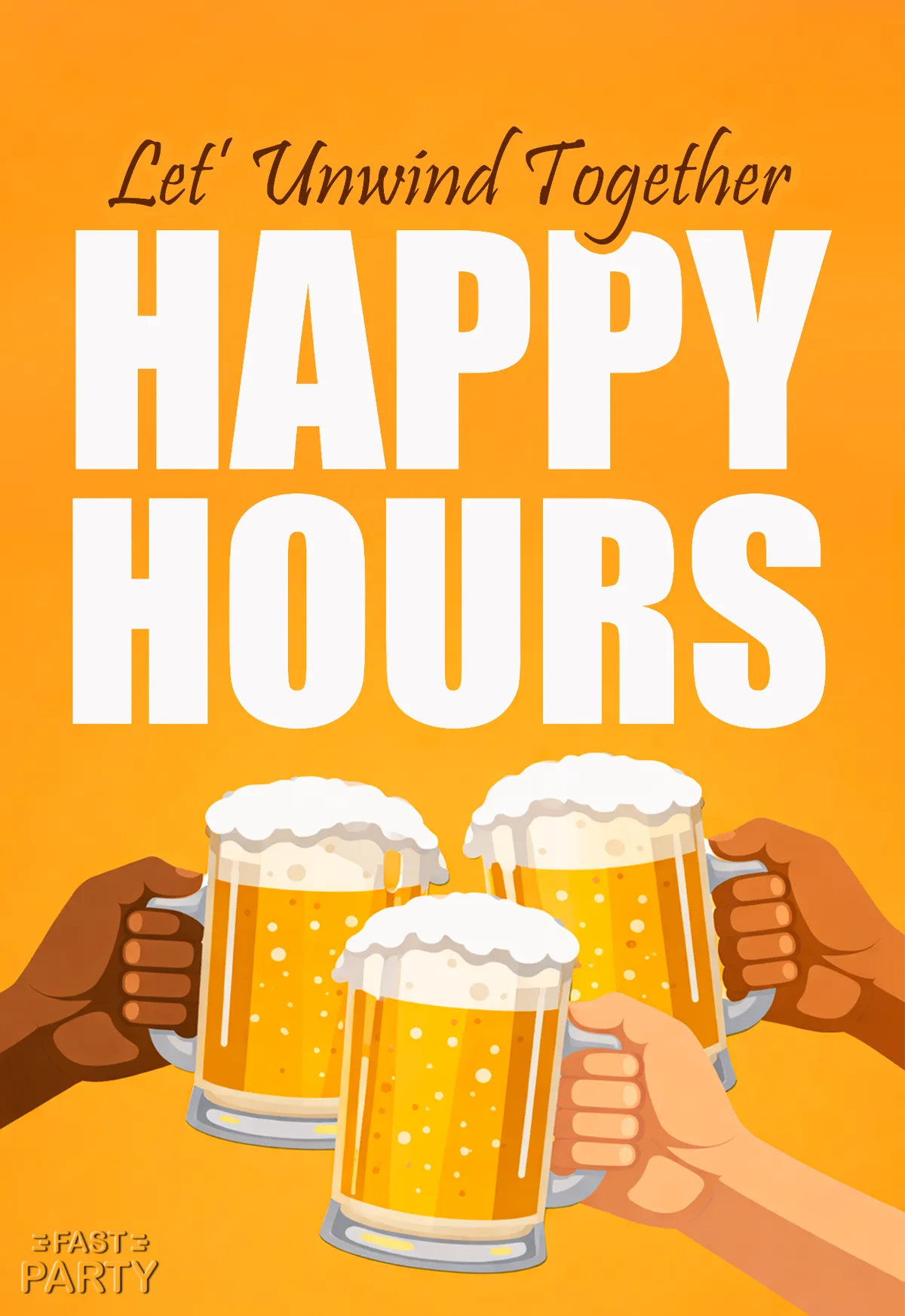
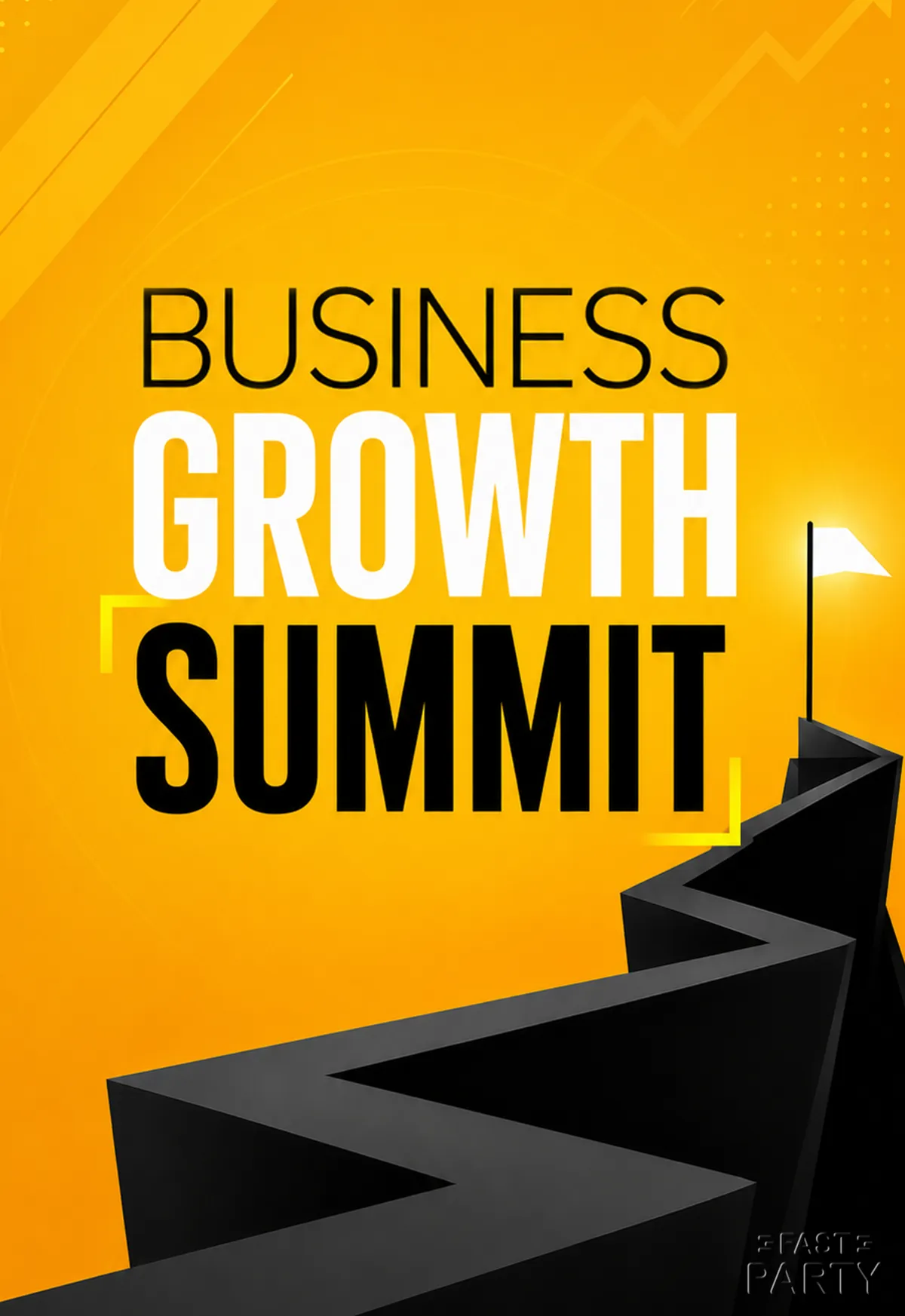
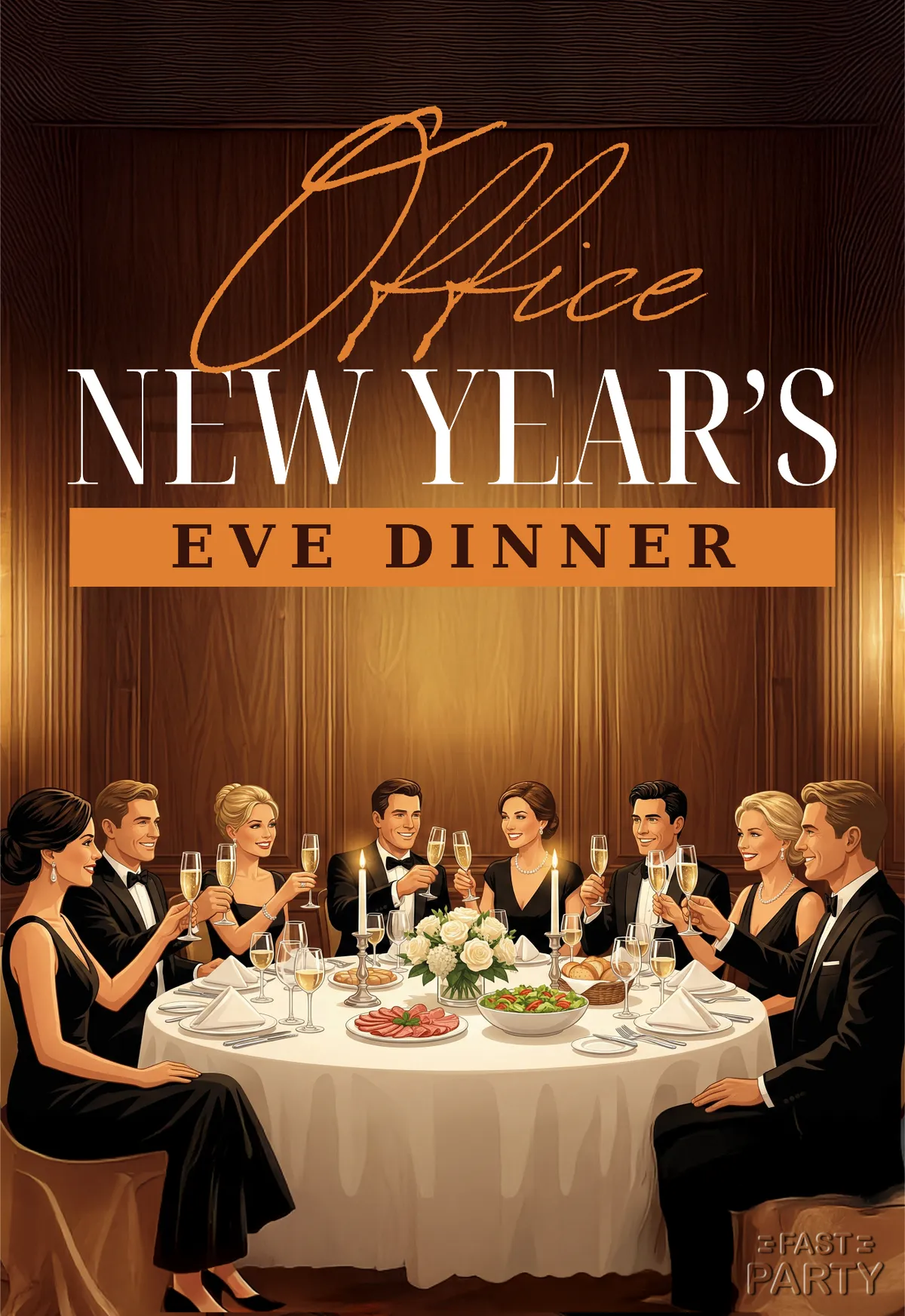
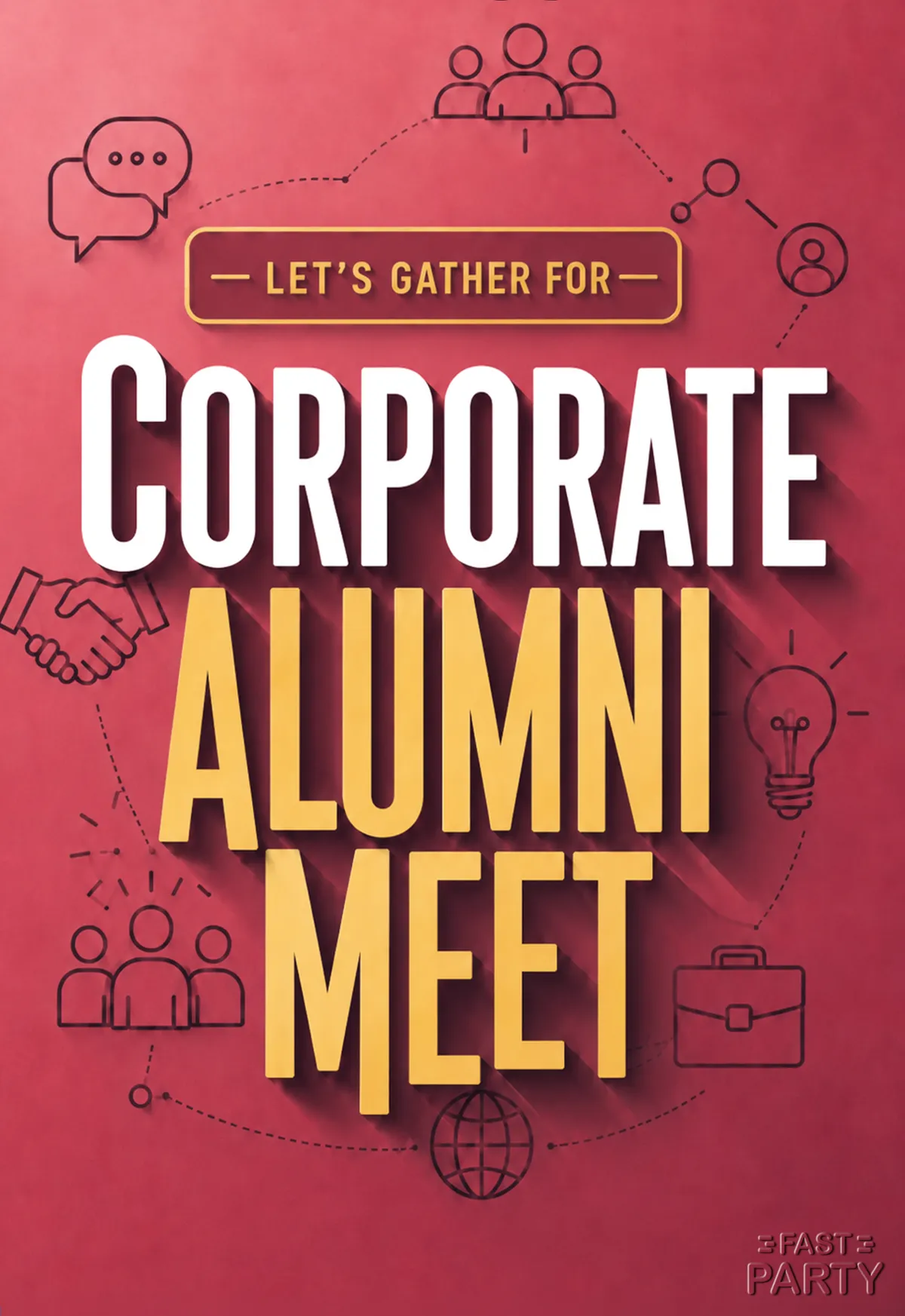
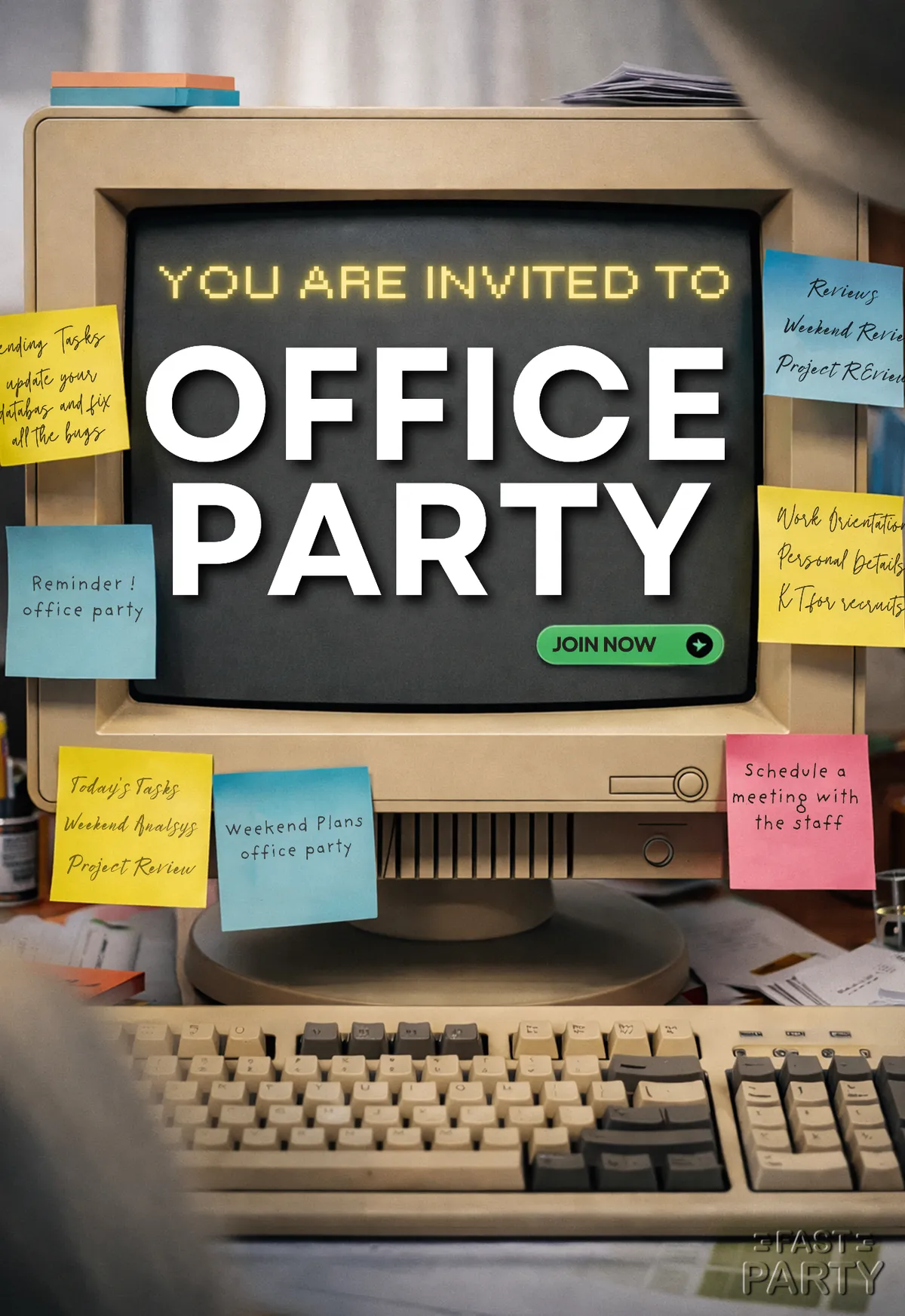
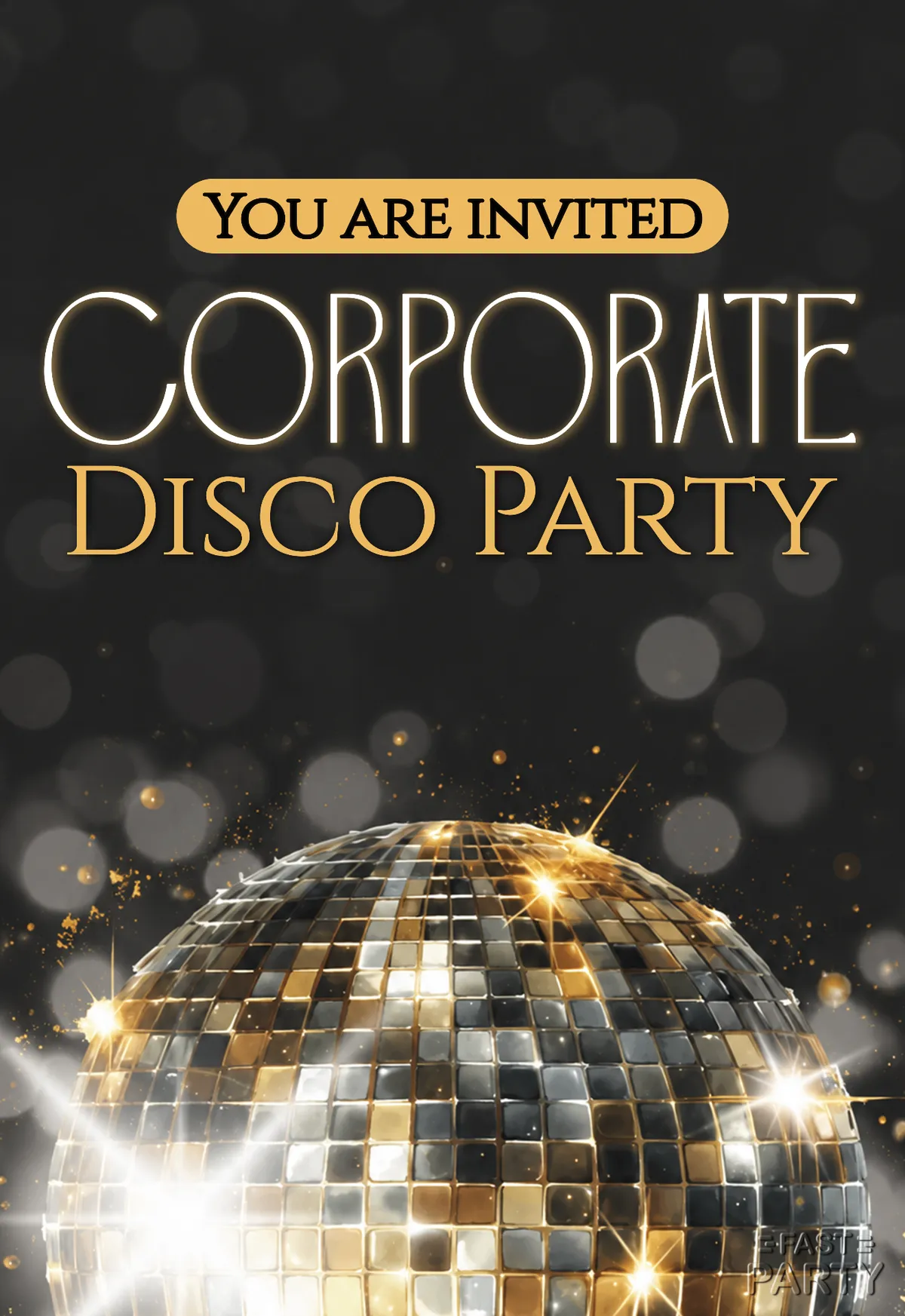
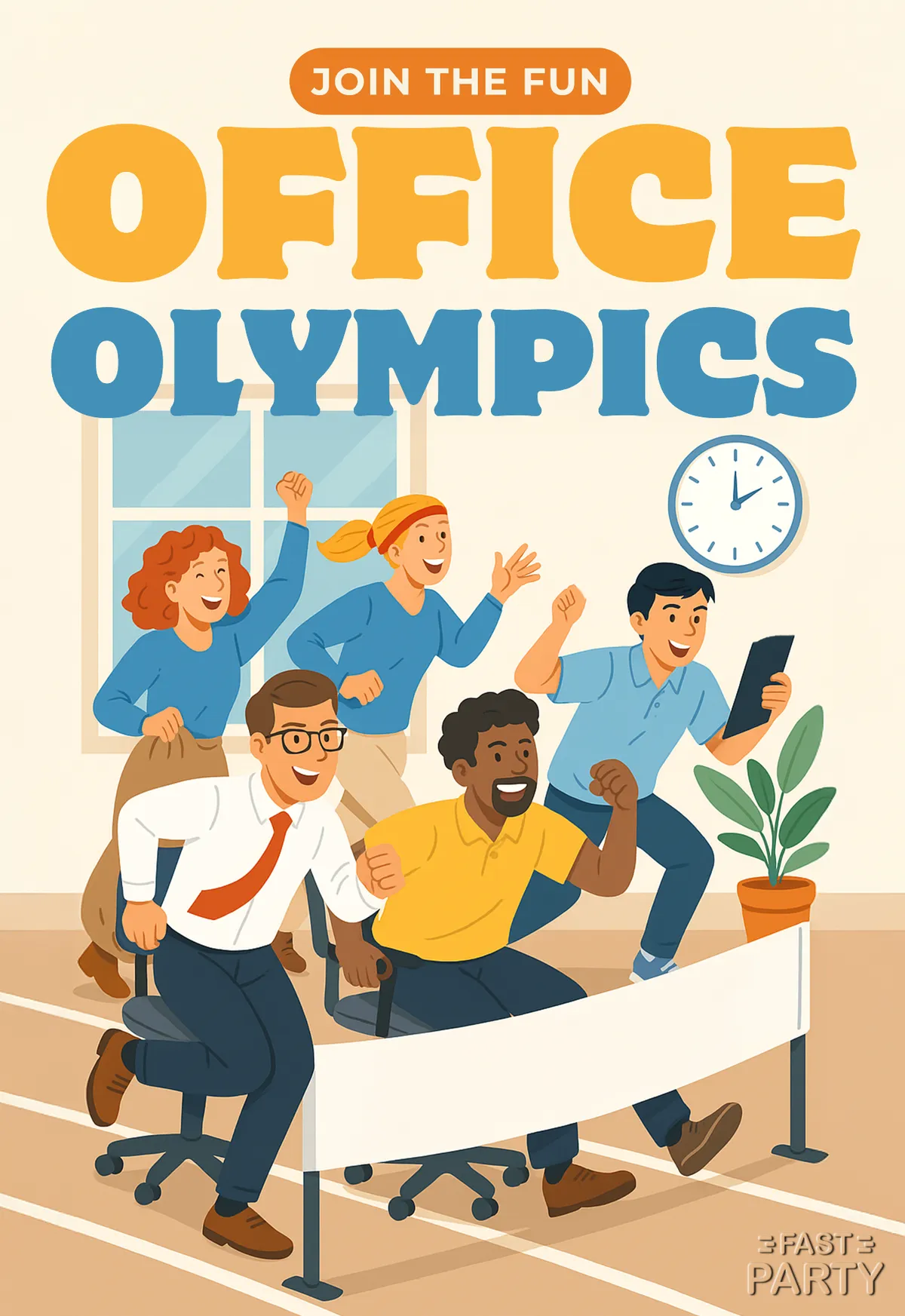

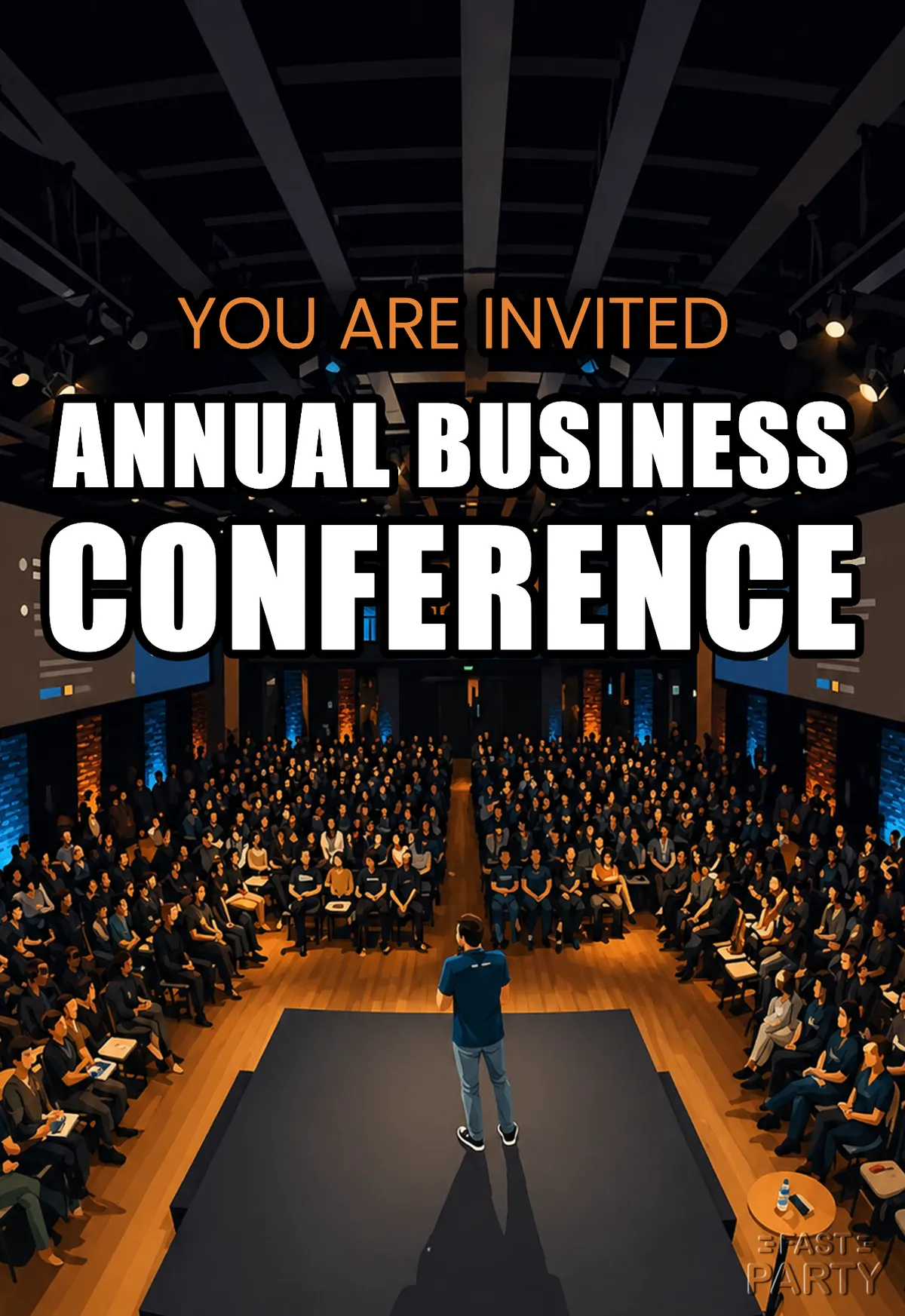


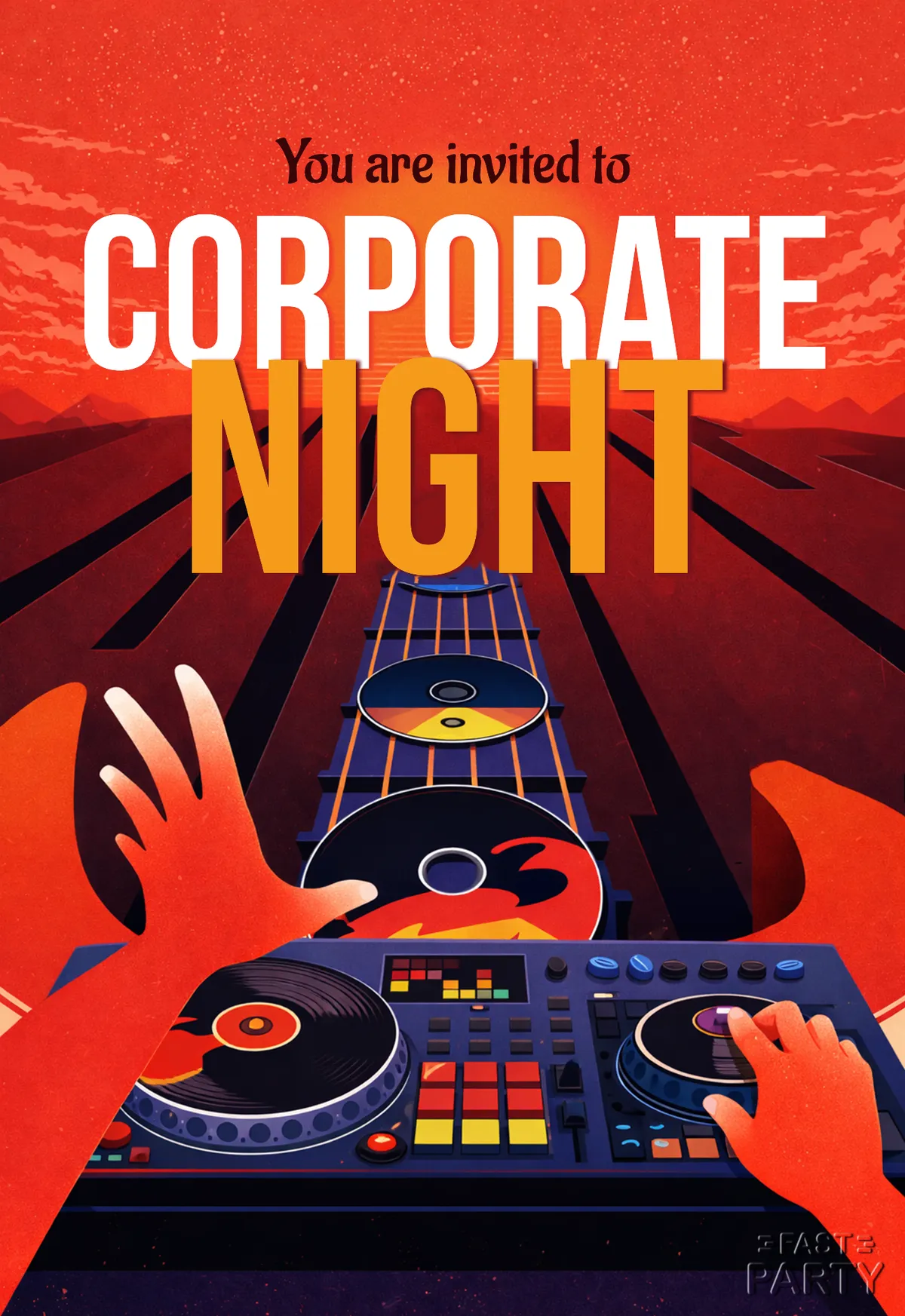






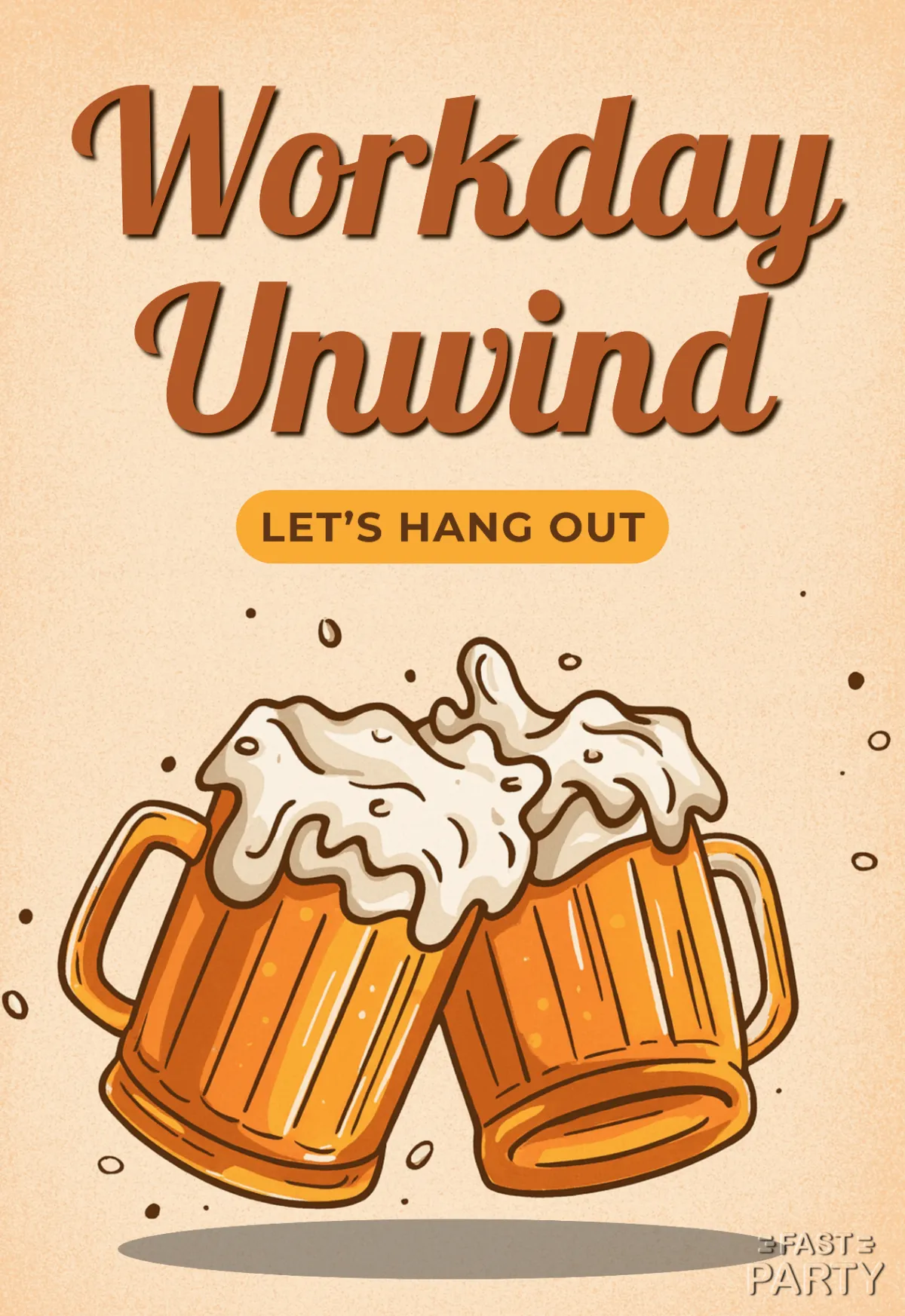
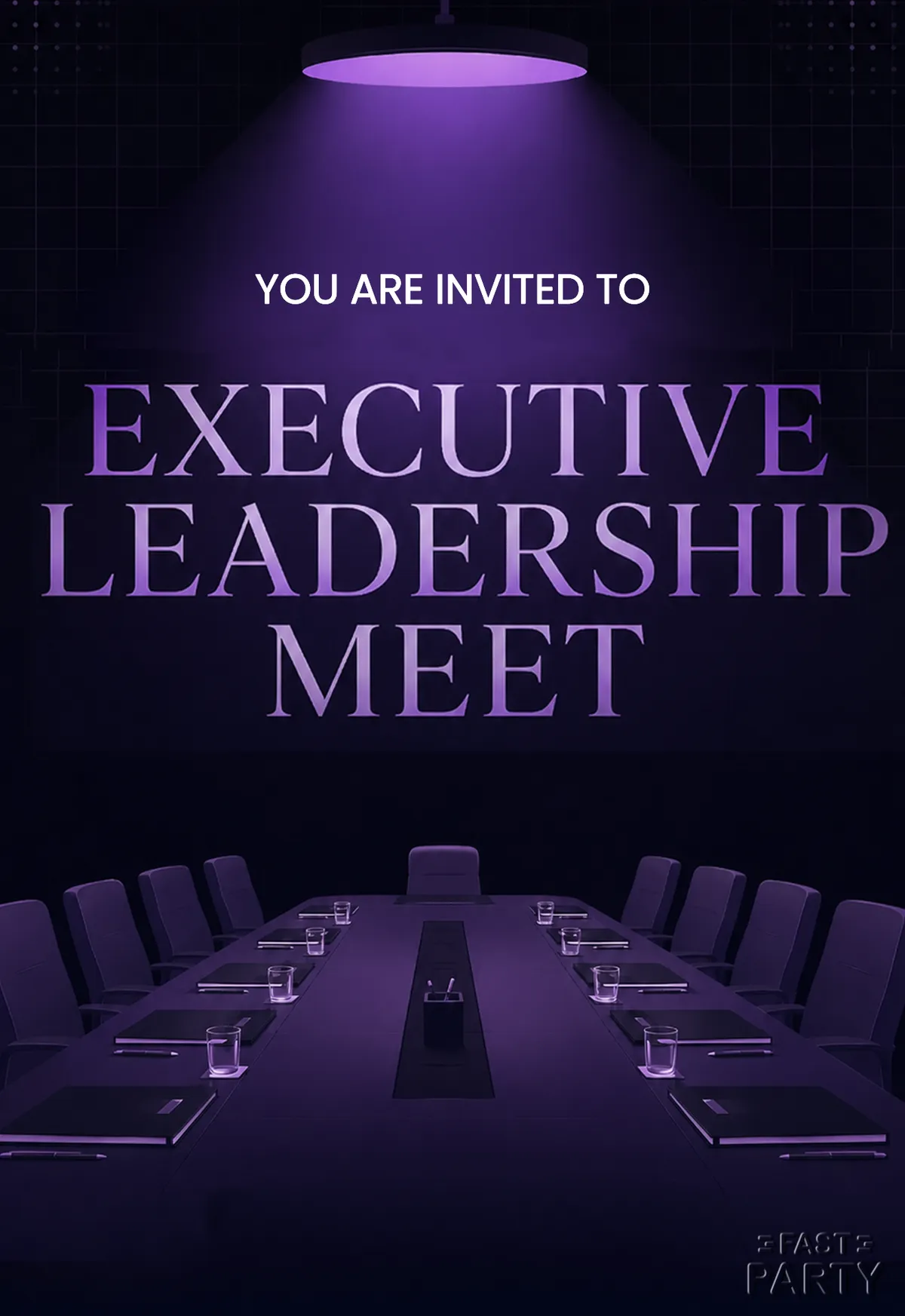
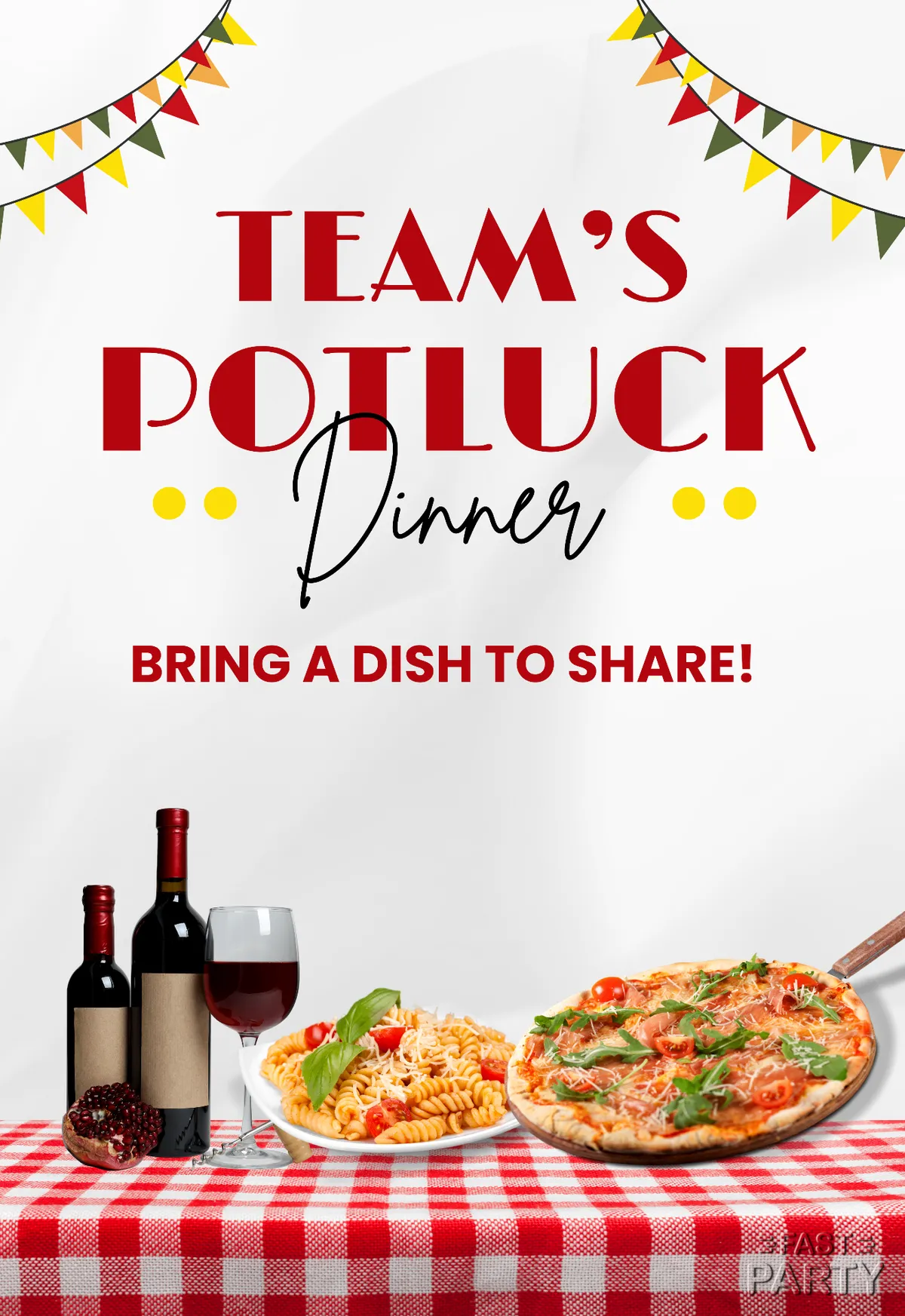
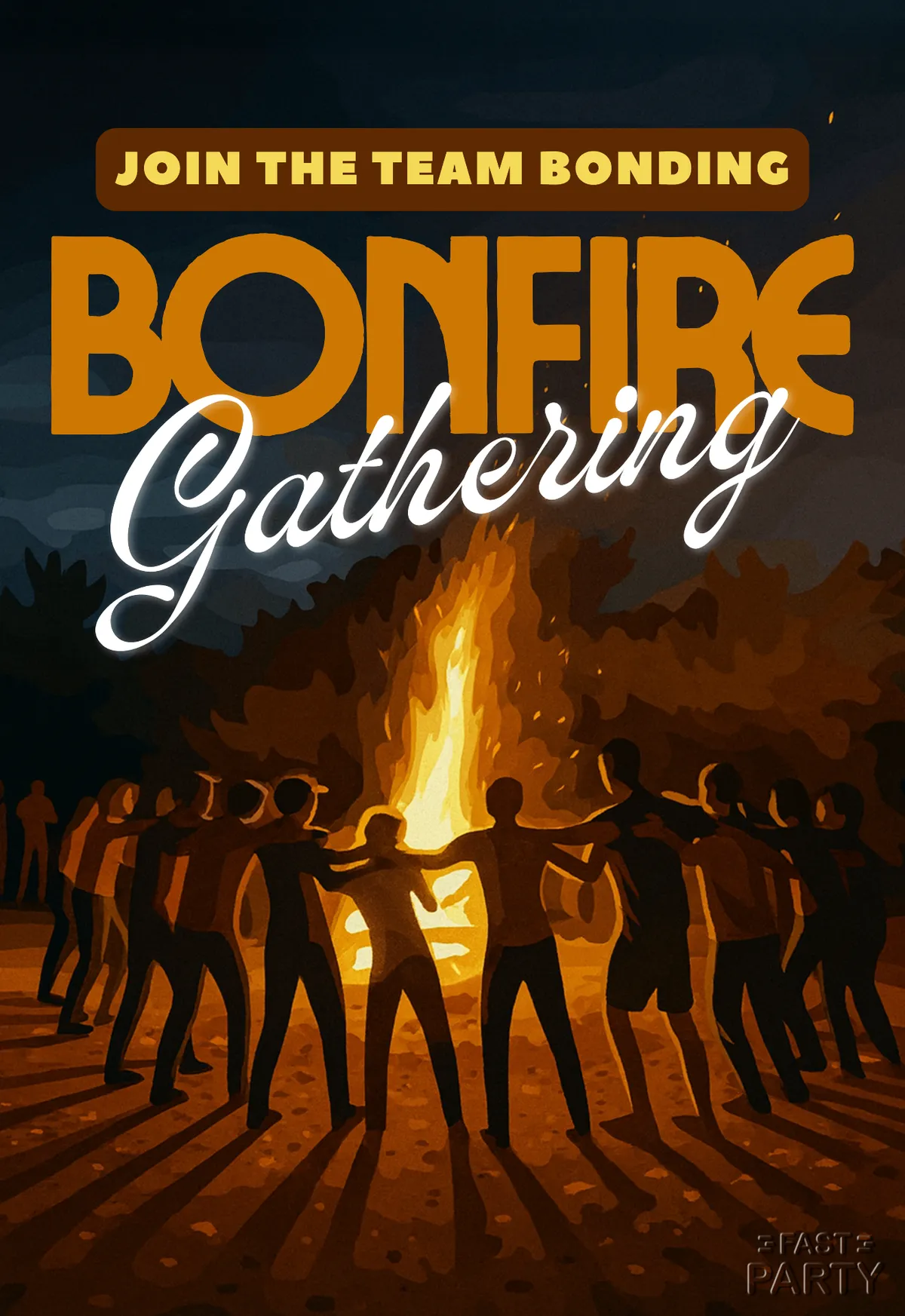

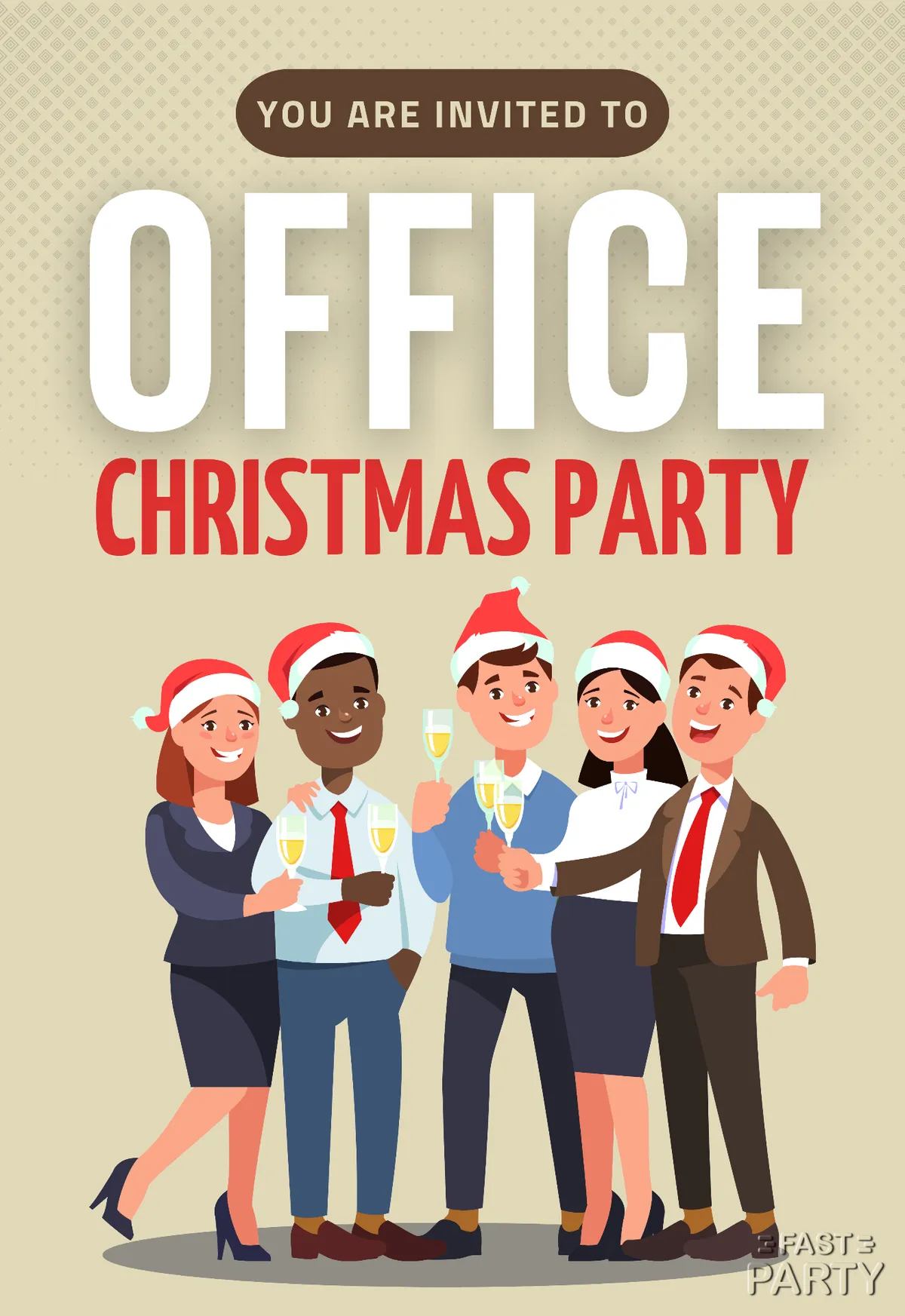


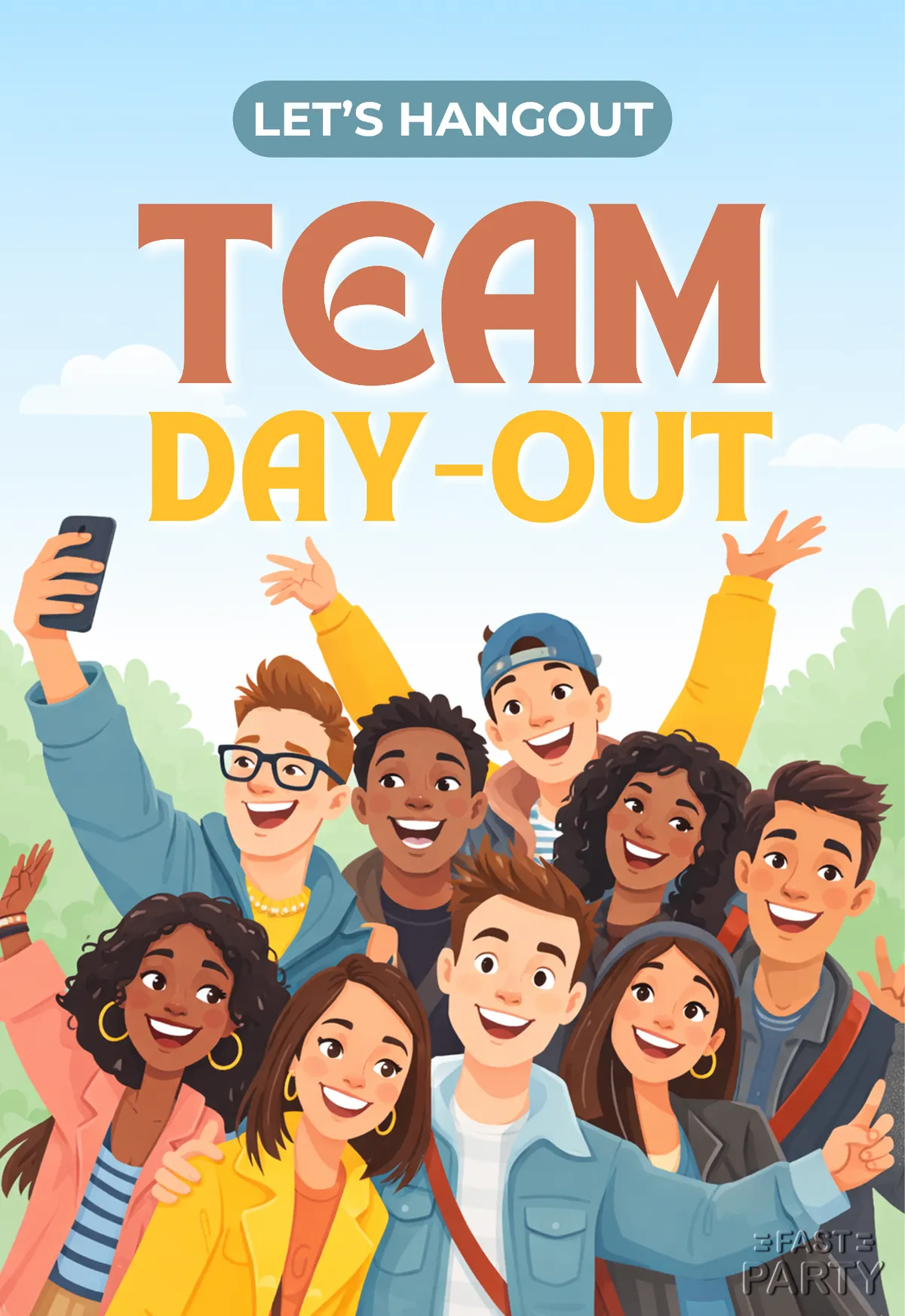







Yes. Use one of these designs as it is, or upload your own artwork with your logo and brand colors and build the event around that. Organizations on Fast Party also get their own branded event pages.
Yes. For larger events you can set up registration with tickets and check guests in on the day from the app.
Yes. Download it and drop it into your own mailer or deck — free, no account. It carries no registrations and no attendee list, though. Create the event and you get both, plus check-in on the day.
Registrations, check-in at the door and a clean attendee list for the team afterwards. Guests confirm on the event page, Antsy handles the reminder sequence, and colleagues can co-host without sharing a login. Event tools — schedule, tasks, check-in and more — come with it, in the app or from Claude. The dashboard gives you live attendance on the day.