
Ganesh Chaturthi runs on invitations. From the day the idol comes home to the visarjan procession, families invite neighbors for darshan and aarti, societies announce their pandal timings, and offices host a small sthapana before work. Guests need to know the day, the aarti time, and whether to come for prasad or the evening program.
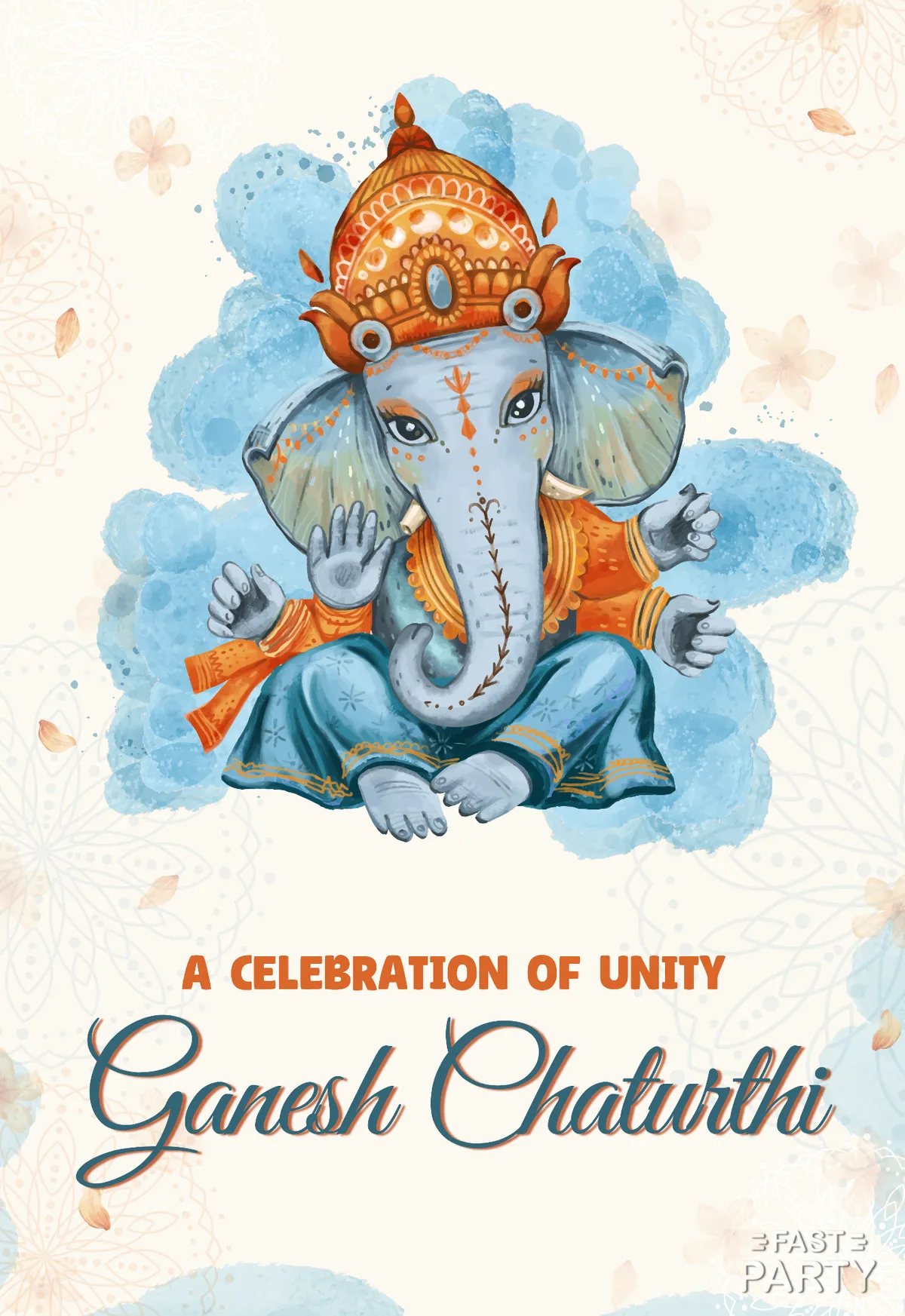
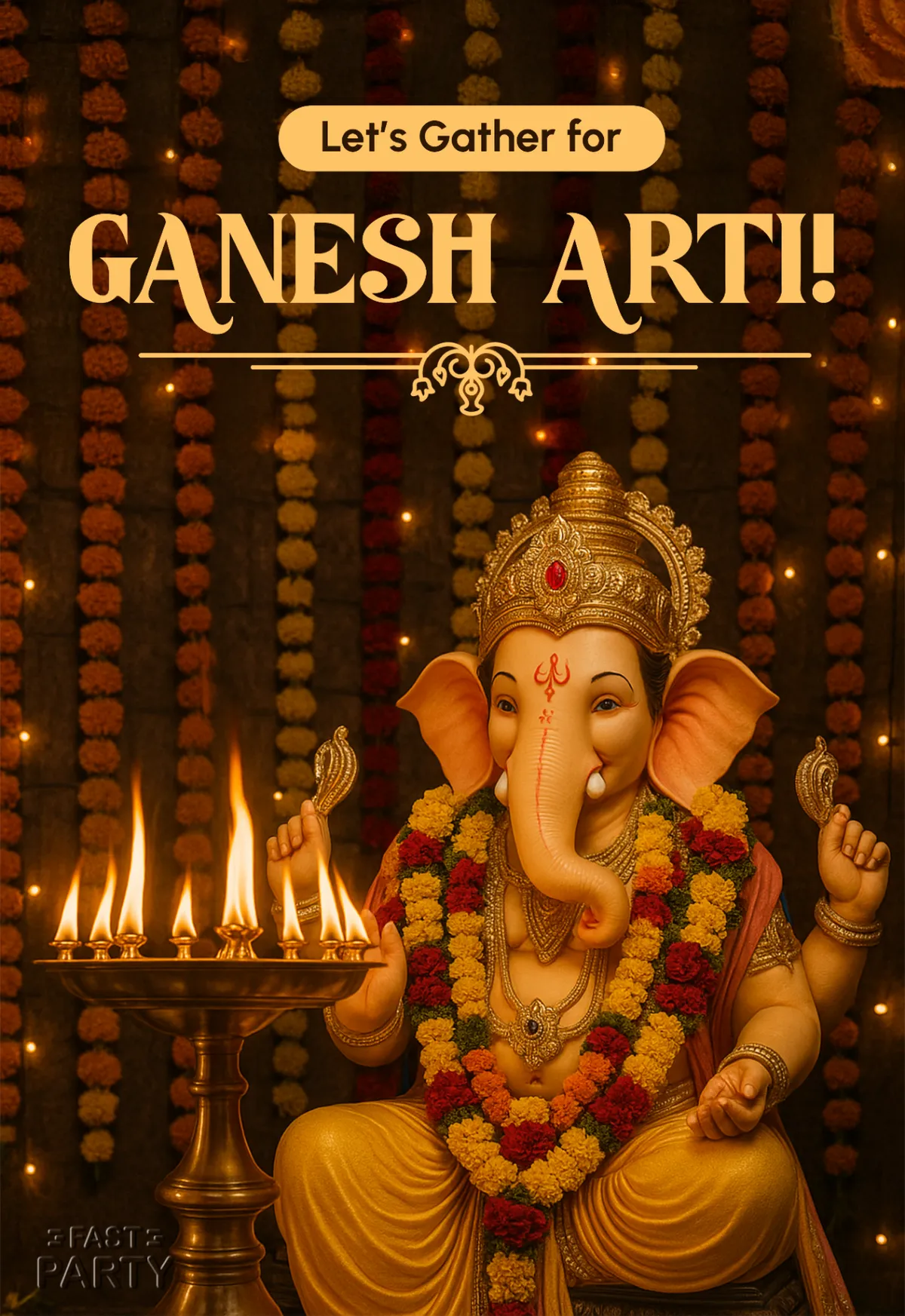
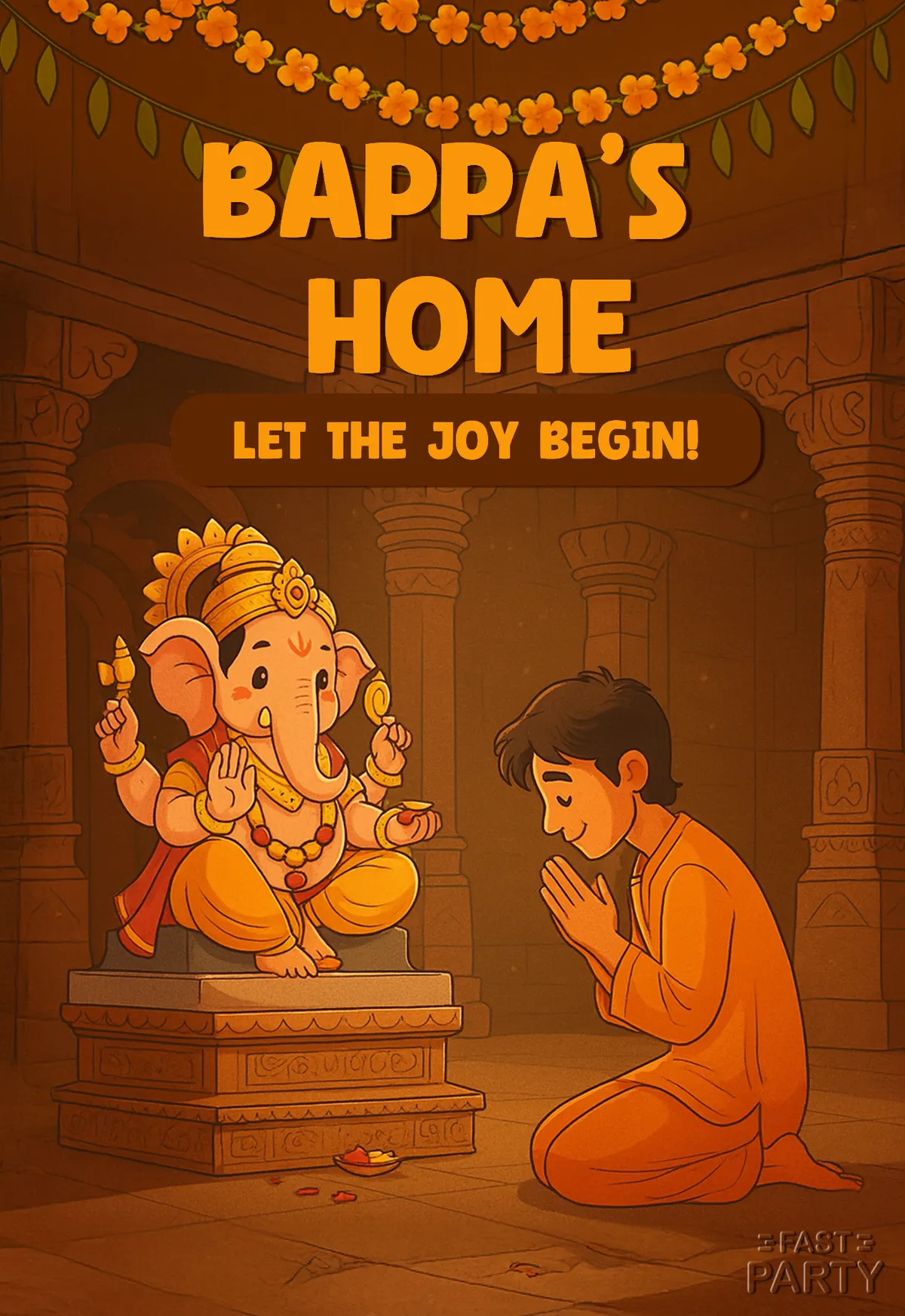
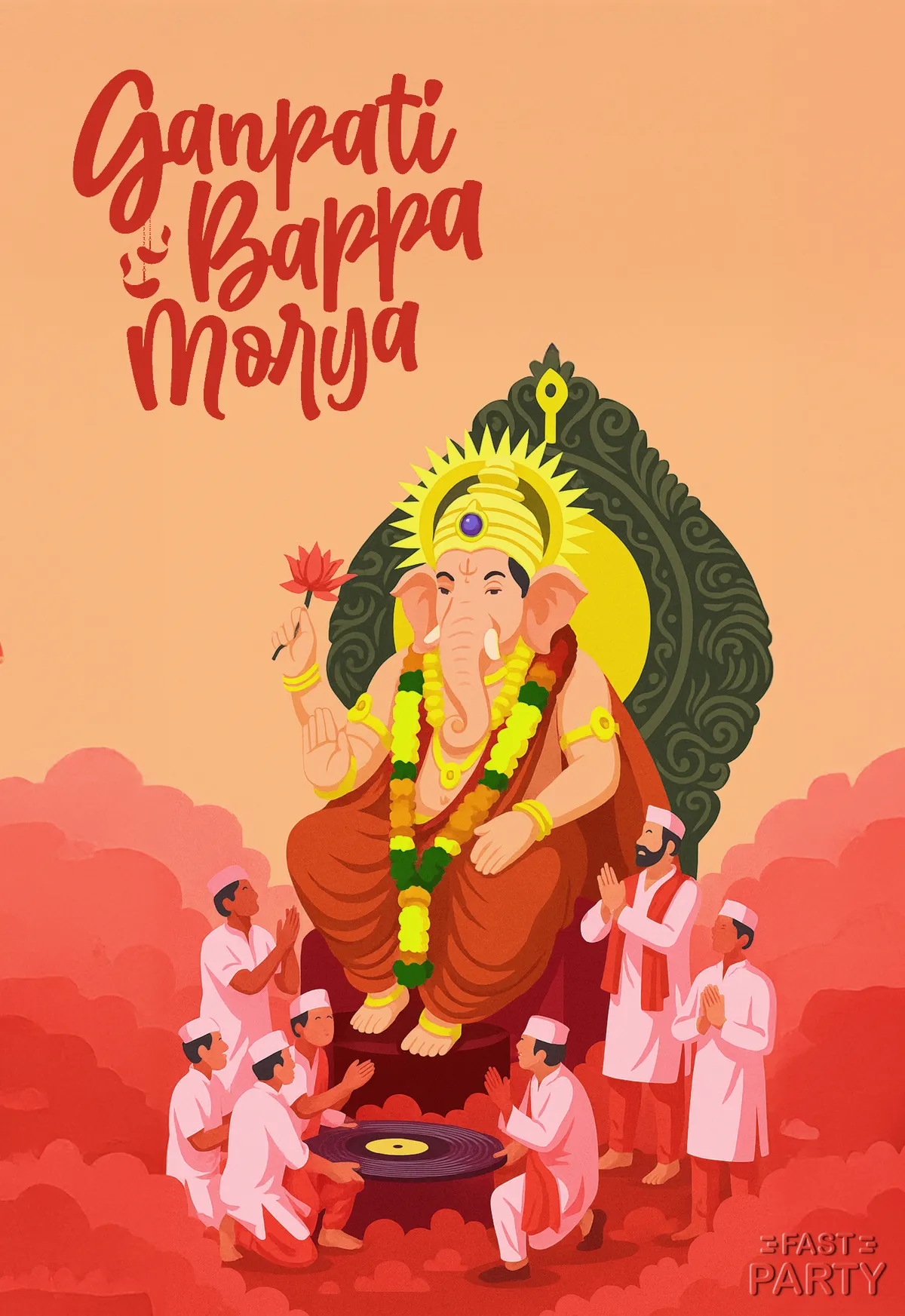
These Ganesh Chaturthi invitation templates use the motifs everyone expects - Ganpati in his many forms, modaks, marigold garlands, dhol and lezim for the procession - in layouts that read well in a WhatsApp group. Use one for a home Ganpati open-house, a 1.5, 5 or 11 day pandal schedule, or a visarjan send-off. Add your event details and Fast Party turns it into a shareable invitation with an event page, RSVPs and reminders.
Every template is free. Preview it, download the image, or open it in the Fast Party app to create your Ganpati event.
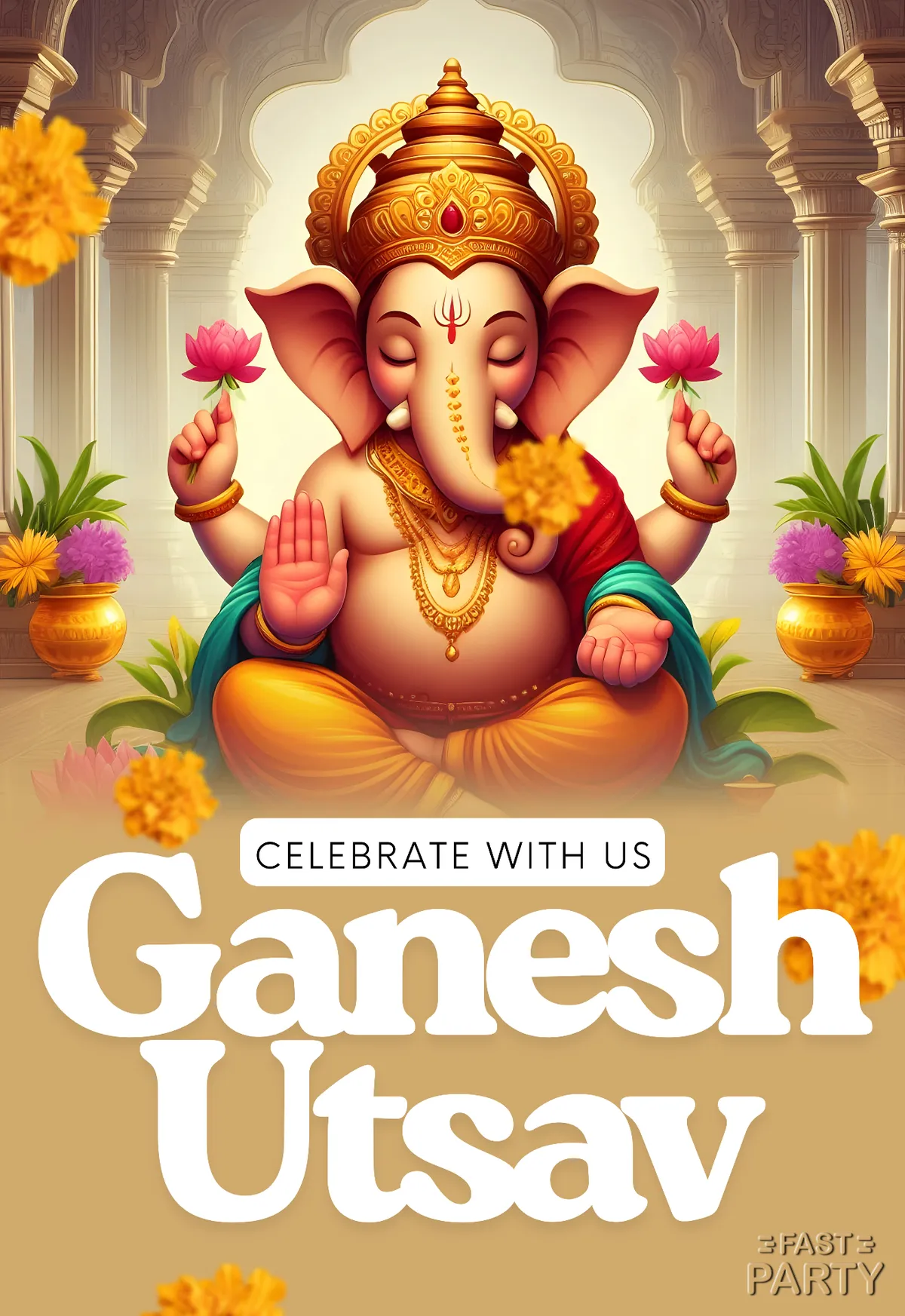

Yes. Put the main date on the card and the full schedule on the event page — every guest gets both when you send the invitation.
Yes. Create the event once and invite the society or mandal list; each person receives the design and the pandal timings on WhatsApp, and RSVPs help you plan prasad and seating.
Yes. Download it for the notice board or the society group — free, no account. It does nothing beyond that, though. Create the event and the aarti and visarjan timings go out with it, and the numbers come back.
The invitation goes out with the full aarti and visarjan schedule attached, so darshan timings stop getting lost in the group. Guests RSVP from the message, Antsy sends reminders before each aarti, and mandal volunteers can share hosting duties. Event tools — schedule, tasks, check-in and more — come with it, in the app or from Claude. The dashboard gives the committee a live view of numbers for prasad.